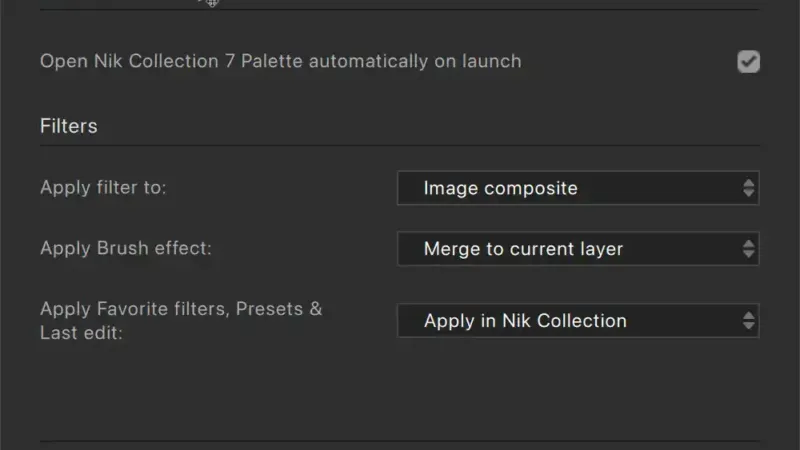
I love Nik plugins. I’ve used them for years, way back when they were actually created and run by Nik software, before DXO, and before Google.
What I don’t love is the way it automatically shows up a panel every time I open Photoshop.
It would be one thing if it appeared docked in the usual Photoshop panel section, but it always shows up overlaid over the actual image area. And that behavior is enabled by default — it’s not something I asked for.
And sure, it’s a minor annoyance to close it every time. But it finally got to me enough to figure out how to prevent it from showing anyway.
And I’m posting this here because it’s not quite as obvious as it could be. Mainly because the icons you need are pretty tiny and not in what is the most obvious spot.
The how-to part
In Photoshop, go to the Nik panel. You can’t miss it (which is kind of the point of this post…).
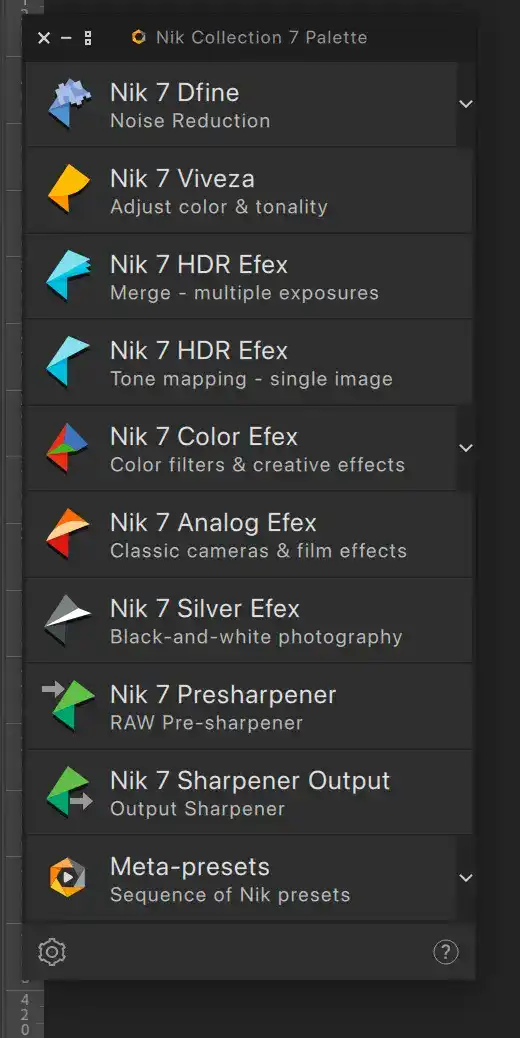
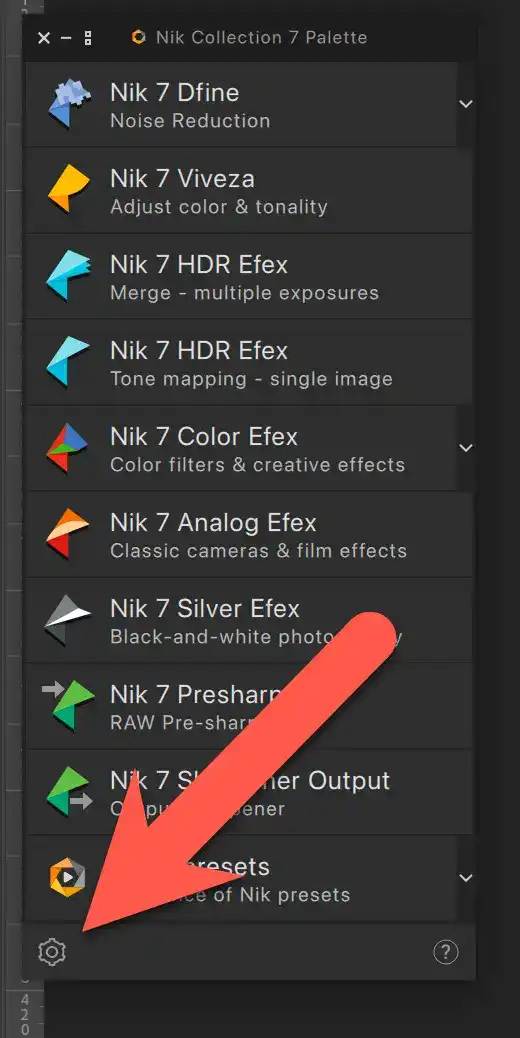
What you want to look for is the small gear that’s in the bottom left of the palette.
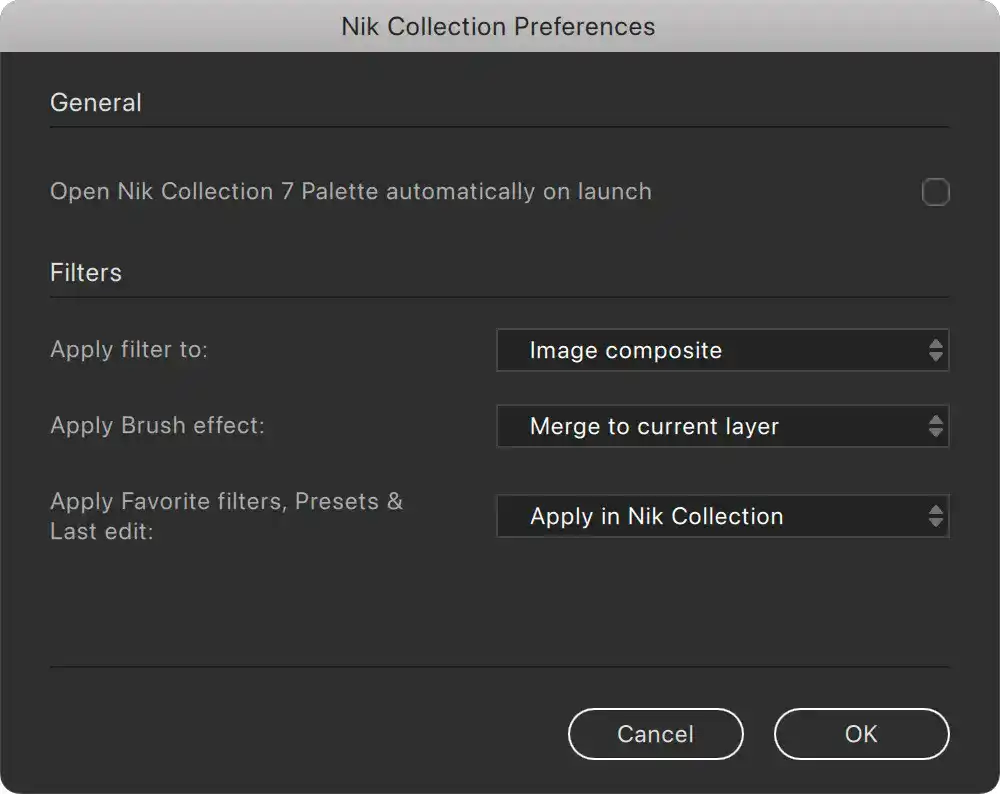
Once you open that, you’ll get the settings panels. It’s not a particularly extensive panel, but the option you’re looking for is the top one that says “Open Nik Collection 7 Palette automatically on launch.” It’s enabled by default.

You simply want to uncheck that option and then click the OK button.
And that’s about it. Simple, and not a big deal. But it saves me from closing the panel every damn time I open Photoshop.


