While Adobe Lightroom remains the default starting point for most digital photography workflows, it is no longer the only viable option.
The landscape of RAW processors and Digital Asset Management (DAM) tools has splintered, offering highly specialized alternatives that cater to different workflows, processing philosophies, and licensing preferences. And that’s great for us as photographers!
If you just want to cut to the chase, here’s my shortlist of the best Lightroom alternatives currently available.
The first four are paid applications; the final is a robust open-source option. I have more detail on each of them further down this page.
- Capture One Pro. The industry standard for commercial and studio workflows. Unmatched tethering, elite color science, and a premium price tag.
- DxO PhotoLab. The gold standard for optical corrections and noise reduction, featuring a fast, hybrid file-browser workflow.
- ON1 Photo RAW. A robust hybrid editor combining non-destructive RAW processing with layered editing capabilities.
- Luminar Neo. A heavily AI-driven editor designed for rapid, automated enhancements rather than granular manual control.
- Darktable. An open-source, highly technical RAW developer that closely mirrors the traditional Lightroom interface, offered entirely for free (but isn’t compatible with all RAW formats).
Looking for an alternative? You’re not alone. Why photographers leave Lightroom
Lightroom has dominated the photography market for over a decade. Built on the legacy of the original RawShooter application (and yes, I originally used RawShooter before it became Lightroom!), it offers a polished, deeply integrated environment for processing tens of thousands of images. It has a world of exceptionally useful plugins available. And there are some unique workflow opportunities.
However, an increasing number of photographers are migrating away from the Adobe ecosystem for several reasons:
- Subscription Fatigue: Adobe’s shift to a mandatory Creative Cloud subscription alienated users who prefer perpetual, one-time-purchase software licenses.
- Data and Privacy Concerns: Changes to Adobe’s Terms of Service regarding data access, combined with their aggressive integration of Firefly generative AI, have raised significant copyright and privacy concerns among working professionals.
- Catalog Bottlenecks: Lightroom is fundamentally a database engine. The requirement to import files and render previews before editing creates a bottleneck. Many photographers prefer the immediate access of a direct, disk-based file browser.
- Raw Processing Nuance: While Adobe’s color science is very good, competitors have developed specialized algorithms that often yield arguably superior baseline rendering and finer control over specific camera sensor data.
The best integrated Lightroom alternatives
The applications below offer the complete integrated package: non-destructive RAW processing combined with robust Digital Asset Management (DAM) tools, allowing you to run your entire workflow within a single environment.
Capture One Pro 16
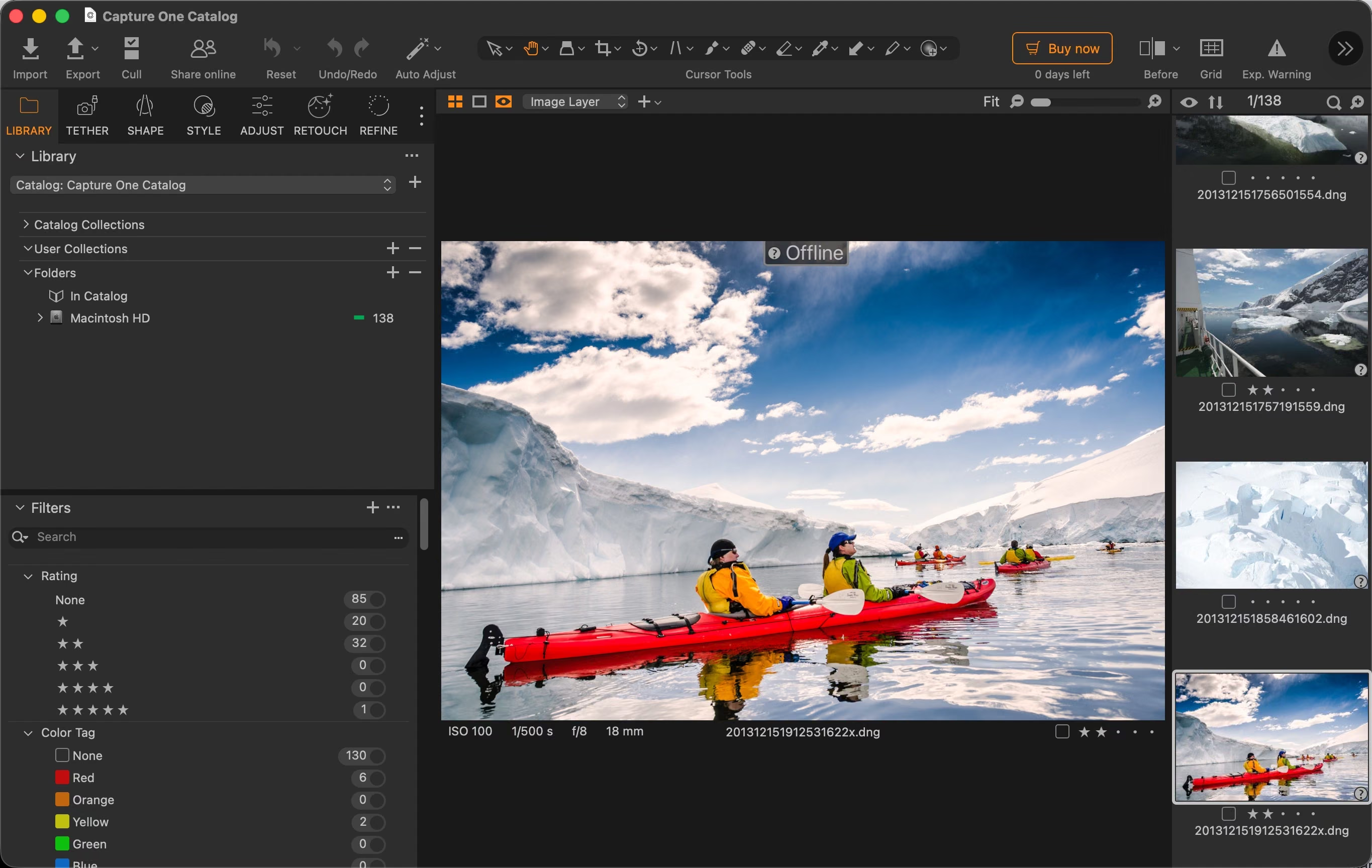
Pros
- Industry-leading RAW rendering and color grading tools
- Deeply customizable interface for advanced users
- The definitive standard for live tethered shooting
Cons
- Steep learning curve for casual users
- Expensive. Recent shifts in licensing structures have reduced the viability of their perpetual licenses.
Best for: Professional and advanced enthusiast photographers prioritizing image quality above all else.
Capture One Pro is the closest direct competitor to Lightroom Classic in the professional space. Originally developed by PhaseOne to process data from their medium-format camera backs, its core architecture is built around extracting maximum fidelity and color accuracy from RAW data.
Over the years, it has matured into a full-featured suite, incorporating robust digital asset management (originally based on iView MediaPro), advanced masking, HDR merging, and panorama stitching. It is universally recognized as the absolute standard for tethered studio shooting.
Licensing details
The primary barrier to entry is cost. A perpetual license currently sits at $299. However, they recently restructured their update policy: new perpetual licenses will no longer receive feature updates, strongly nudging users toward their standard subscription model. They offer a 30-day free trial for both macOS and Windows, which you can find here.
DxO PhotoLab 9
Use code
PAR_457609675_25MCEO4UE6M2for 15% off.
Pros
- Unparalleled AI noise reduction and demosaicing (DeepPRIME)
- Superior optical corrections based on rigorous laboratory profiles
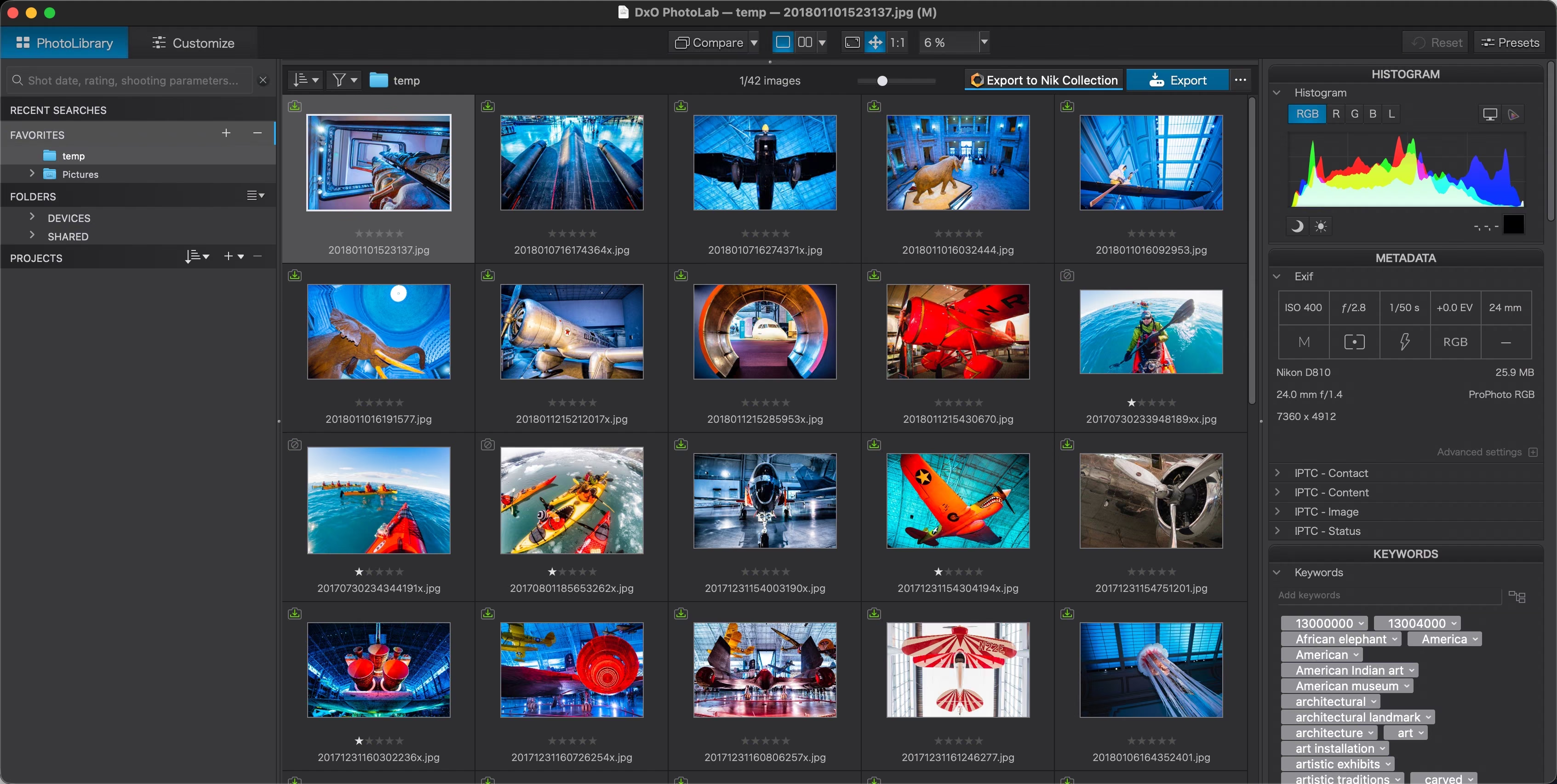
- Fast, hybrid file-browser requires no mandatory importing
- Powerful U Point local adjustment tools
- One-time perpetual purchase option
Cons
- Asset management lacks the deep, offline-archiving power of Lightroom
- The Elite edition (which includes the best features) carries a premium price
- Interface and tools can feel overly technical to new users
Best for: Photographers who demand the absolute highest pixel quality, unparalleled noise reduction, and prefer a folder-based workflow over a strict catalog.
DxO PhotoLab is the flagship product from the team renowned for their rigorous optical testing at DxOMARK. Over the last few iterations, it has evolved from a highly specialized RAW processor into a fully capable Lightroom alternative, utilizing a hybrid, “catalog-free” approach to digital asset management. Instead of forcing you to import files into a closed database, PhotoLab acts as a live file browser, allowing you to instantly view and edit photos directly from your hard drive, while quietly building a searchable index in the background.
The standout feature of PhotoLab is its DeepPRIME noise reduction and demosaicing engine (the exact same technology powering their popular PureRAW pre-processor, which is built directly into PhotoLab). When combined with their massive database of bespoke camera and lens correction profiles, it extracts cleaner, sharper files from your RAW data than almost any other software on the market. It also incorporates the intuitive U Point local adjustment technology, which DxO acquired from the original Nik Collection. (For how DeepPRIME stacks up against Lightroom’s built-in Denoise, see my guide to Lightroom noise reduction.)
Licensing details
DxO maintains a traditional perpetual license model (no subscription required). You can test it with a free 30-day trial for Mac or Windows. If you decide to purchase, use the code PAR_457609675_25MCEO4UE6M2 at checkout for 15% off.
ON1 Photo RAW 2026
Use code
HAVECAMERAfor 20% off.
Pros
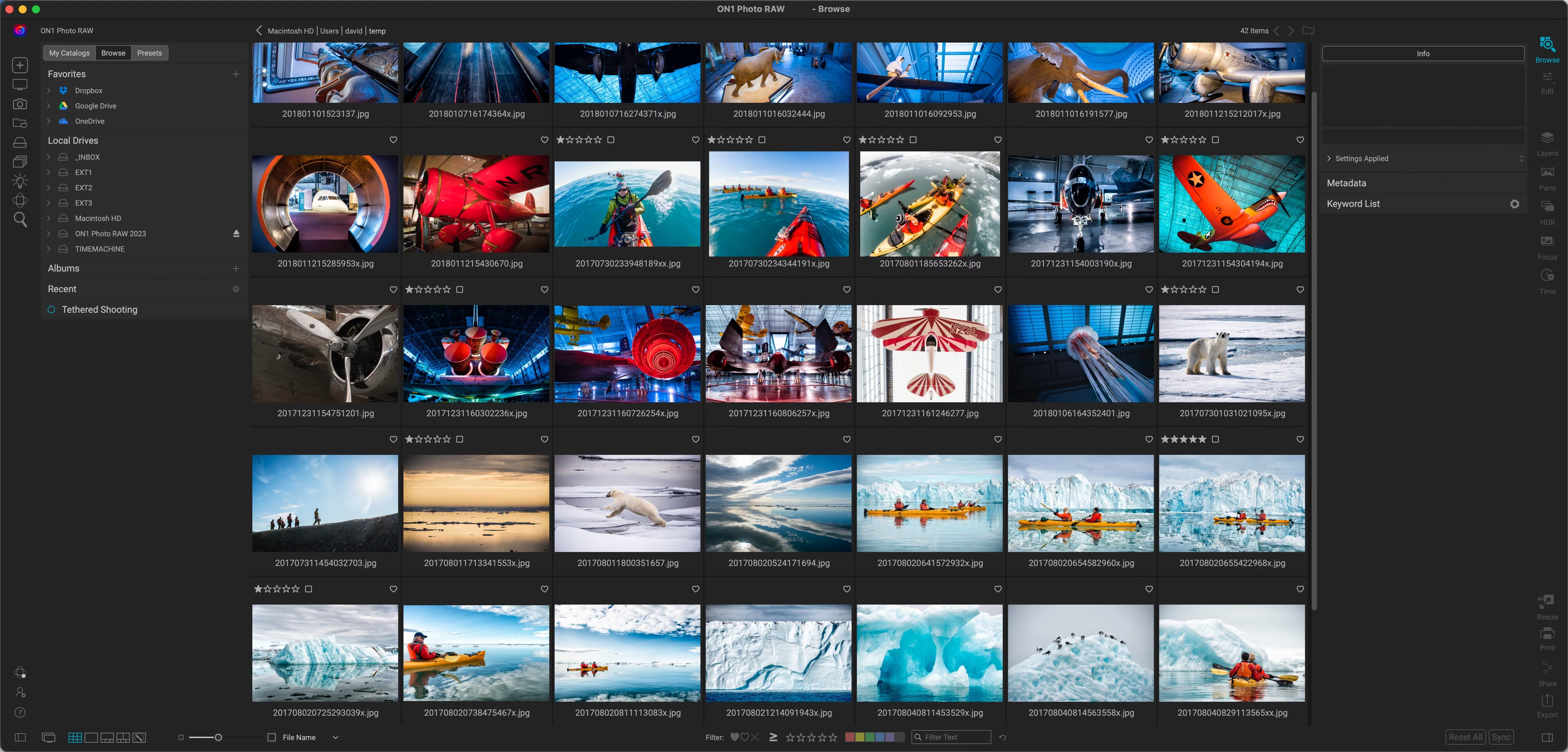
- True hybrid system (combines fast file browsing with catalog features)
- Extensive built-in effects and layering tools
- Maintains a one-time purchase option
Cons
- Hardware intensive; can lag on older machines
Best for: Photographers who want RAW processing and layered, Photoshop-style editing in one application, and who prefer a one-time purchase to a subscription.
ON1 Photo RAW started as a collection of popular effects plugins but has matured into a formidable standalone RAW processor. It utilizes a hybrid approach to image management, allowing you to directly browse files on your hard drive (for immediate speed) while also offering database-driven cataloging for long-term organization.
Because of its origins, it includes an expansive suite of integrated effects and advanced editing tools like focus stacking, time-lapse compilation, and sophisticated noise reduction natively, without requiring a round-trip export to Photoshop.
Licensing details
ON1 maintains a strong commitment to offering perpetual software licenses alongside standard subscription tiers. You can test a free trial here.
Luminar Neo 1.26
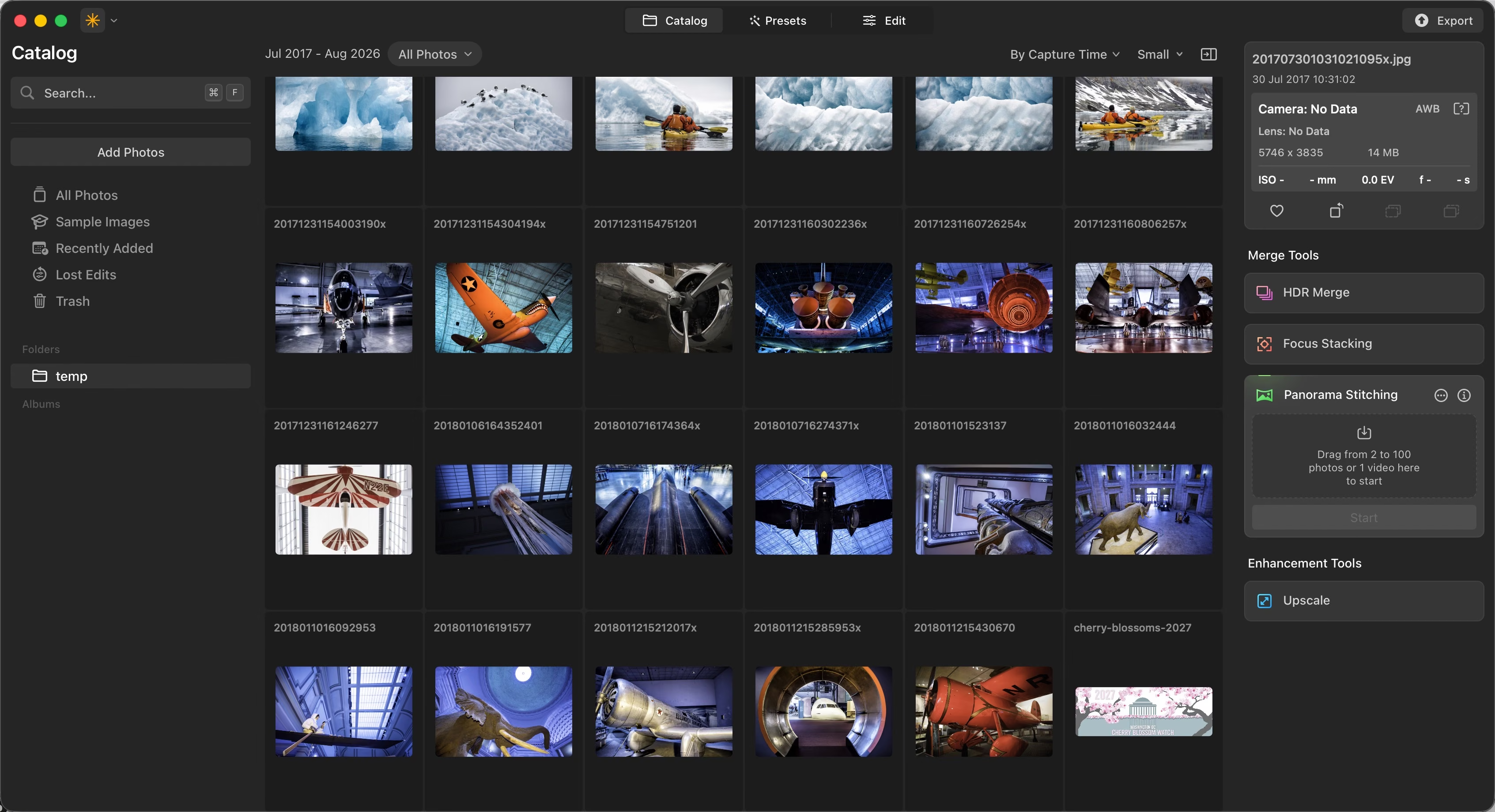
Pros
- Aggressive integration of AI masking and generative adjustments
- Fast workflows utilizing built-in presets
- Operates as both a standalone application and a Lightroom/Photoshop plugin
Cons
- Lacks complex cataloging tools
- Generative AI focus may alienate traditionalists
Best for: Photographers looking for innovative, automated solutions over manual pixel manipulation.


Luminar Neo has pivoted hard into AI-assisted editing. While it possesses a solid foundation of standard RAW processing and organization, its selling point is automation: masking subjects, replacing skies, and smoothing skin with single clicks.
To be candid, heavy generative AI features do not align with my personal workflow. I prefer interpreting the raw light captured by my sensor, rather than generating new elements that were never there. However, if your goal is rapid, polished output and you do not require rigorous manual control, Luminar Neo‘s development velocity is impressive.
Licensing details
You can test it for free here. Use the code HAVECAMERA during checkout to take $15 off your license. Alternatively, Mac users can access it via a Setapp subscription.
Darktable
Rounding out the shortlist is the free option: Darktable. It’s open source, and I have a detailed rundown on it here.
You’ll need to go into it with realistic expectations. It doesn’t have the polish of some of the paid apps, and support for new RAW types and features can be sluggish. I suspect that most professional photographers won’t find it meets their needs.
But there are also good reasons it has a devoted user base. If you’re after a free alternative — either long-term or just as you dip your toes into learning how to work with RAW files — it’s a good place to start and, to my mind, a better option than some of the apps that come included with cameras. I’ve covered Darktable and the other free options in more depth in my roundup of free Lightroom alternatives.
All five run on both macOS and Windows, and Darktable also runs on Linux. A couple of the smaller tools further down are platform-specific: BreezeBrowser Pro is Windows-only, and Photomator is Mac, iPad, and iPhone only.
Specialized editing tools
The following applications decouple the workflow, focusing strictly on editing rather than serving as all-in-one database managers.
- Exposure X7: Developed by Exposure Software (formerly AlienSkin), this is a catalog-free editor renowned for its extensive, highly accurate analog film emulations.
- Affinity Photo: Technically a Photoshop replacement rather than a Lightroom alternative, this handles intensive pixel-level edits, focus stacking, and complex layer compositions without a subscription.
- Fujifilm X RAW Studio: A unique utility that tethers your computer to your Fuji camera, utilizing the camera’s internal processing chip to render exact, native film simulations.
One catch that trips people up: X RAW Studio can only process RAW files shot on the camera that’s plugged in. The rendering happens on that camera’s own processor, so files from a different Fuji body won’t open, and older bodies are limited to the film simulations they shipped with.
Image ingesting & browsers
If you find that catalog-based databases are too slow for evaluating fresh files, you need a pre-processor ingest tool. These bypass rendering RAW files by reading embedded previews, allowing for instantaneous culling before you import the keepers into a heavy editor.
- Photo Mechanic: The undisputed king of fast ingesting. It is a staple of professional sports and event workflows due to its lightning-fast preview rendering and extensive IPTC metadata injection tools, but it has only rudimentary editing and processing tools.
- BreezeBrowser Pro: A more budget-friendly Windows alternative to Photo Mechanic for fast file evaluation.
- FastRawViewer: Evaluates the actual RAW histogram data rather than embedded JPEGs, providing highly accurate exposure assessment during the culling phase.
Lightroom Mobile alternatives
I’ll write up a more detailed post on mobile workflows, but if you need to bypass Adobe on an iPad or iPhone, these are worth a look:
- Photomator (Mac, iPad, and iPhone)
- Nitro (iPad and iPhone)
One thing to know before you switch
One thing worth knowing before you jump: your Lightroom develop edits don’t come with you. Exposure, tone curve, masks, and lens corrections are Adobe-specific instructions, and no other RAW processor can read them, so switching means your existing edits stay in Lightroom (or in the JPEGs and TIFFs you exported from it). What does travel is your organizing work: if you have Lightroom save metadata to the files, ratings, color labels, and keywords land in XMP sidecars that most of the software below can read. For that reason, most people switch going forward and leave finished older work where it is.


