If you’re working with a collection of images in the Library Module, there are many situations where you might want to work with a subset to do something and then quickly switch to all the others for something else.
Or, put in Lightroom’s jargon, you might want to select some images in the Library and then be able to quickly switch to invert the selection so that the currently non-selected images become selected.
It’s similar to the invert selection tool in Photoshop, but rather than working with an image mask within an image, you’re working on a selection of images within a catalog.
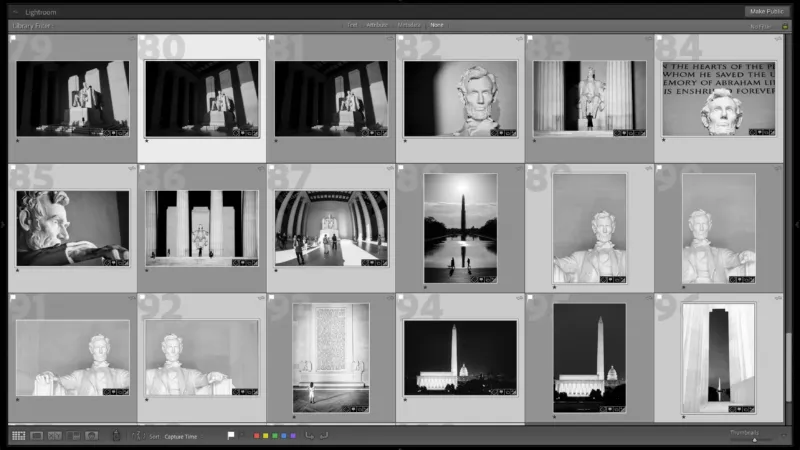
Here’s a quick visual before/after demonstration of what I mean, with the lighter-gray boxes showing the currently selected images.


Obviously, you could do this manually, but that’s tedious, slow, and introduces so much room for error.
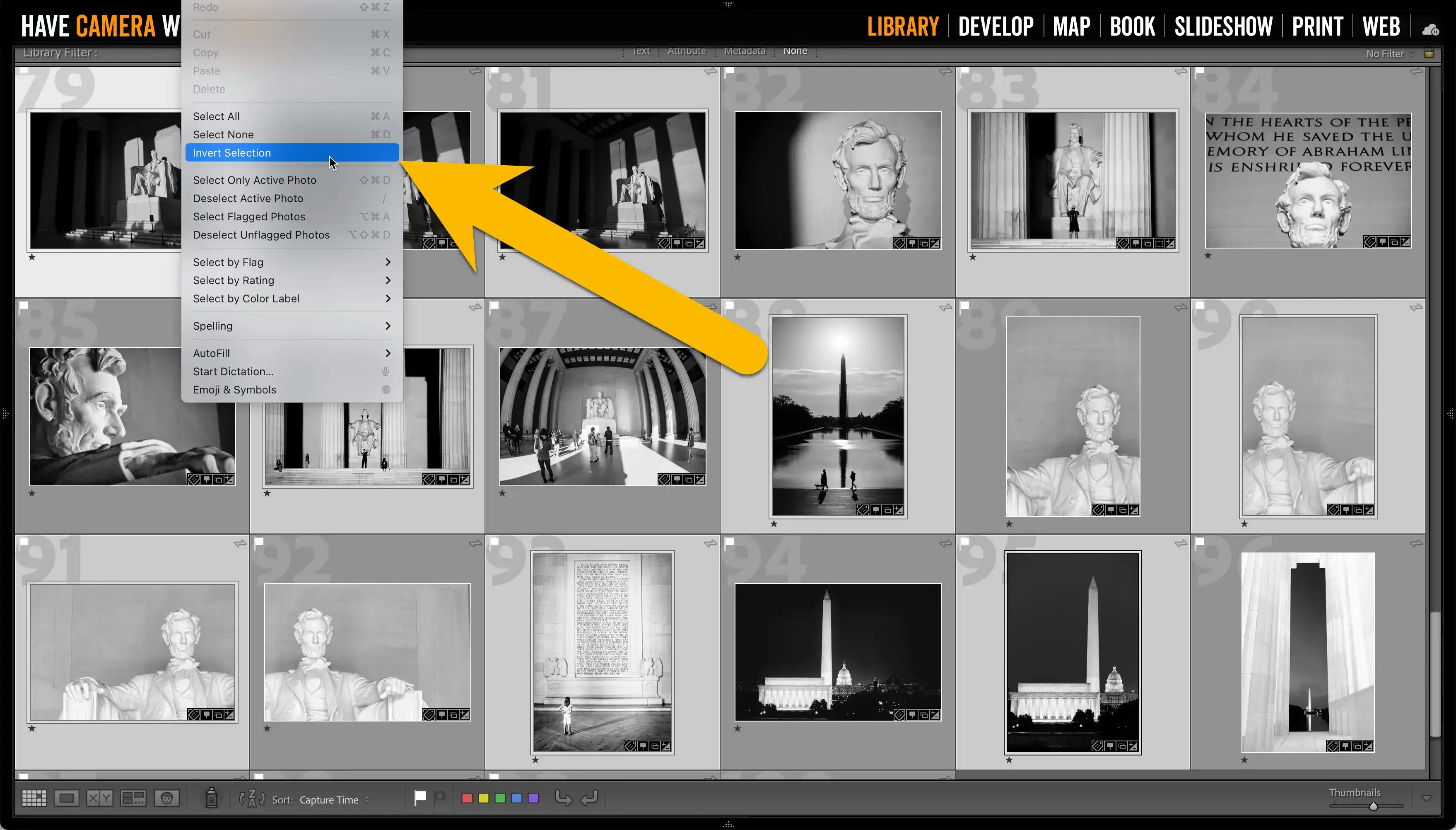
But Lightroom Classic has a function to do this in a snap with complete accuracy. There’s no built-in keyboard shortcut for this, so you’ll have to use the menu system.
When you’re ready to switch to all the currently unselected images, go to
Edit > Invert SelectionIt will instantly switch to all of the other images.