Photography workflow
Capturing the image is just the start. This part of my site focuses on what comes next: editing, sharing, backing up, and printing. It's here that I post my guides to using image processing apps like Lightroom and DxO, tools for prepping and sharing images, and other tips for the post-processing workflow.
Lightroom
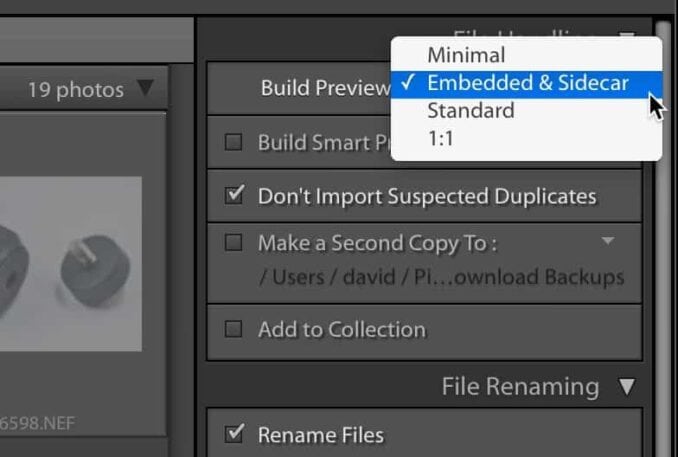
Lightroom Classic Can Use Embedded Previews for a Faster Workflow
Lightroom Classic can use RAW files' embedded previews to speed up importing and culling. It's a big win for workflow speed.
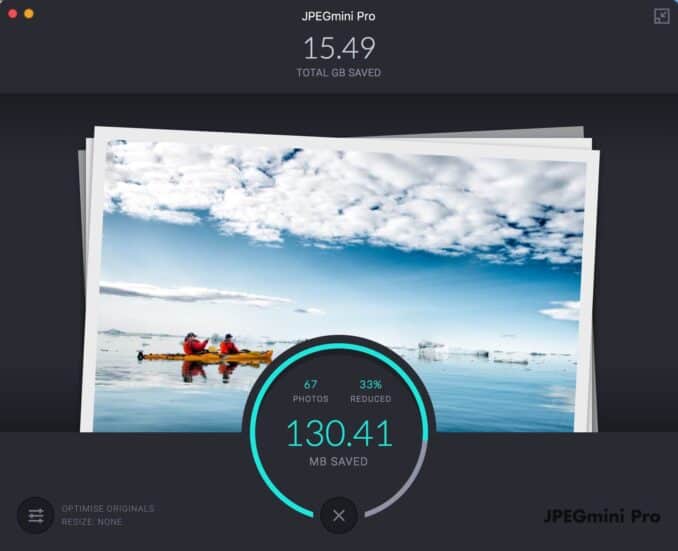
How to Use JPEGmini Pro with Lightroom Classic
JPEGmini Pro offers a way to make filesizes impressively smaller with next to no quality loss. While it's usually used as a standalone app, you can also hook it up with Lightroom Classic exports or Publish Services, making for a very useful workflow tool.
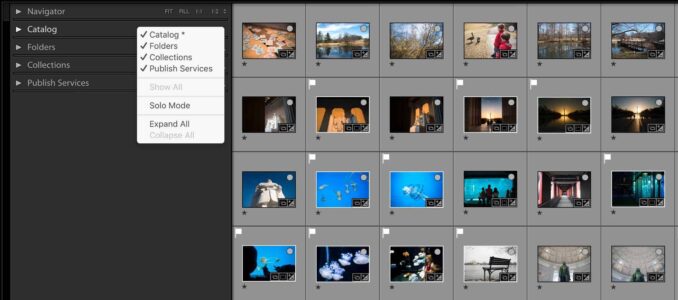
How to Enable the Publish Services Panel in Lightroom Classic
Someone recently asked me how to bring back the Publish Services panel after it had vanished from their Library module. The good news: it's not gone, just hidden. The not-so-good news: the trick to bring it back isn't exactly self-evident. Once you know where to look, it takes about three seconds.
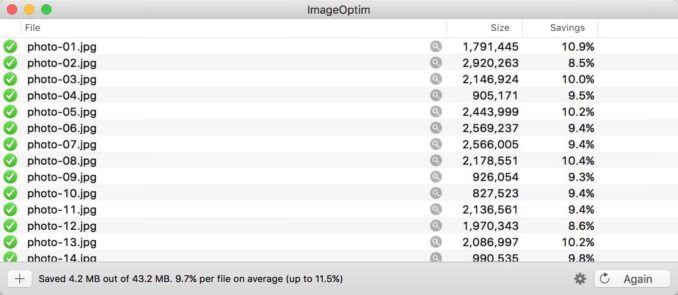
How to Optimize Images from Lightroom with ImageOptim
Using Lightroom's post-export options, if you're using Mac it's possible to optimize your images as part of the export process.
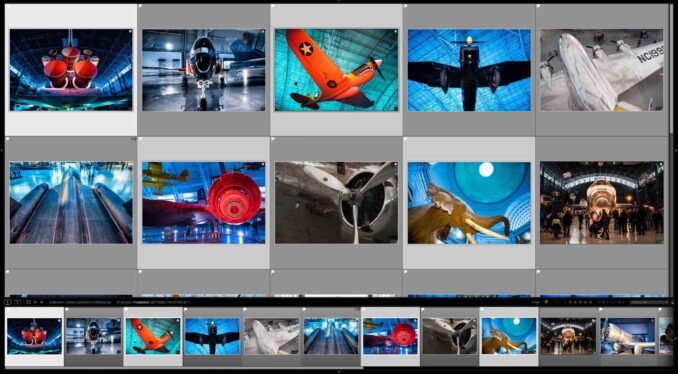
How to Find the Original Image File on Your Hard Drive
Sometimes you just need to find the original file on your hard drive. Lightroom has a simple built-in function for that.
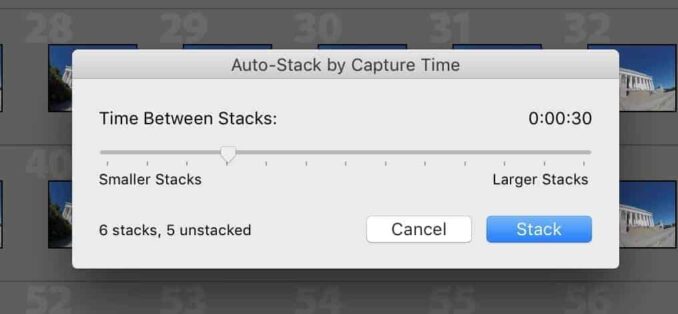
How to Auto Stack Images by the Interval Between Capture Time in Lightroom Classic
Lightroom has a built-in feature to automatically stack images by the time interval between their capture time. In the right workflow it can save a lot fo time and tedium.
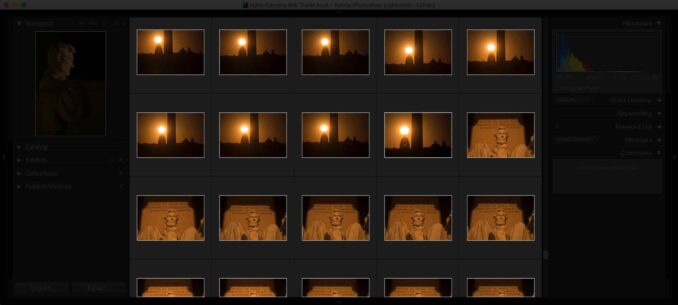
Turning Off the Lights
The ability to dim the lights in Lightroom is a handy little tool for distraction-free viewing, sorting, and editing of your photos.
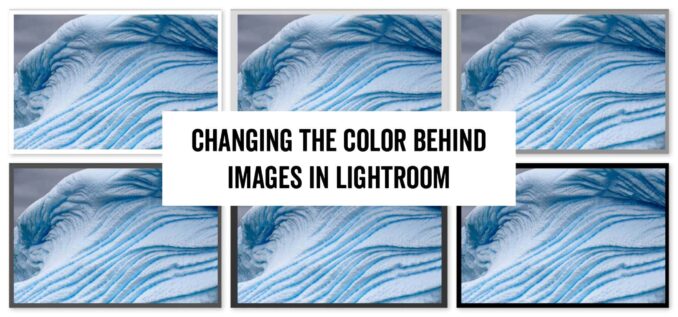
How to Change the Background Color of Single Images in Lightroom Classic
You can change the color of the space behind single images in Lightroom. That can be simply a matter of preference or used as a visualization tool
Calculators

How Much 4K Video Your Memory Card Can Actually Hold
A 128GB card can hold anywhere from under an hour to 8 hours of 4K footage, depending entirely on your camera's bitrate. Use the calculator and charts below to work out your exact recording time by card size.
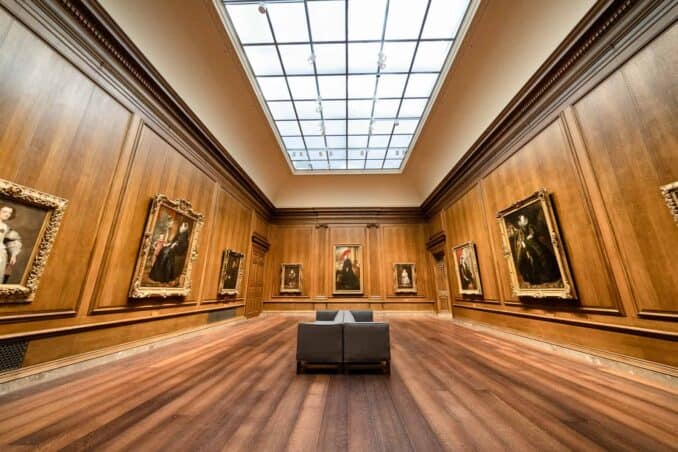
Angle of View, Explained: Calculator, Charts, and Why Diagonal Matters
Enter a focal length to see its angle of view across full-frame, APS-C, and Micro Four Thirds sensors, with charts for quick reference and an explanation of why the diagonal measurement is the one lens makers actually quote.

Memory Card Speed Converter (X-Rating to MB/s)
Memory card marketing is littered with jargon, but the "x-rating" multiplier is one of the most confusing. Here is a simple tool to convert those outdated speed ratings back into a standard MB/s format so you can accurately compare cards.
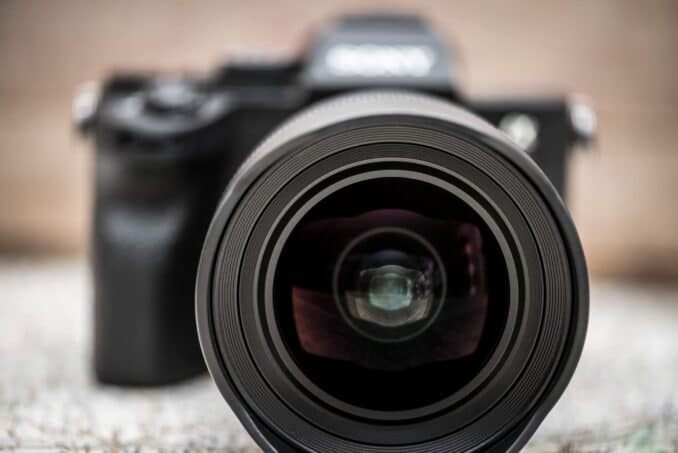
How Many Megapixels? A Quick Calculator for Photographers
A simple calculator to convert pixel dimensions into megapixels — handy for photographers working out print sizes, checking how much headroom you've got for a heavy crop, sizing files for stock agencies, or staying under Lightroom's 512-megapixel import ceiling.

How Much Will Be in Focus? A Depth of Field Calculator
A practical depth of field calculator for photographers. Punch in your sensor, focal length, aperture, and subject distance to see your near and far limits, total depth of field, and hyperfocal distance. Useful for landscape work, portraits, macro, and group shots where you need to know exactly where the sharpness falls off.

Mbps to MB/s Converter: Camera Bitrates vs. Memory Card Speeds
The difference between a flawless 4K recording and a locked-up camera often comes down to a single capitalized letter. Here is how to quickly translate your camera's Mbps video bitrate into MB/s memory card speeds.
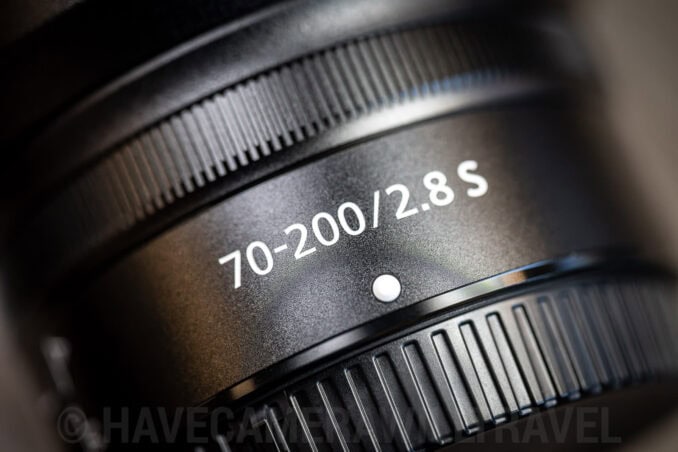
The Crop Factor Calculator: Find Your True Focal Length
Mount the same lens on a full-frame and an APS-C body and the framing changes, but does your aperture really change too? Use the calculator below to find your true equivalent focal length and depth of field, and see why exposure stays the same.

The Aspect Ratio Calculator: Perfect Crops for Print & Web
You shoot a perfectly framed 3:2 portrait, but the client orders an 8x10 print. If you don't calculate the aspect ratio and crop it yourself, the lab's automated software will do it for you — usually right across your subject's forehead. Here is how to take control of your output dimensions.


