
Sony’s RX100 line of high-end compact cameras has established itself as one of the best choices for top-notch image quality coming from a tiny package. It’s not surprising that it has become the choice of many professionals who want to take a pocket-sized camera with them on their travels or on location shoots.
The RX100 VII, released in 2019, is the seventh and so far final model in the line. I’ve been out shooting with it, and you can find some of my posts on it here.
Compared to some cameras, and indeed some Sony cameras, the RX100 VII has a pretty limited ISO range; it goes from ISO 64 to ISO 12800. Of that, ISO 100 to 12800 is the native ISO range, with ISO 64 and ISO 80 falling into the extended ISO range (where software takes over from the hardware’s limits). So you can’t push the limits of acceptable image quality with six-figure ISOs, which is a sensible choice with the RX100 VII’s smaller sensor size.
One thing worth knowing before you start comparing these files: the RX100 VII’s stacked sensor was built for speed, not for image-quality leadership. DXOMARK measures it at 63 overall, a little below the older non-stacked 1-inch RX100 sensors, and its low-light score of ISO 418 sits slightly behind the older RX100 V’s 586. The DRAM layer that gives the VII its 20fps blackout-free bursts and tracking autofocus costs a small amount of image quality, so a higher model number here doesn’t mean cleaner high-ISO files than a V or VI.
I’ll post some example images and a detailed hands-on review separately, but I also thought it might be useful to someone to post some examples of photos taken throughout the camera’s ISO range, along with a dedicated high-ISO low-light test, so that you can judge for yourself how its ISO performance stacks up with your expectations.
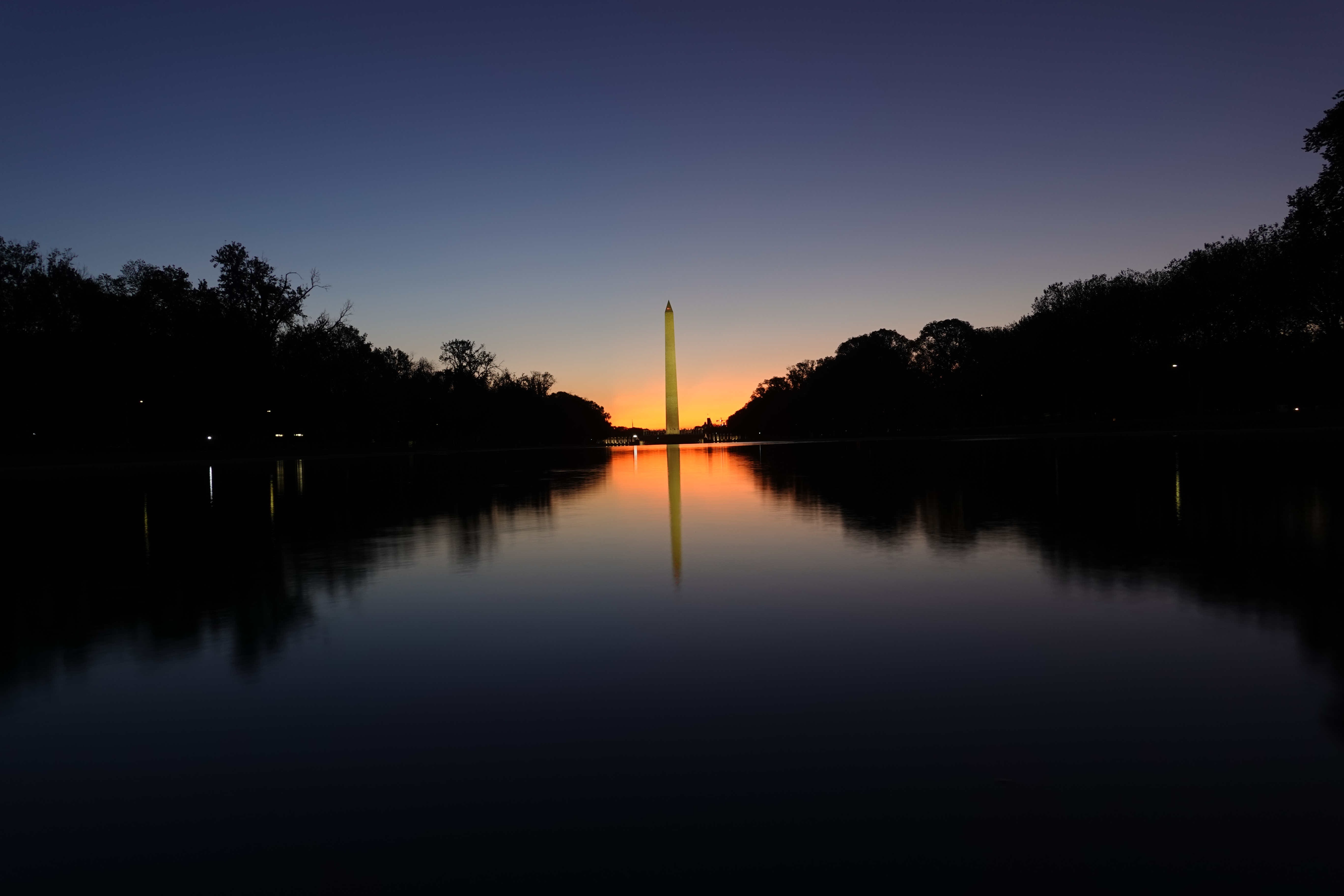
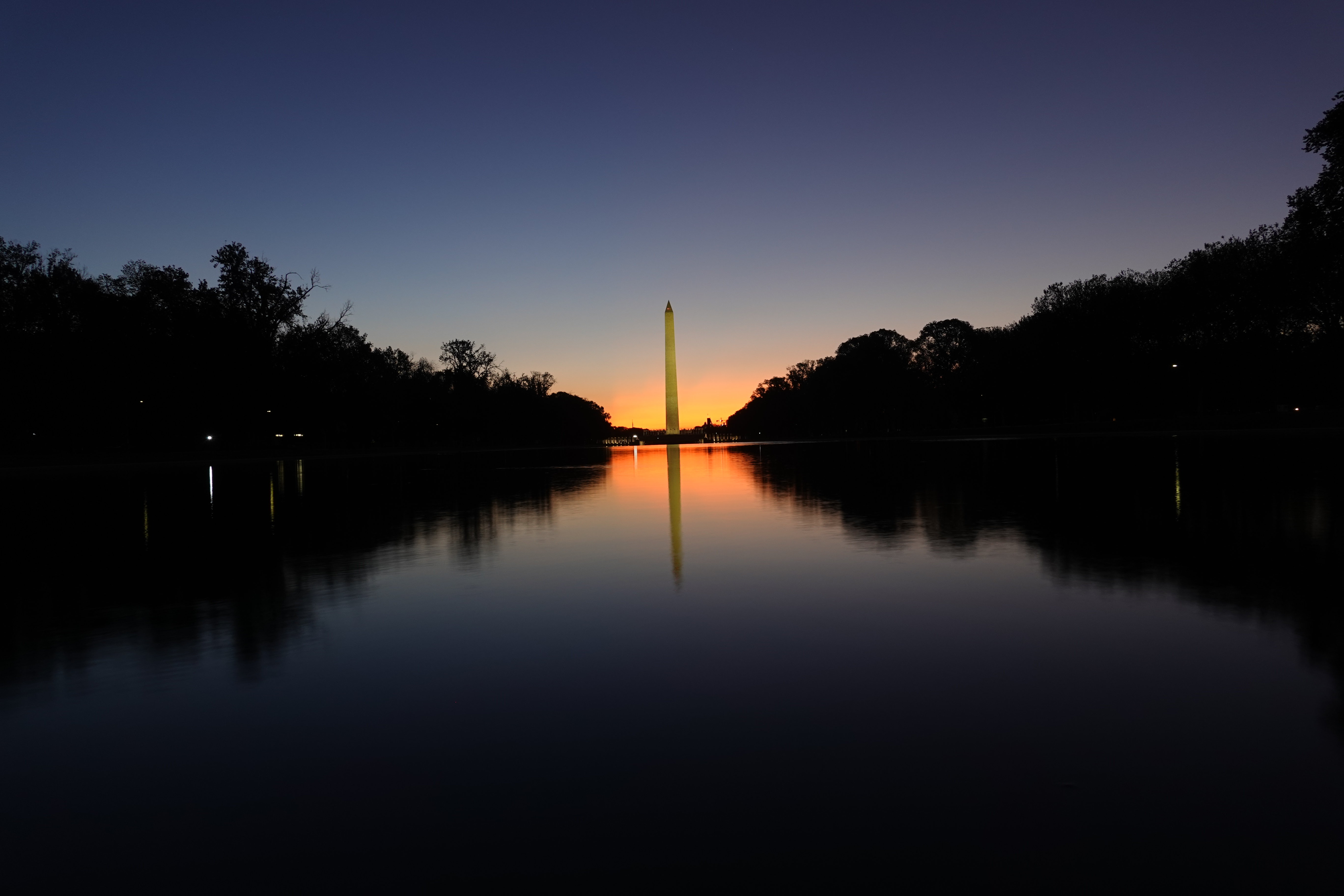
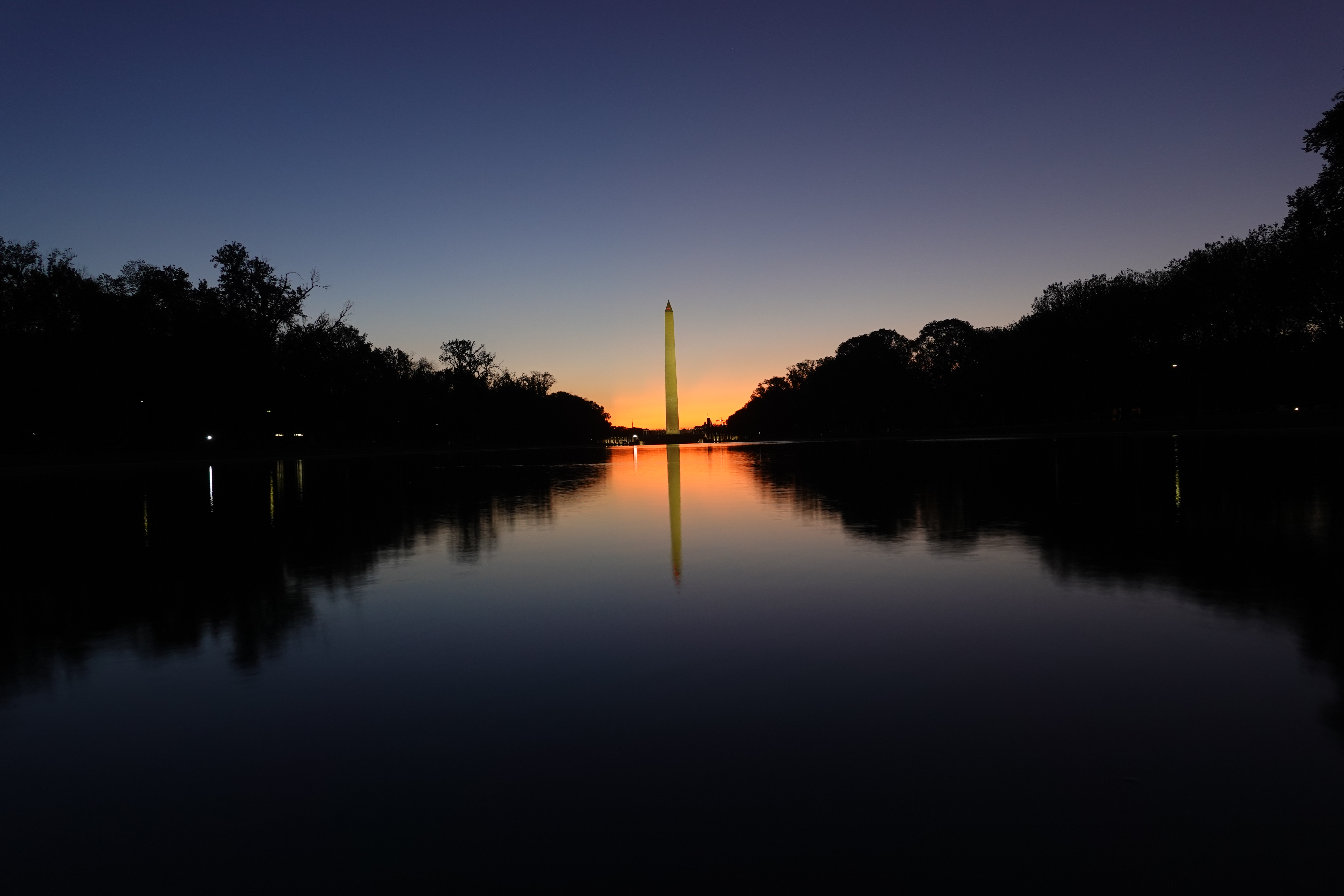
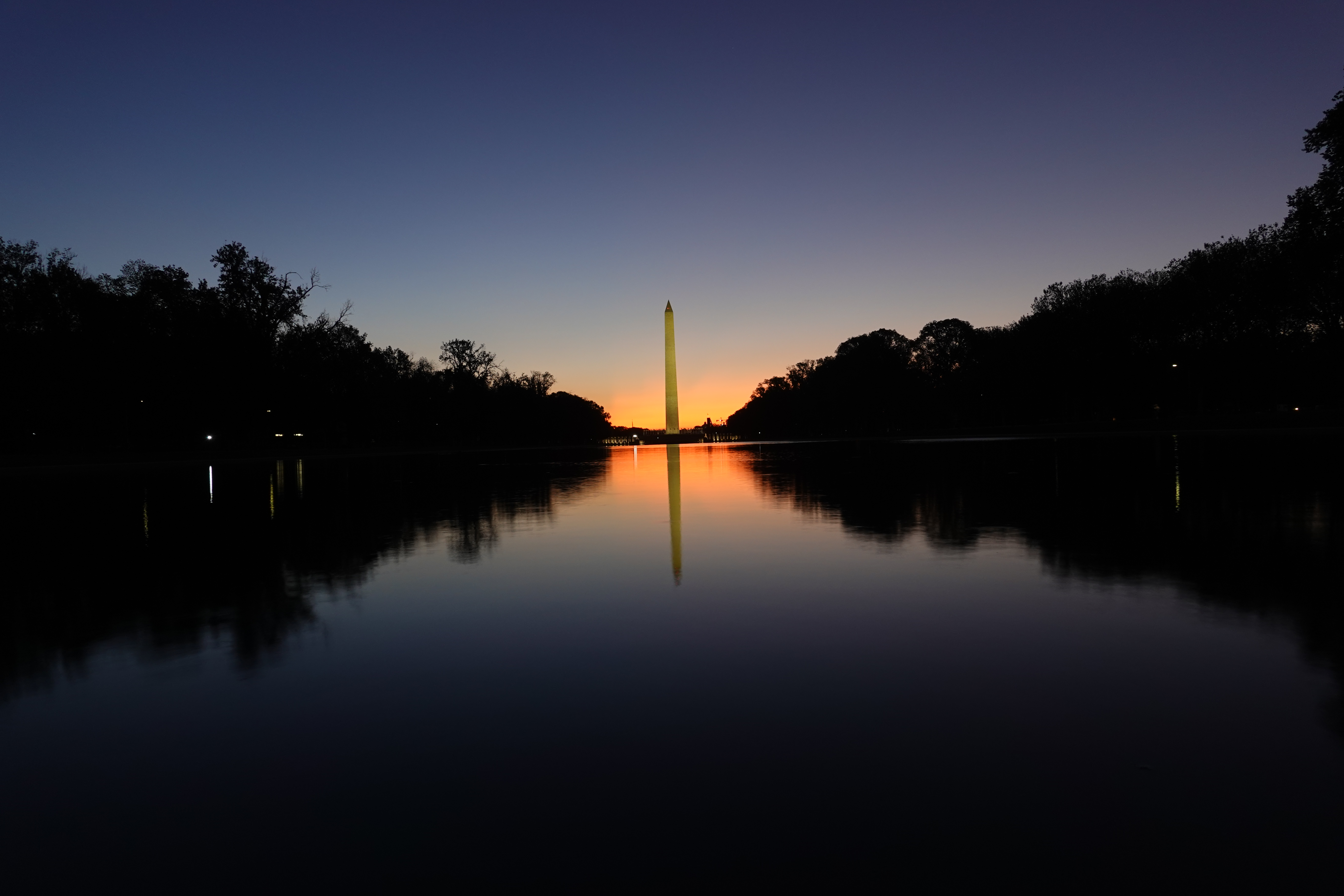
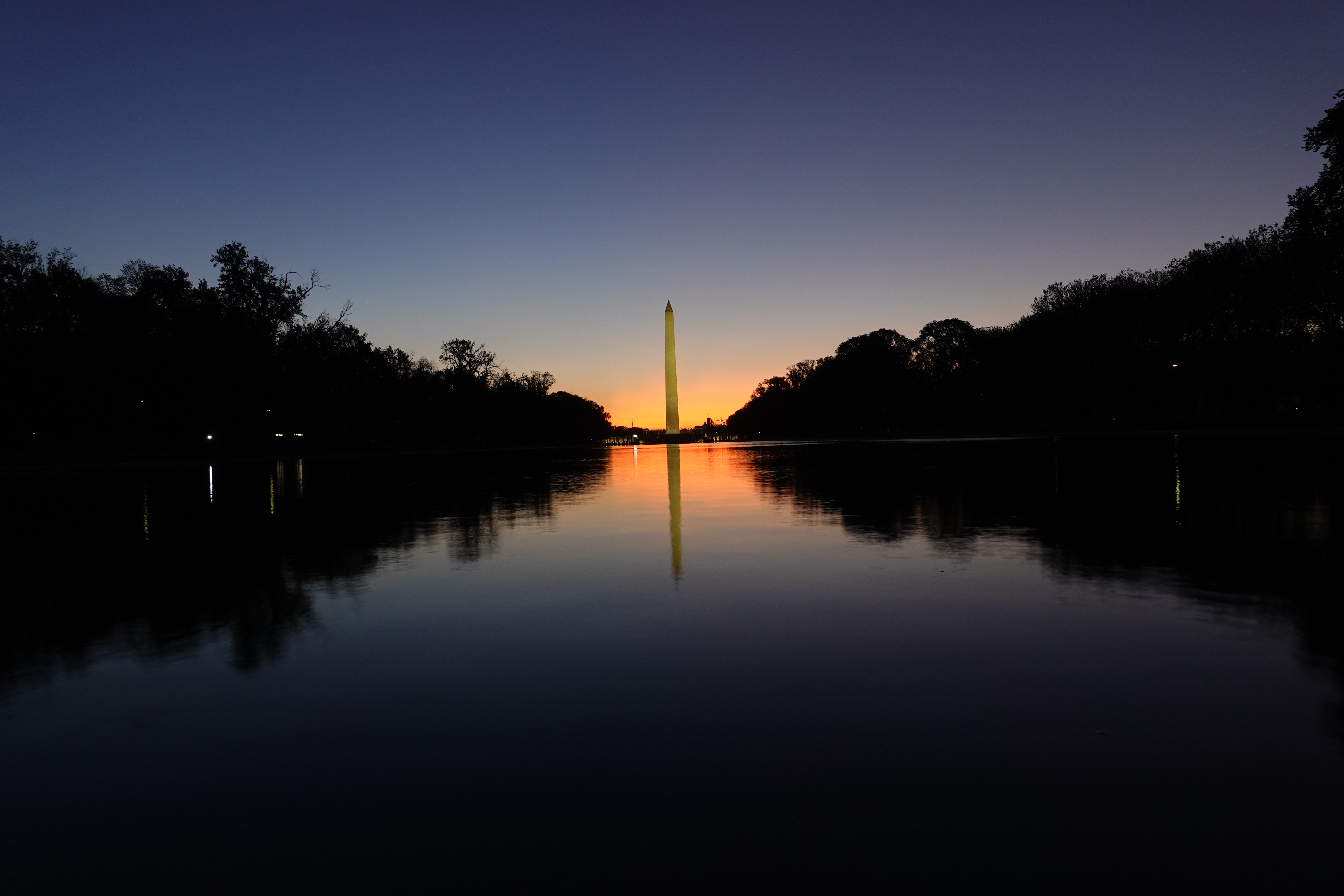
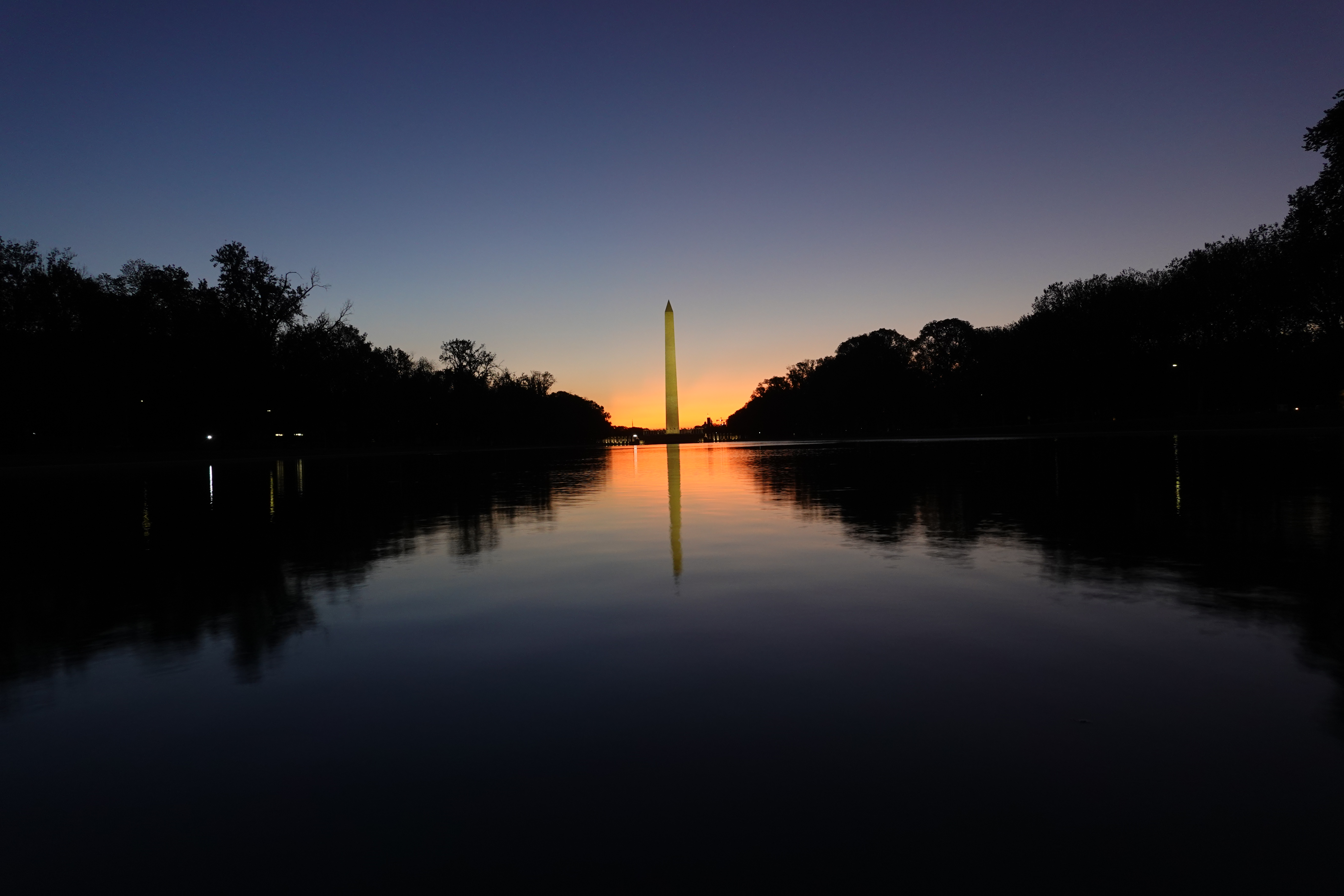
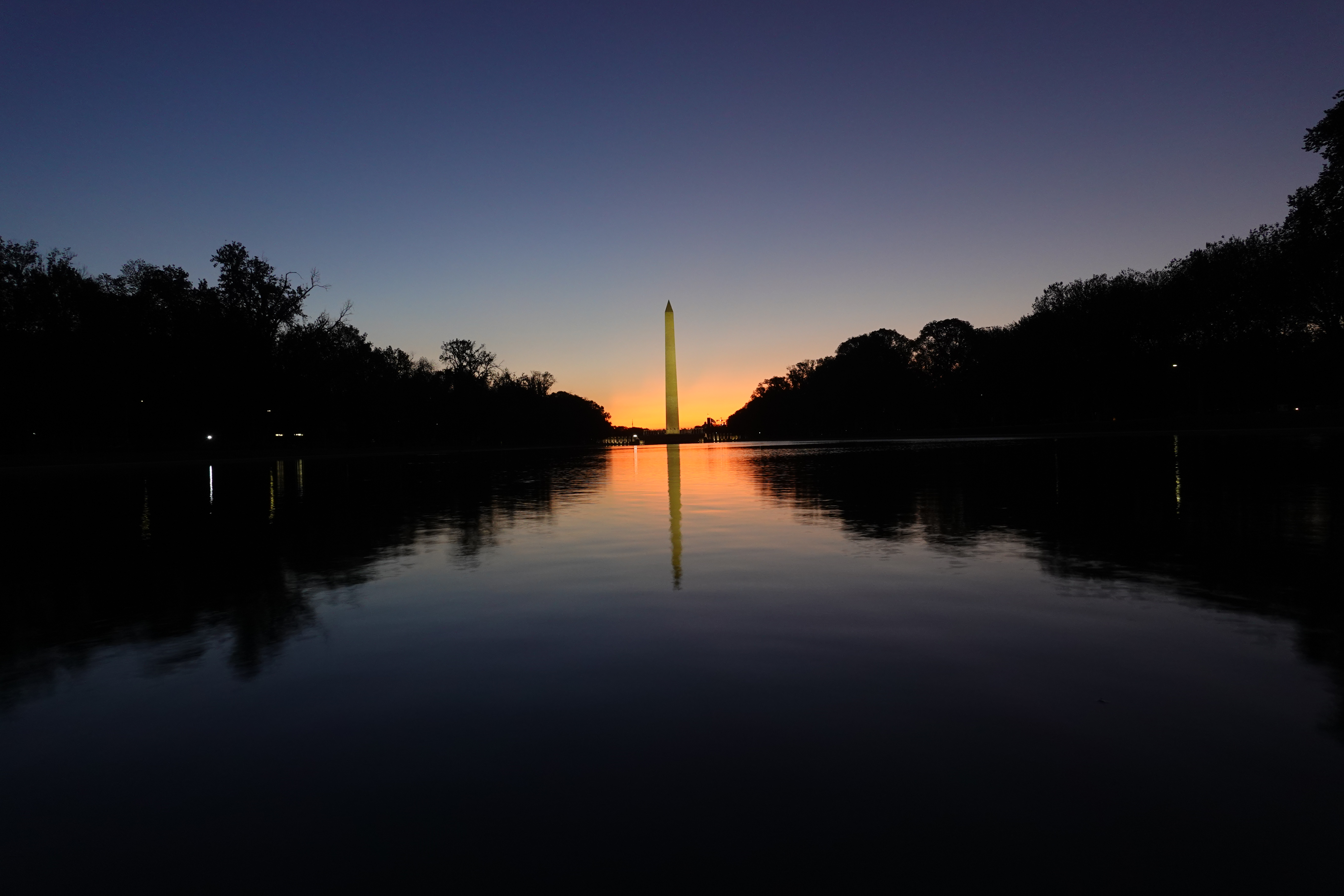
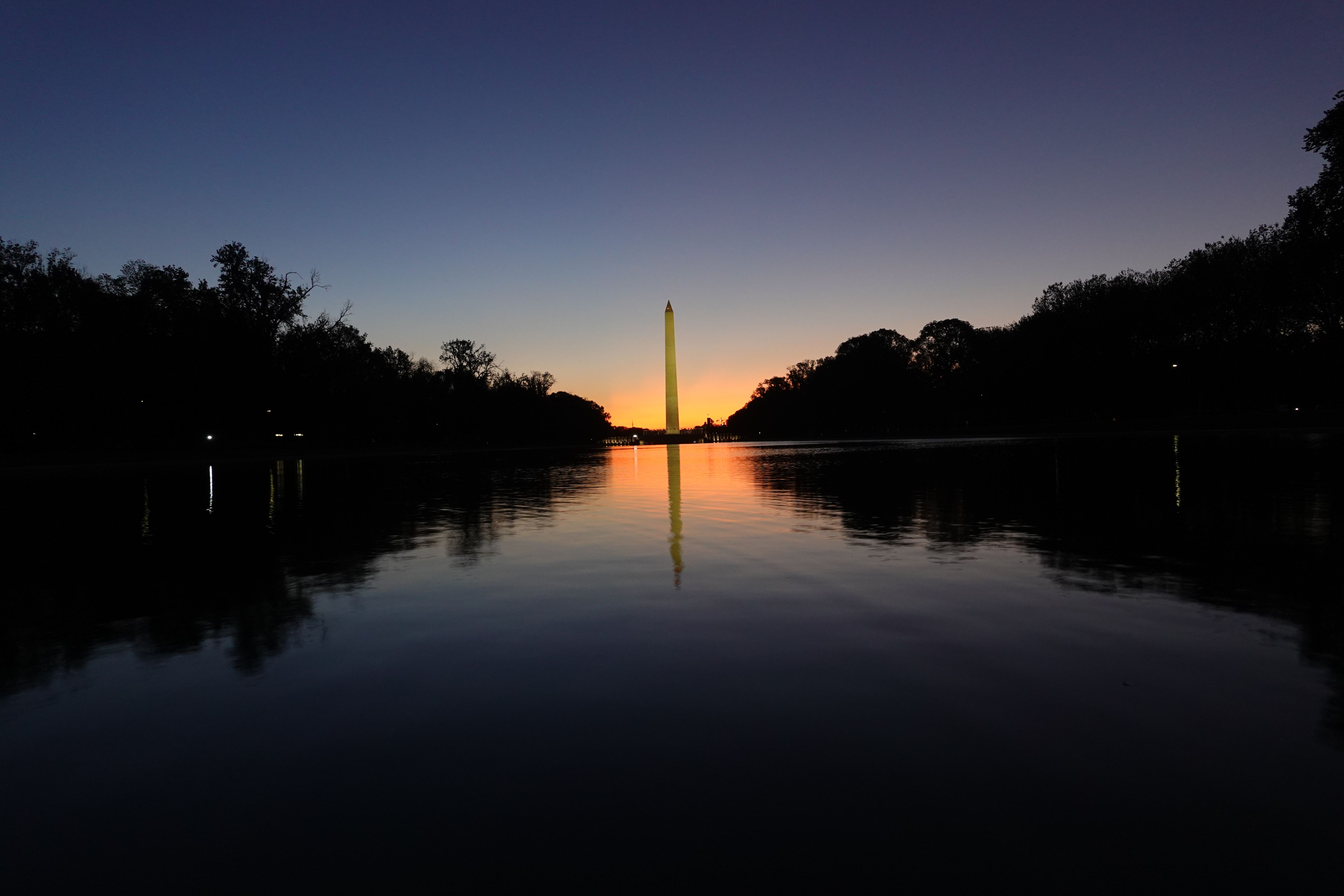
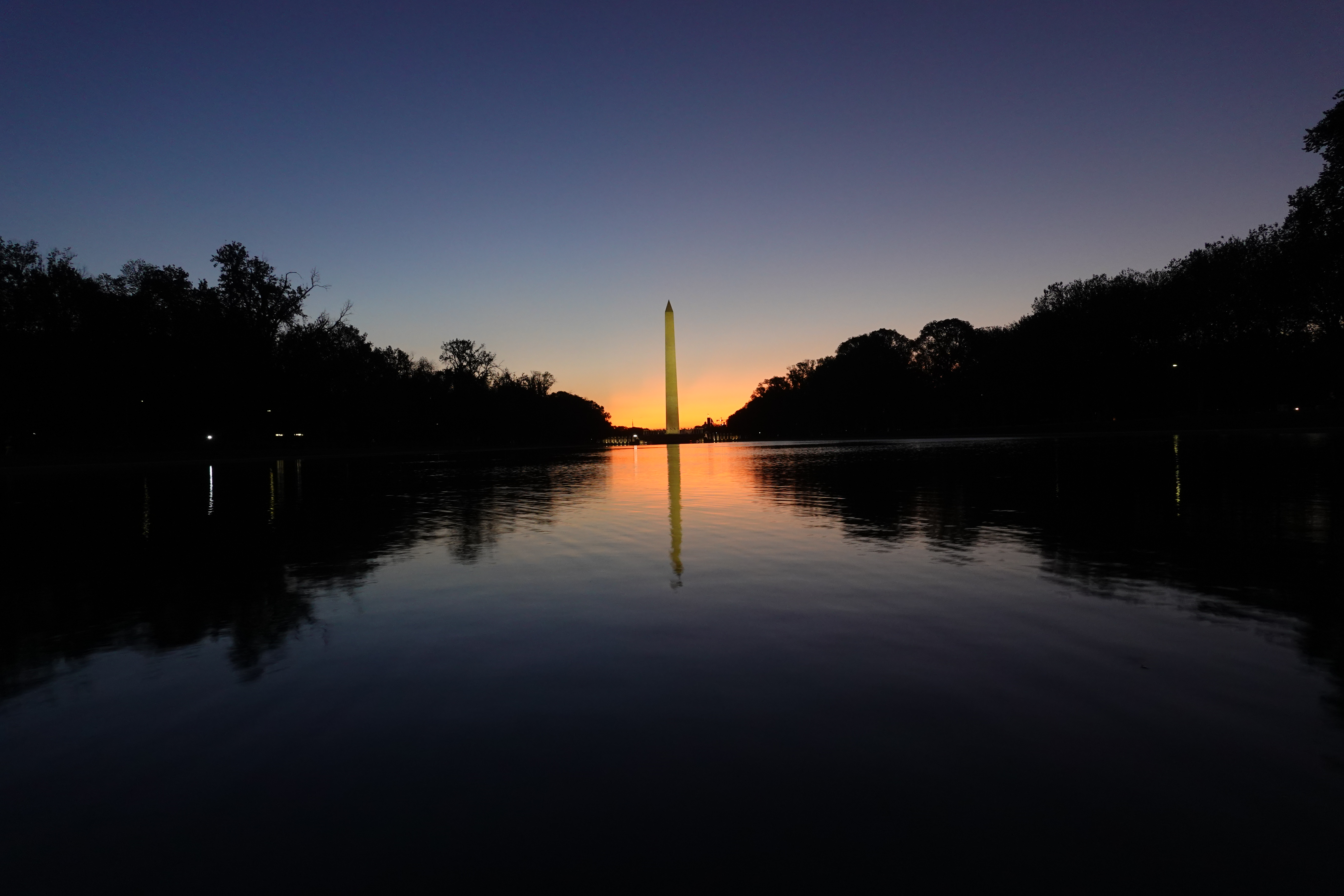
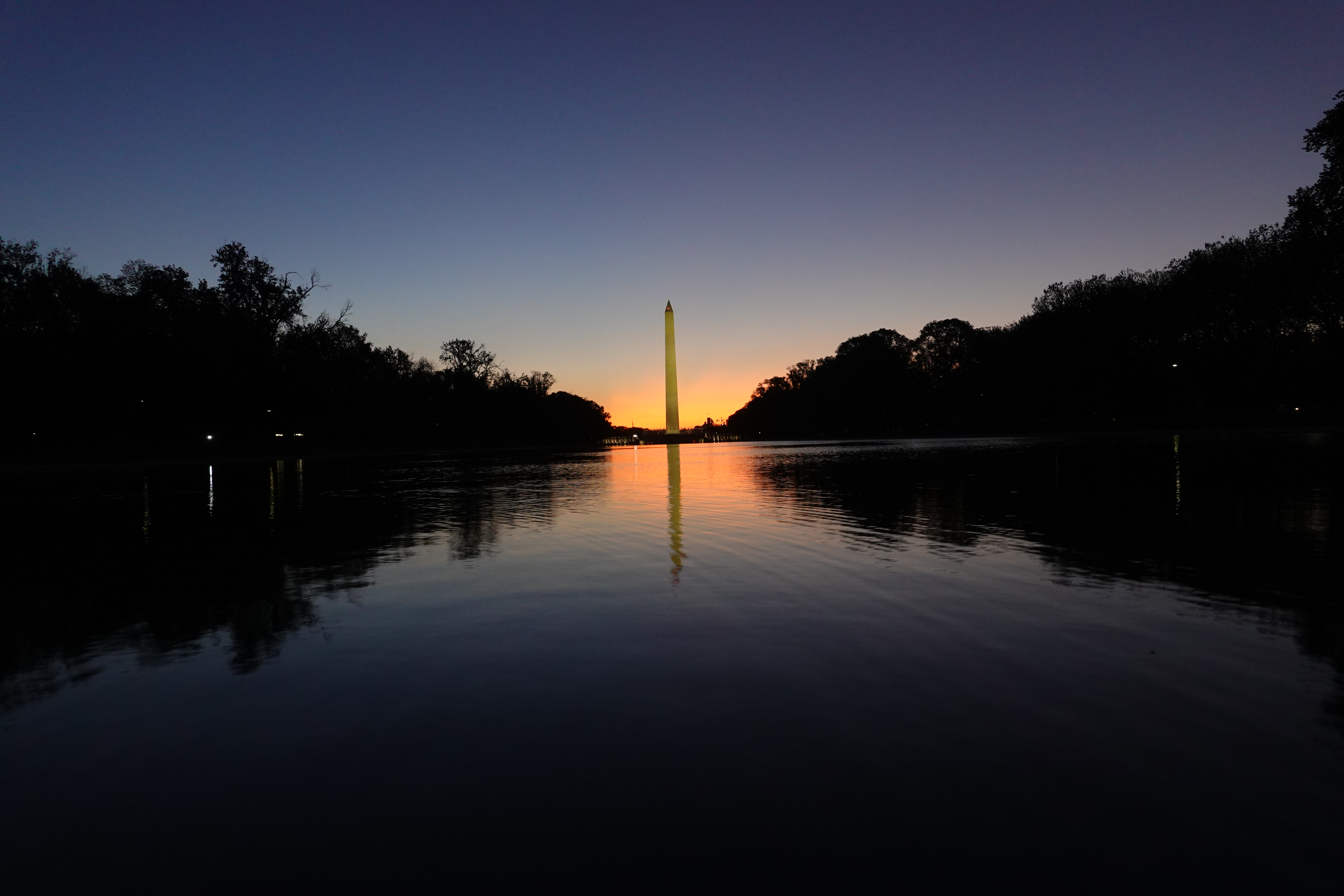
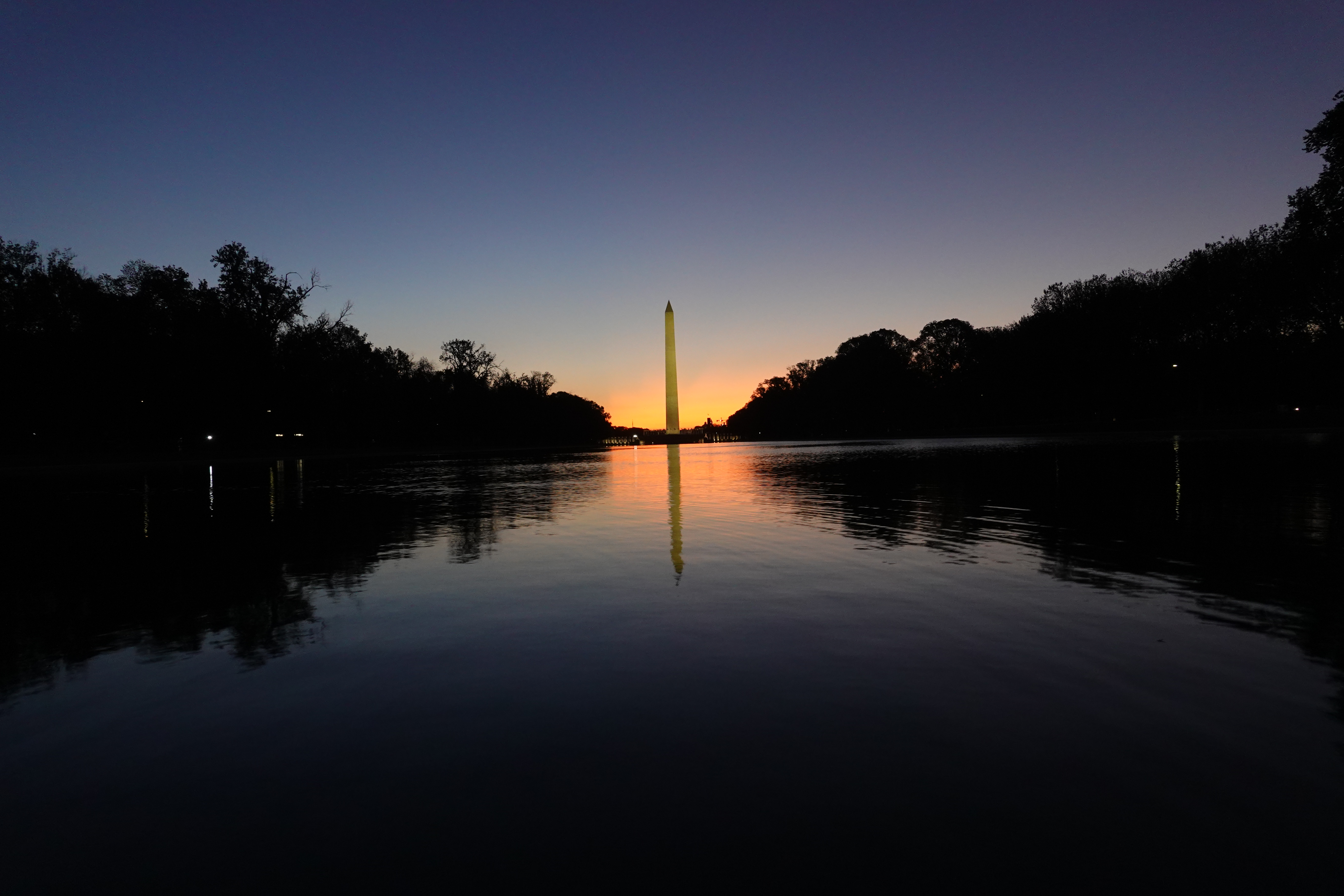
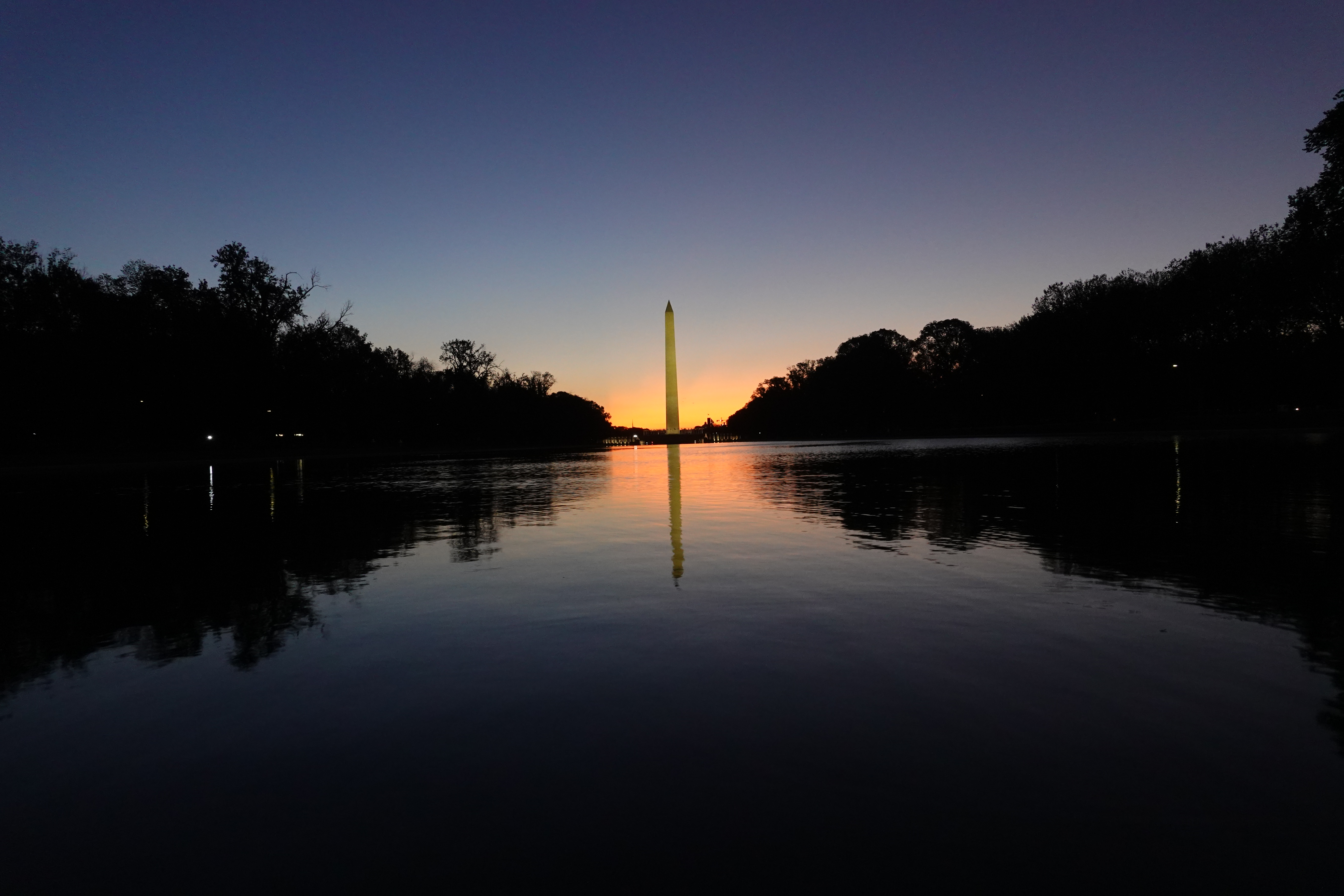
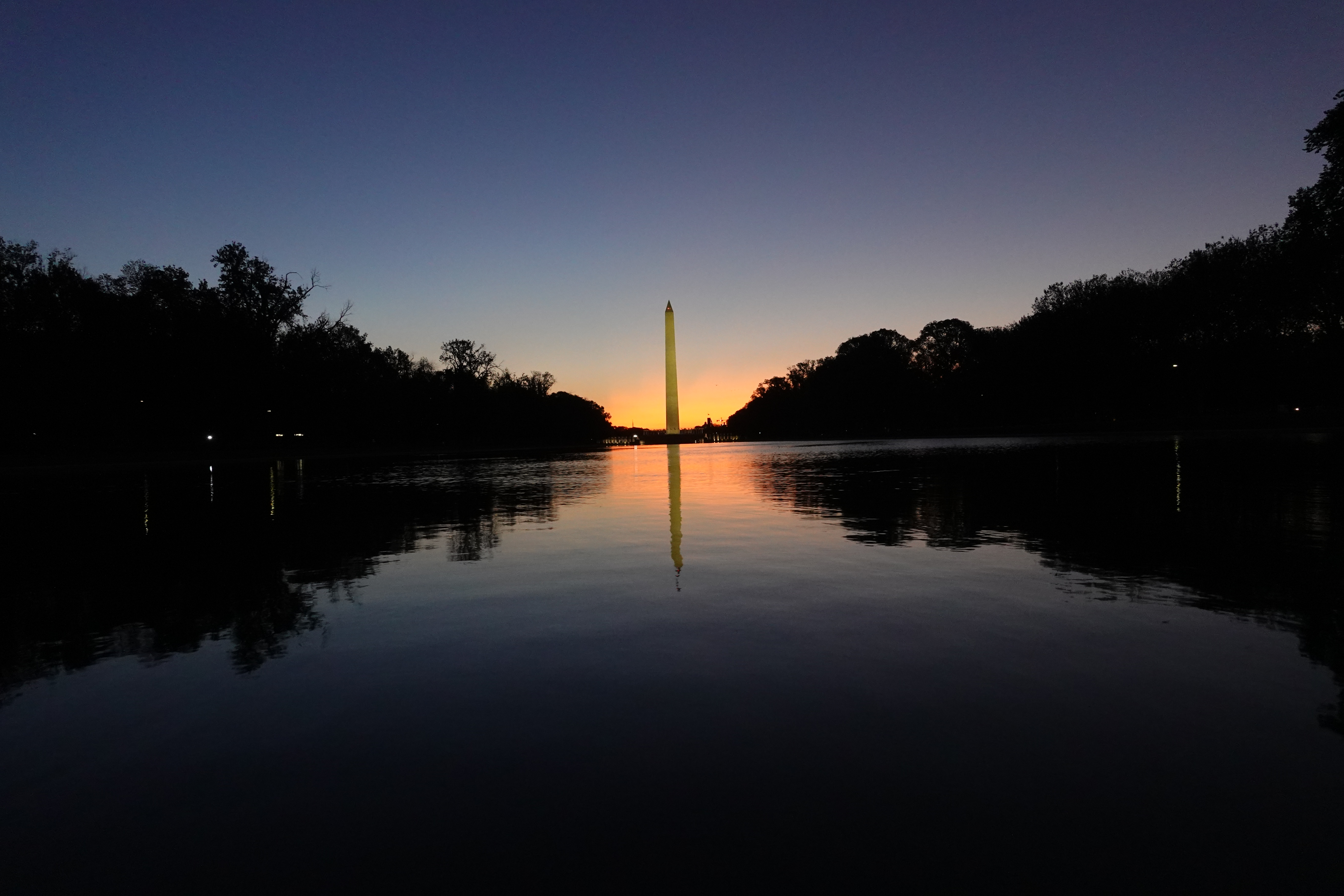
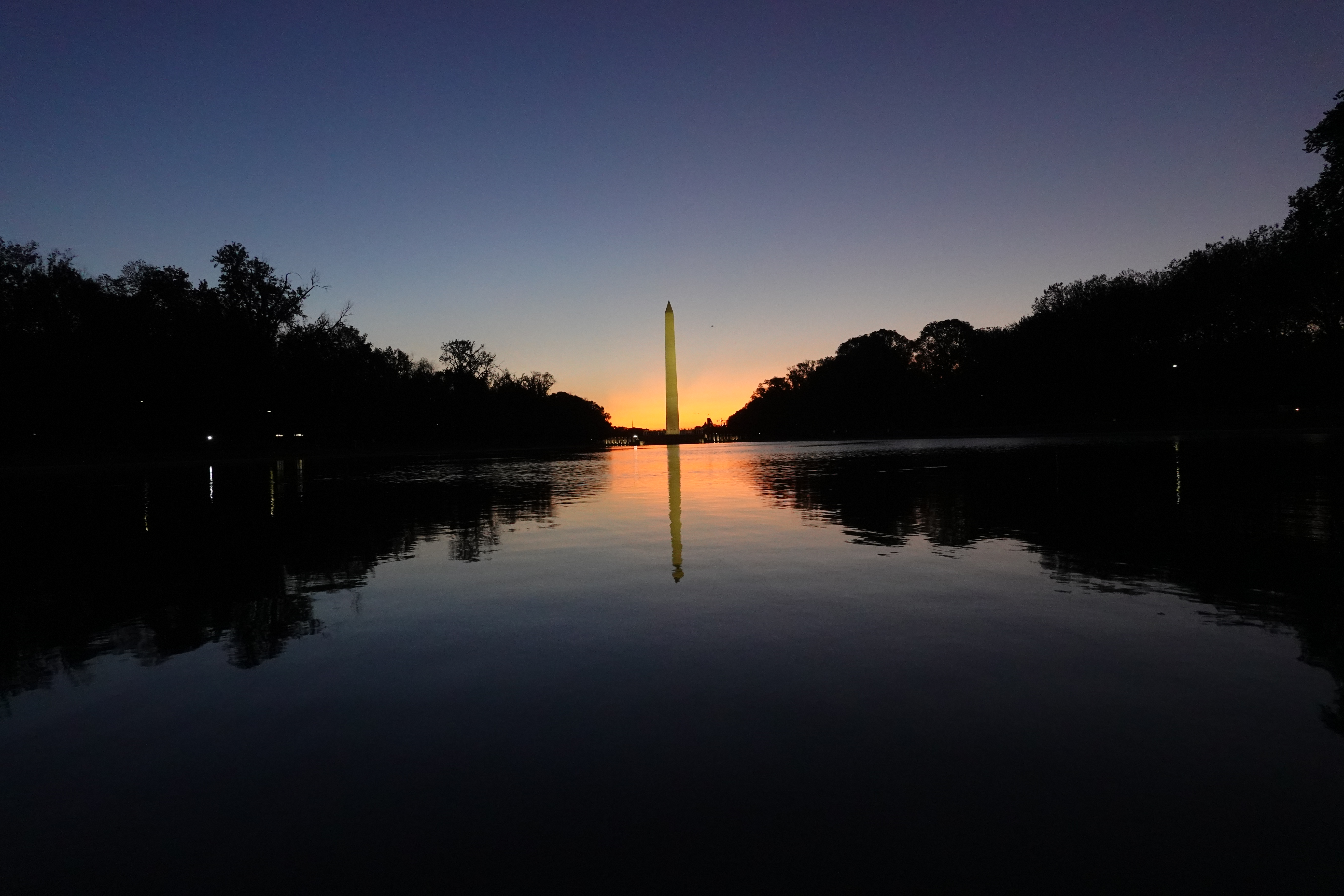
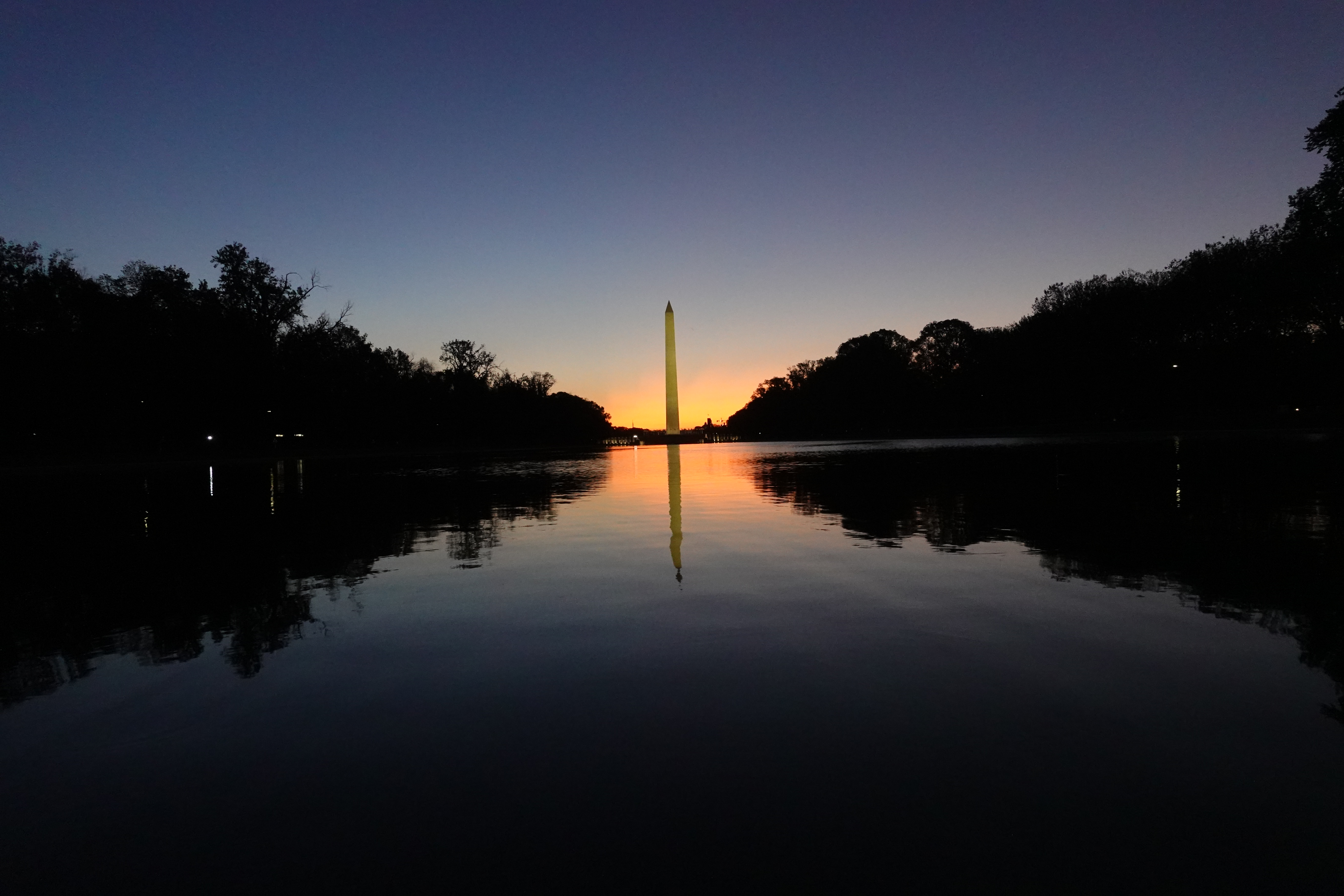
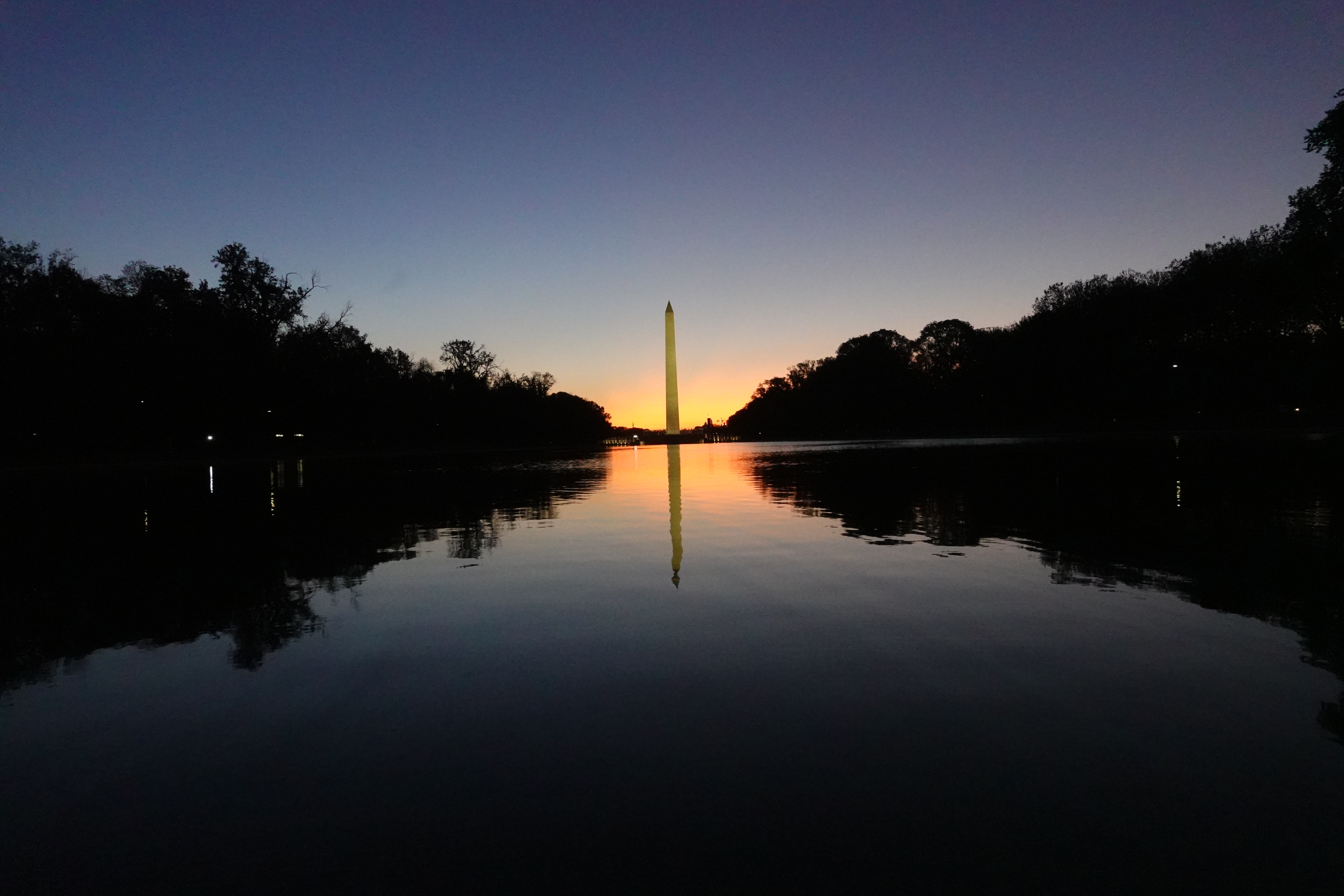
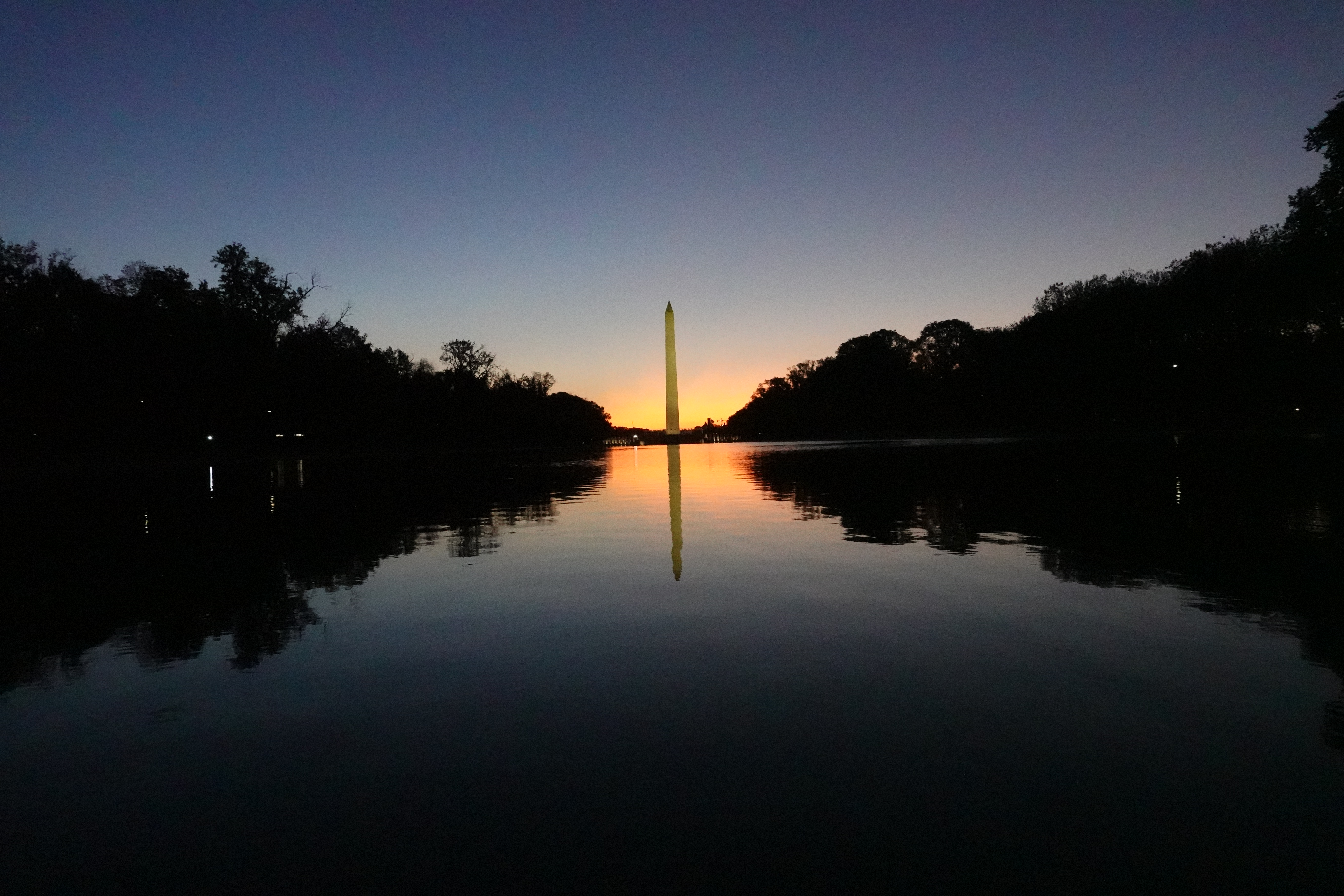
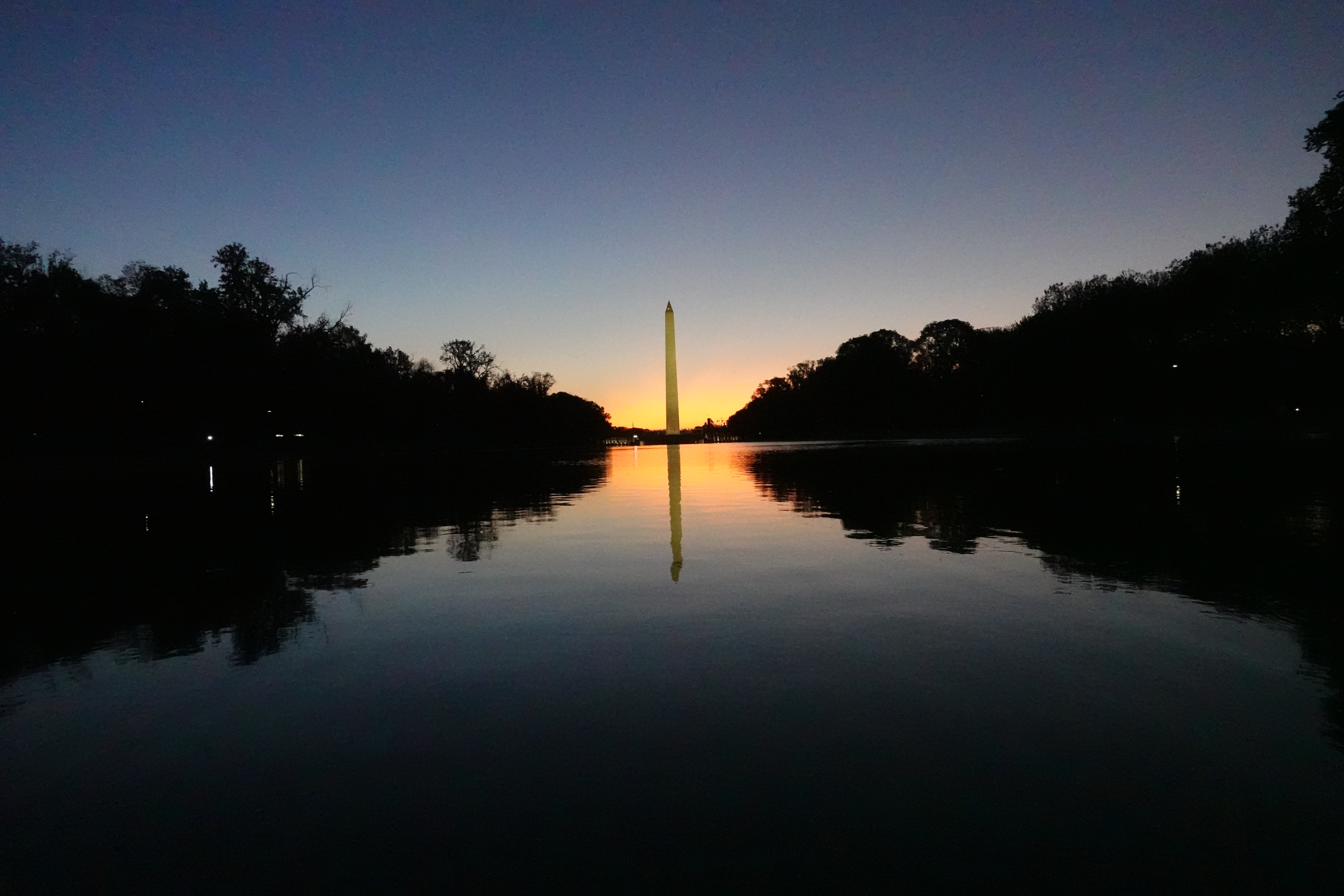
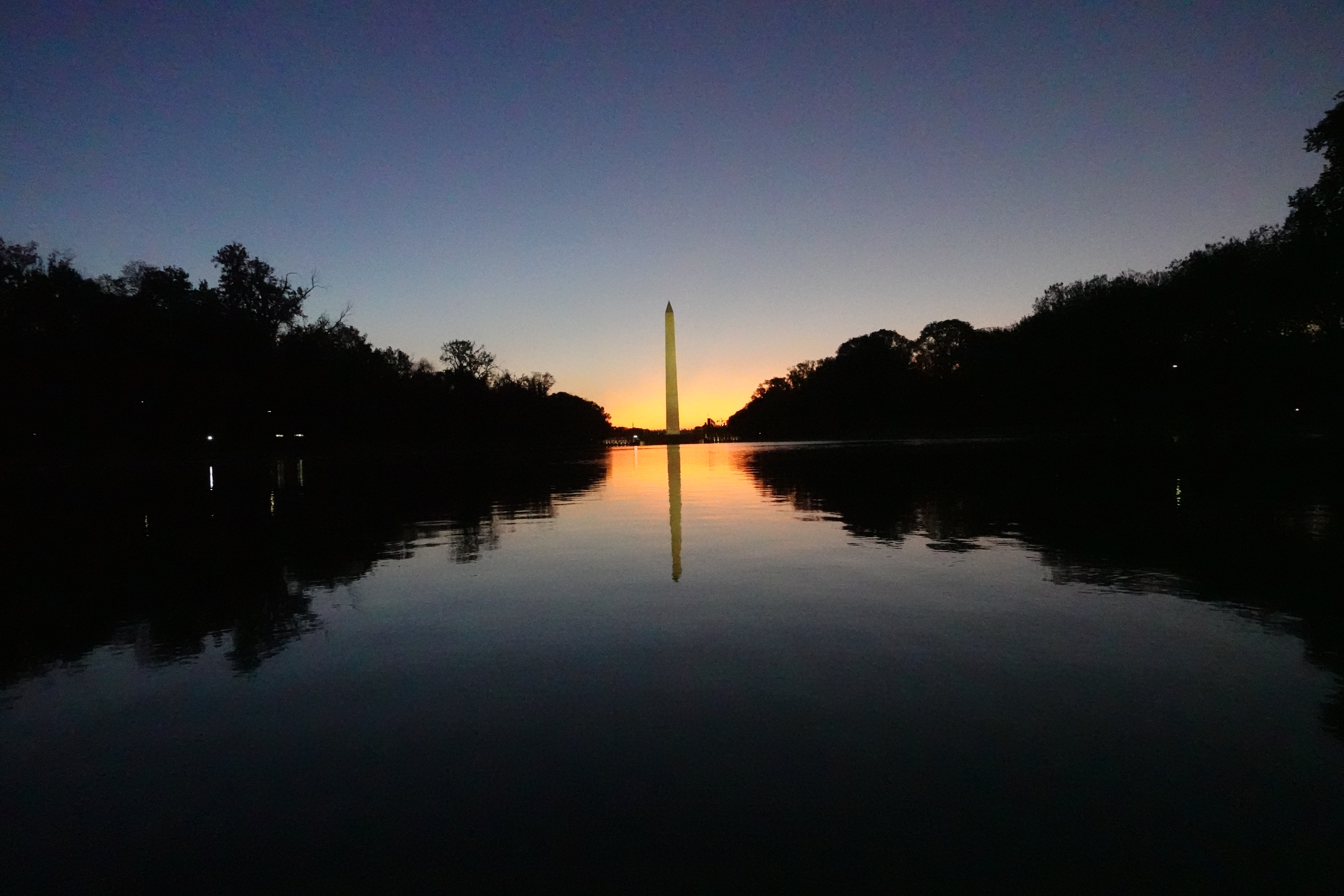
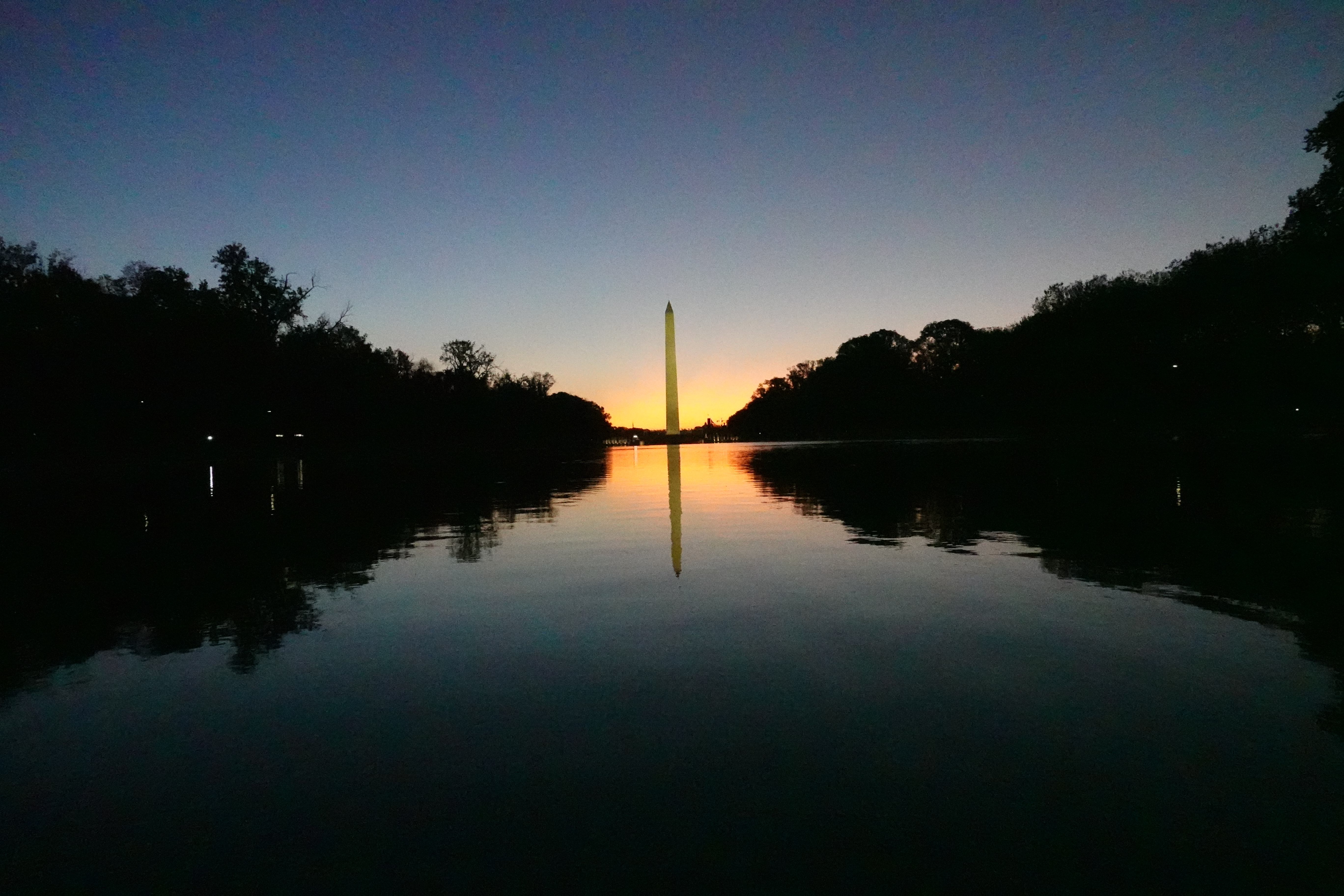
This is a scene I often use for ISO tests because of the smooth tones between highlights and dark shadows. Basically, it’s a good test of ISO image quality, particularly as you start getting into the higher ISOs (in addition to being a fun place to shoot around the equinox!).
ISO Range Sample Images
I haven’t applied any processing or corrections to any of these images — they’re as shot and entirely untouched after they’ve come out of the camera. They were all taken with a Sony RX100 VII.
You can click on each image for a full-size version. I haven’t done any post-processing at all on these, but the versions displayed are from the JPG versions, which have the camera’s built-in processing applied. You can see the effects of that most easily in shots at the higher ISO end.
While the full-size versions give you a good idea of the camera’s performance, the versions you see displayed on the page here are still derivative versions that are generated for web display. So in the caption for each image you can find download links for the direct-out-of-camera original RAW (ARW) and JPG versions (I shot them with the RAW+JPG option). You can download and view the original images at full resolution if you want a closer look, and if noise at the higher ISOs bothers you, modern denoise tools can clean up those RAW files considerably. The JPGs here range from around 6MB to 16MB. The RAW files are around 21MB each.
The original RAW files for the images in this post are available to subscribers to my newsletter on the RAW file downloads page. The page is password-protected; the password is in the newsletter’s welcome email. The JPG versions linked in the captions stay free.
Average RAW (ARW) file size on the RX100 VII runs close to that 21MB figure regardless of ISO — unlike JPGs, which shrink at high ISO as detail and fine texture are smoothed away by noise reduction, RAW files stay roughly the same size across the ISO range because they store the sensor data largely unprocessed.
Part of the reason the sizes stay so consistent is that the RX100 VII only writes compressed RAW. There’s no uncompressed or lossless-compressed choice in the menu the way there is on Sony’s higher-end bodies, so every file comes out in the same format — Sony’s ARW 2.3 — at close to the same size. Scene detail nudges the number a little, but nowhere near the way it moves JPG size.


Accessories
There’s no first-party way to add filters to the RX100 VII — Sony’s VFA-305R1 filter adapter kit is often mentioned for this, but that kit is designed exclusively for the fixed-lens RX0 and RX0 II; it doesn’t fit the RX100 VII’s retracting 24 – 200mm zoom, which has no filter thread at all. If you want an ND or protective filter on the RX100 VII, you’re looking at a third-party clamp-on or magnetic adapter rather than any official Sony solution.
The Sony RX100 VII doesn’t come with a memory card as standard. I’ve put together a detailed post of Sony RX100 VII memory card recommendations separately.







Extremely helpful posting! I have an essential tremor which means I have to use higher ISO to boost SS. I’m just looking at the RX110 VII to replace my IV which fell off the roof of the car and broke. Your post really helps me understand the ISO tradeoffs. Now, if only the IS was a little better….
Thank you!