
Yes, you can zoom in on a GoPro, in both video and photo modes. Every Black model from the HERO7 onward has it, as a slider on the touchscreen that GoPro calls Touch Zoom, and the HERO6 Black had a Zoom setting before that. The HERO5 Black and the MAX don’t have it at all.
On the older cameras — the HERO5 Black, the HERO4, and anything before them — there’s no zoom control at all. The nearest equivalent is the field of view setting: on the HERO4, switching from Wide (170°) to Medium (127°) or Narrow (90°) crops into the frame in fixed steps. It’s the same digital crop a zoom slider does, just without the slider.

Have Camera Will Travel Newsletter
Practical field notes, hands-on gear tests, and the fun of exploring the world with a camera in hand.

But there’s more to it, and its effectiveness is pretty limited. That’s because it’s a digital zoom, not an optical zoom.
What that means is that the “zoom” feature is done by software by narrowing in on the center of the frame.
Optical zoom vs digital zoom
There’s another, much more effective way to zoom on cameras or telescopes or other optical devices. That’s by adjusting the lens optics. That’s why sports and nature photographers lug around those massive long lenses, and it’s why the lens barrel moves in and out on smaller, compact cameras.
But GoPros have a fixed lens, so optical zooming isn’t possible.
Basically, GoPro’s version of zoom is a digital zoom. It’s a glorified crop.
So it takes the existing image data and narrows down on it digitally. Because you can’t magically create extra detail from the visual information in an existing image (despite what we see in TV shows and movies), the finished result might look larger and closer, but it has the same image information and therefore isn’t as sharp.1
When shooting photos, you can get the same result by using the crop feature that every respectable image editing app will have.
There’s a catch worth knowing if you shoot RAW: zooming takes it away. On the HERO13 Black, a .gpr file only gets written when SuperPhoto is off, the digital lens is set to Wide, and zoom is off, so dialing in any zoom leaves you with a JPG only. That’s one more argument for shooting wide and cropping later — you keep the RAW file and lose nothing by doing the crop in Lightroom.
There’s somewhat more of an advantage when shooting video, because the camera writes the zoomed-in version straight to the file at your chosen resolution. You don’t end up cropping every clip afterwards, which is worth something when there’s a lot of footage to get through.
One practical note from GoPro’s manuals: the zoom level is sticky. Once you set it, the camera holds that level until you change it, switch capture modes, or power off. It’s easy to leave a camera zoomed in by accident and wonder later why the footage looks tighter than you expected.
Practical examples of GoPro zoom
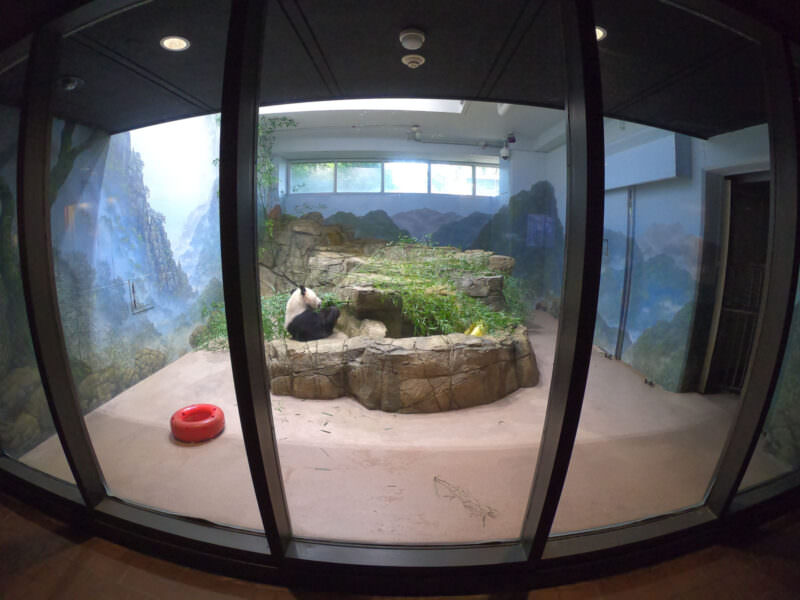
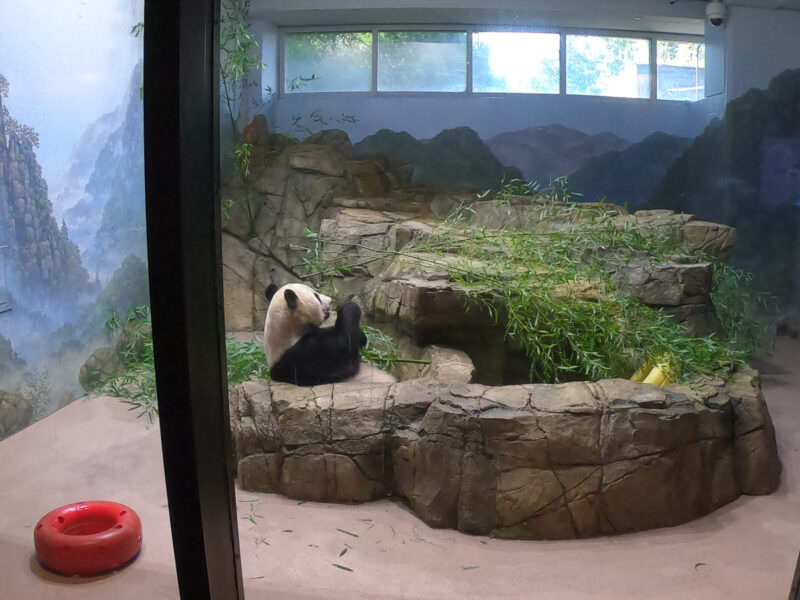
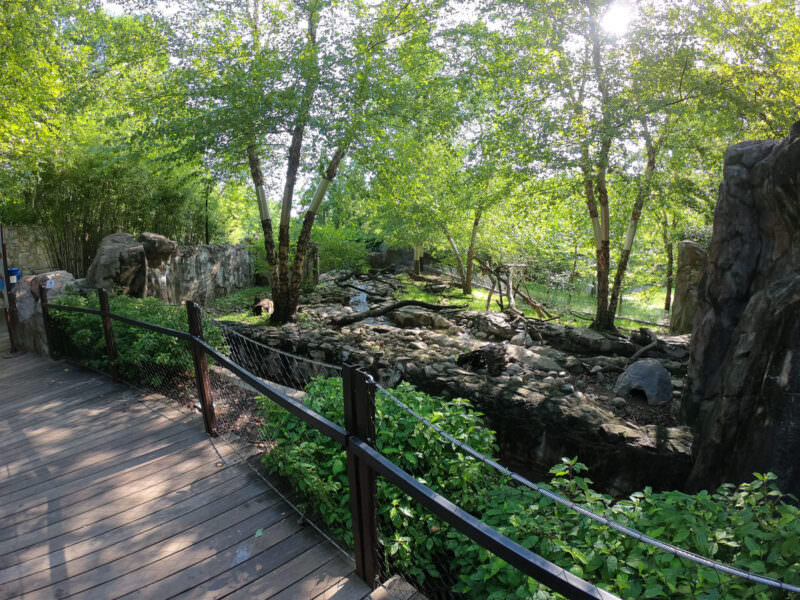
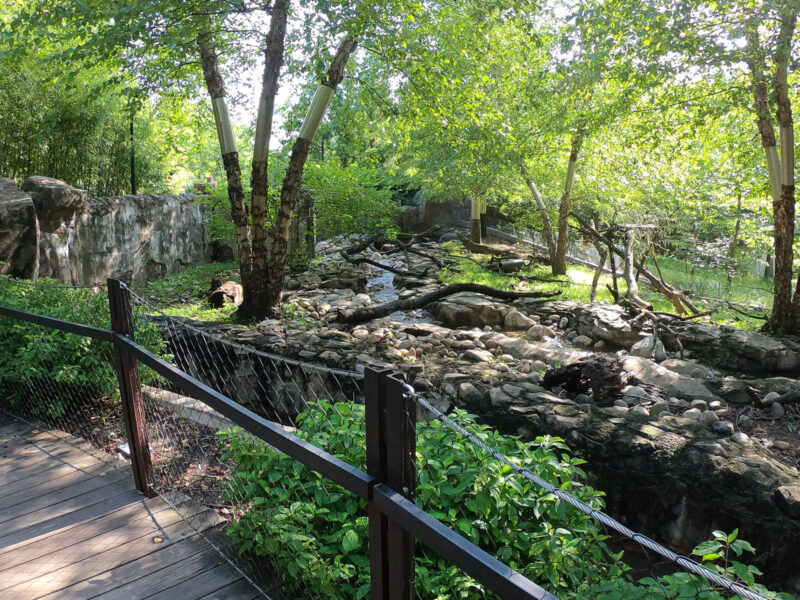
Here’s are some practical examples of the GoPro zoom. These are side-by-side shots fully zoomed out and fully zoomed in.
This first one is when shooting video with the Wide FOV.
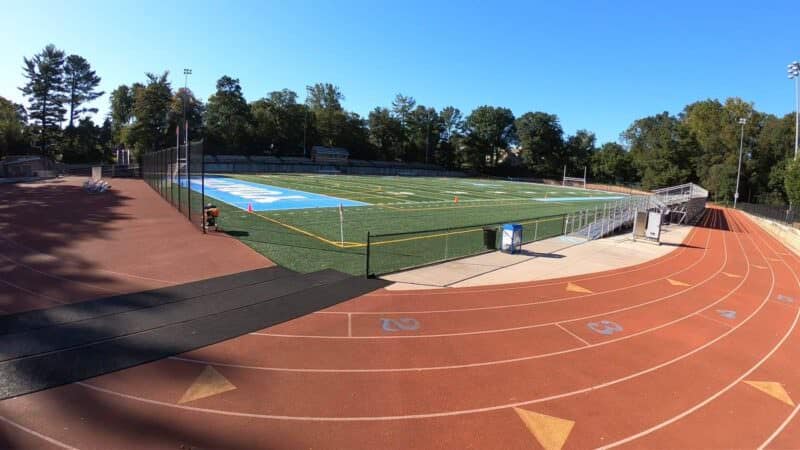
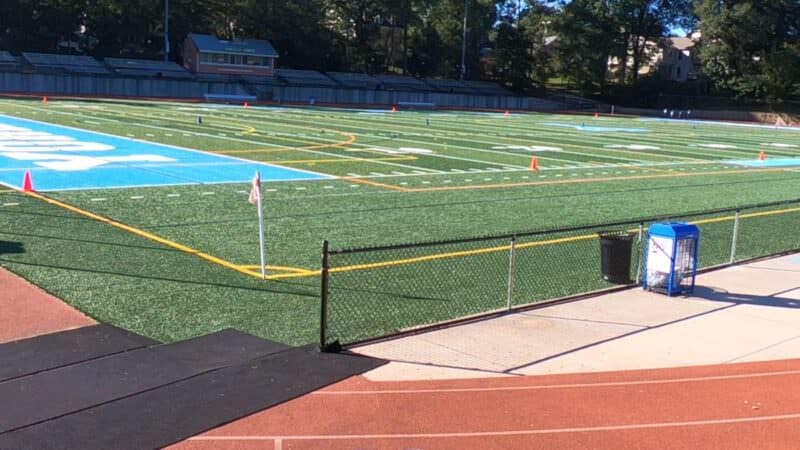
Here’s another in the video mode:
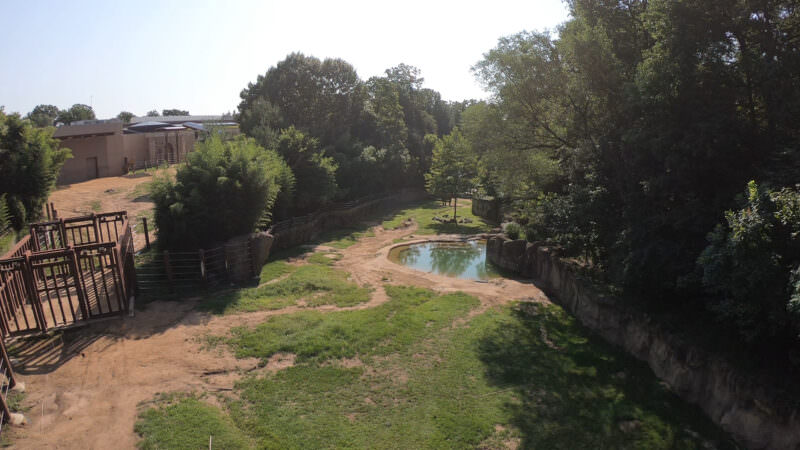
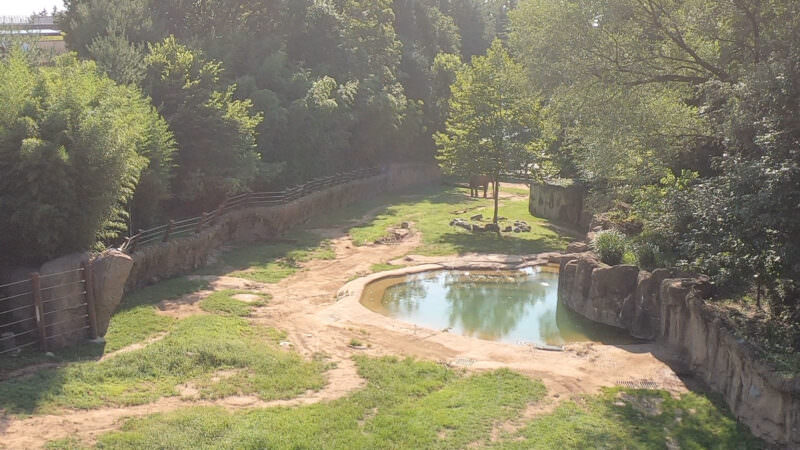
And some more in the photo mode:
Notes & References:
- Some cameras have proprietary algorithms that can enhance digital zooms to make them look better. Sony’s ClearImage is one example. And there are various software apps that handle upscaling with interpolation, such as Photoshop, or other proprietary methods, such as Gigapixel AI. GoPros don’t currently have anything like that. [↩︎]


Thanks! I just got my gopro and have a hat mount and even when zoomed it is very hard to see detail (like birds, etc). I’m going to the Galapagos and I’m trying to figure out the best mode to put my camera in (hero 8 black) for the best possible video and shots.
Nice article, thanks alot!
Do you know what the maximum digital “zoom factor” is for Hero 7 recording 2.7k video in Linear mode? (sorry if zoom factor is not the right terminology… I’m looking for the x number, like 5x, 7x, 10x, etc). Thanks :)
Sorry, but I don’t know what the equivalent would be. The linear FOV doesn’t really fit neatly into the standard zoom magnification ratios because it digitally alters the perspective in different parts of the frame.
Oooh ok I see txs for response!
So what if you shoot in 2.7 k then zoom in a little would this give you 1080p quality after zoom?
So you can do the same thing in post? Just crop in on your shot?
Yes. Technically, if you do it in the camera it will output an image that’s still 12MP in dimensions, so you get that consistency. But it’s the same level of detail as cropping in post and then uprezzing the dimensions back to 12MP.