How to Download Files Off a GoPro’s Memory Card Without Touching the Camera
There are some shooting situations where you might want to get the files off a GoPro's memory card without touching the camera. Here are some good options.
Tips and tricks related to using GoPro cameras for shooting video, photos, and timelapse.
There are some shooting situations where you might want to get the files off a GoPro's memory card without touching the camera. Here are some good options.
The GoPro HERO13 Black and HERO12 Black video bitrates: the 120Mbps High setting, which modes offer it, and per-mode estimates worked out from GoPro's own recording-time figures.
How to reset any GoPro — factory reset, reset presets, connections, camera tips, and the 10-second forced restart for a frozen camera — with the exact menu paths for every model from the HERO4 to the HERO13 Black.

GoPro RAW (.GPR) files explained: which models and photo modes can shoot RAW, why SuperPhoto and HDR can't, the always-saved JPG, and what opens the files.

Working out which battery fits which Insta360 camera isn't always obvious, so I've put this together to make it easier so you know what to look out for when you're buying spares.

Beyond the spec sheet: here's a full gallery of 50MP RAW sample photos from the Insta360 Ace Pro 2, shot in the field and processed in Lightroom Classic, so you can judge the real image quality yourself.

The GoPro HERO12 Black isn't going to replace your interchangeable lens camera anytime soon. But it just might surprise you with what it can do.

That 14-character code is easy to overlook until support, registration, or a firmware update demands it. Here are five ways to find your GoPro's serial number, including methods that work with a dead screen, a broken camera, or even a lost one.

Confused about NTSC or PAL on your GoPro? The right choice stops lighting flicker and can unlock an extra 40fps of slow motion, and switching it takes seconds once you know where to look on the HERO13 through HERO9.

Infuriatingly, DJI Osmo Action cameras haven't had burst photo shooting for fast action. The 5 Pro rectifies that to some extent, but it's still a pretty underwhelming range of framerates available.
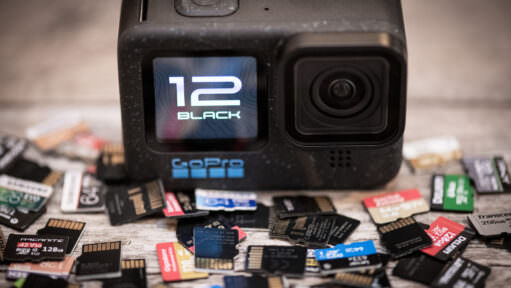
If you're picking up a GoPro for the first time, taking it out of the box, and itching to get out shooting with it, it might not be obvious where the memory card goes. Here's how to know where it goes and whether it's in the right way.
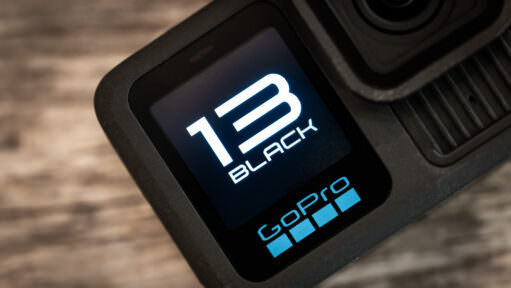
Outdated firmware can stop new Lens Mods from working and cause bugs and app connection problems. Here's how to update a HERO13, 12, 11, or 10 with the Quik app or a manual SD card install, and how to check which version you have.
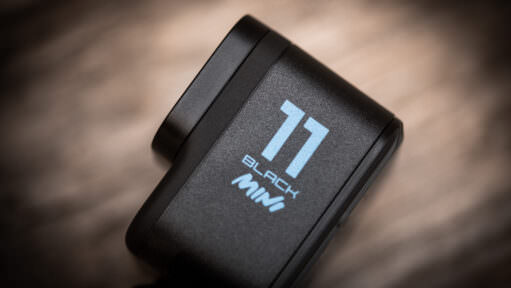
These charts show the video bitrates in various shooting modes for the GoPro HERO11 Black Mini. This has implications for the video quality you can expect as well as the type of SD card you should get.

Video bitrate is a crucial factor in video quality. The HERO11 Black has the highest video bitrate of any GoPro to date. But it doesn't use the same bitrate with every combination of settings. Here's are charts showing what bitrate the HERO11 uses with what settings.
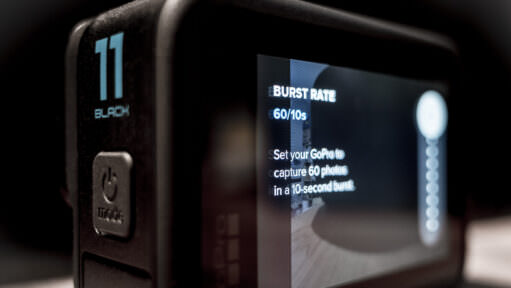
Burst mode on the GoPro HERO11 Black takes a rapid sequence of photos, which is especially useful for getting the shot you want when capturing fast action. Here's how it works.

GoPros from the HERO7 on rotate footage automatically when you turn the camera. Here's how to lock the orientation on each model, from the HERO13 Black back to the HERO7.
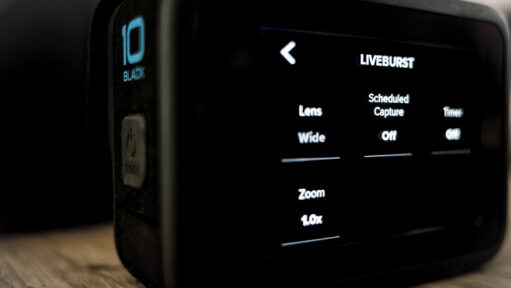
LiveBurst is one of the newer features on recent GoPro cameras. It's designed to capture fast action, but it works a little differently to the regular Burst Mode. Here's how it works and when to use it. And when not to use it.
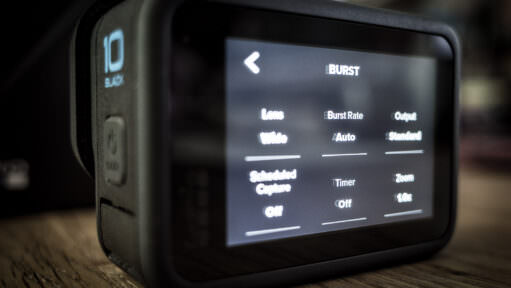
Burst mode on the GoPro HERO10 Black takes a rapid sequence of photos, which is especially useful for getting the shot you want when capturing fast action. Here's how it works and its capabilities.

Wondering what the GoPro Subscription is and what you get for it? Here's a detailed rundown of features, benefits, and fine print to be aware of.

GoPro voice commands by model, from the HERO13 Black back to the HERO5: what each camera understands, which models can wake by voice, and how to switch Voice Control on.
Not all video modes on the HERO9 Black use the maximum video bitrate of 100 Mbps. Here's what bitrate is used with which settings.
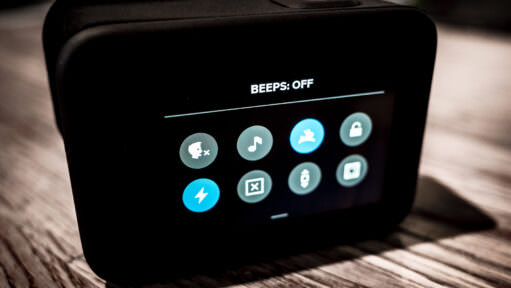
On most GoPros, swipe down to the Dashboard and tap the Camera Beeps icon. Where the beep toggle and volume setting are on every model, HERO4 to HERO13.

GoPro cameras save long recordings as a series of smaller chapter files. Here's how to use VideoProc Converter to join those chapters into a single video file.

For in-the-action shots of fun at the beach, a GoPro is hard to beat. Here are some tips for using your GoPro at your next family beach vacation.
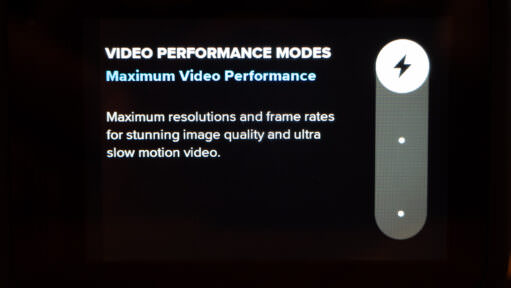
Here's a master list of the bitrates used for the various video modes of the GoPro HERO10 Black. I've updated it for the new Video Performance Modes that were released with a later firmware update.
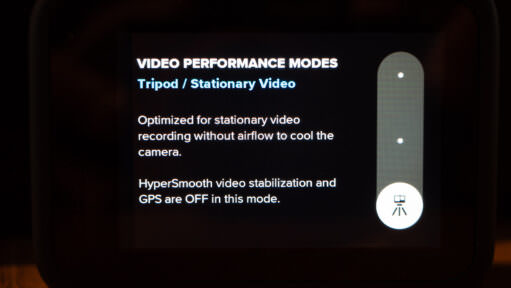
The GoPro HERO10 Black now has a Tripod/Stationary Video mode as part of the new Video Performance Modes. Here's what it does and when to use it.

Newer GoPro cameras use both Bluetooth and WiFi wireless connections. But they use each for different things.
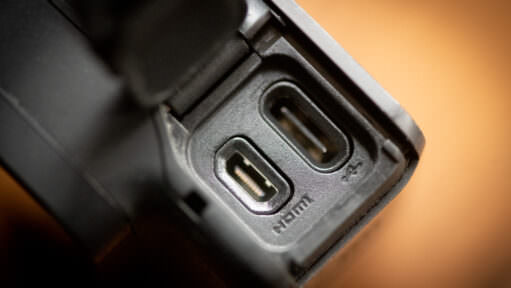
Connecting your GoPro to a TV or monitor isn't always straightforward. Some models have a built-in micro-HDMI port, some need a Media Mod, the MISSION 1 series sends HDMI out over USB-C, and some have no HDMI at all. Here's which cable each model needs.

I've seen reports of GoPro HERO10 Black cameras overheating after just 20 minutes of recording. So I decided to try for myself.
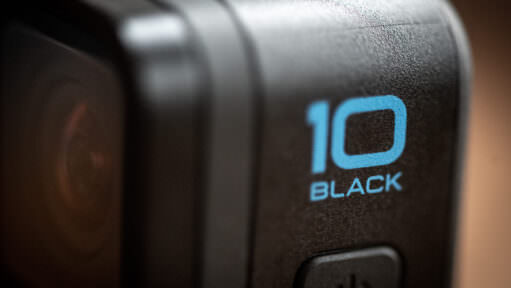
The GoPro HERO10 Black has a few different types of reset. There's a factory reset that wipes everything, but there are also some other more selective reset options that might be useful for solving specific problems.
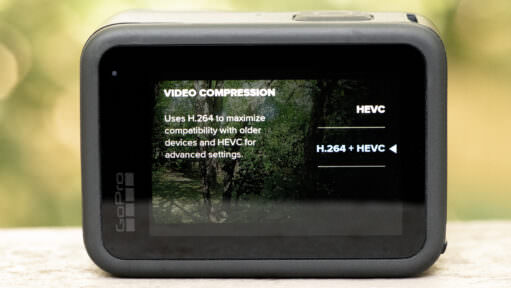
GoPro has quietly killed off H.264 on newer cameras like the HERO13 and HERO12. If your computer is struggling to play your latest footage, or you are seeing a black screen with audio, the new HEVC standard is likely the culprit. Here is how to fix it.
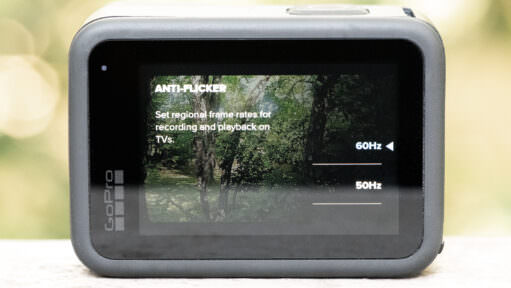
Wondering whether GoPro cameras have screens? Early models didn't, but most newer models do. These are the GoPro models that don't have built-in live view screens.
GoPro has released their latest and greatest flagship action cam, the HERO9 Black. Here's a rundown of the features and modes available when shooting video with it.

Most people try the GoPro Webcam App, get frustrated by the lag, and give up. But there is a better way. Whether you want the free USB setup or the broadcast-quality HDMI rig, here is the complete guide for every modern GoPro.
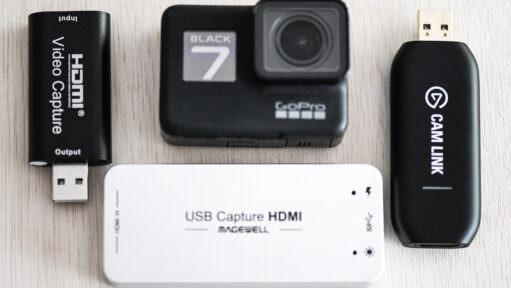
Newer GoPros have "Webcam Mode," but the HERO7, 6, and 5 Black were left behind. Don't worry — their sensors are still top-tier. Here is how to unlock their webcam potential using the HDMI port.
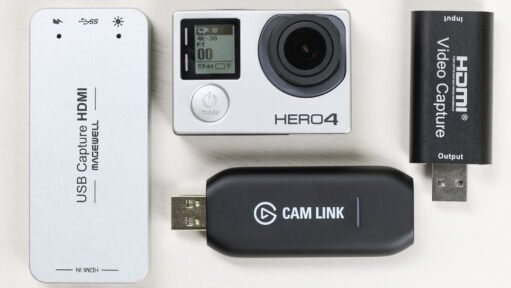
You can use a GoPro HERO4 Black or Silver as a webcam or for real-time capture to a computer. But it's not quite as simple as just plugging your camera in with a USB cable. Here's a guide on how to do it.
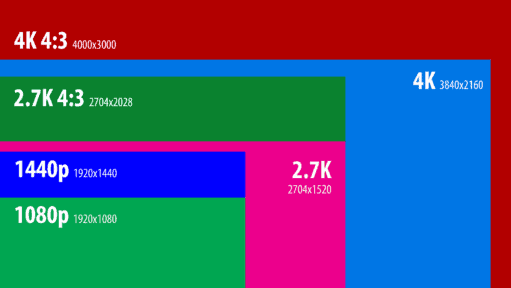
A rundown of the video modes and features on the GoPro HERO8 Black.
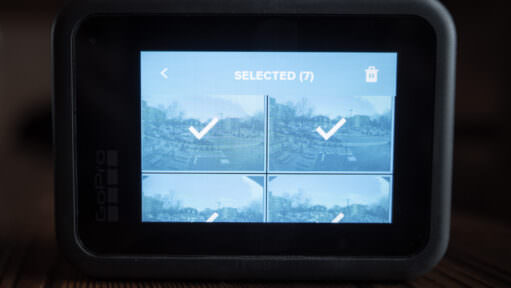
When using the media viewer on the back screen of the HERO8 Black, here's how to select and delete multiple files at once.

The GoPro HERO7 Black can be a fun camera to shoot photos with. Here's a collection of photos I've taken with the GoPro HERO7 to give a sense of what it's like for everyday shooting.
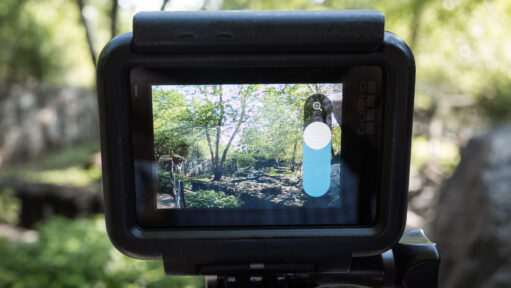
Yes, most GoPro Black models since the HERO6 can zoom, but it's a digital crop, not a true optical zoom. Here's which models have it, how it actually works, and real side-by-side examples of the results.

The lens port cover of your DJI Osmo Action might feel like it's not going to come off, but it does. Here's how.

Both the DJI Osmo Action and GoPro HERO7 Black have in-camera video stabilization to create smoother video footage out of the camera. GoPro has HyperSmooth. DJI has RockSteady. Here's how they compare side-by-side.
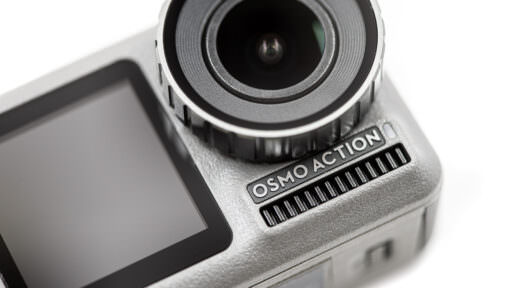
Now that I've been out shooting with the new DJI Osmo Action, here's a detailed rundown of its features and capabilities for shooting video.
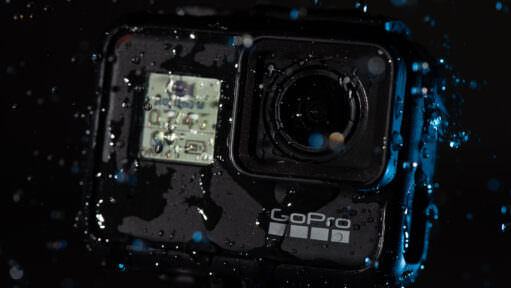
One of the things I like most about shooting with GoPros is that they're fearless around water. Some of my favorite shots I've taken with them have involved water. Here are some tips I've learned along the way for getting better results when shooting with GoPro cameras in and around the water.

Here's a detailed rundown of the DJI Osmo Action's features and capabilities for shooting photos.

On the HERO6 Black and later, you can switch a GoPro between the 5GHz and 2.4GHz Wi-Fi bands. Here's where the setting is on each model, and when to use which.
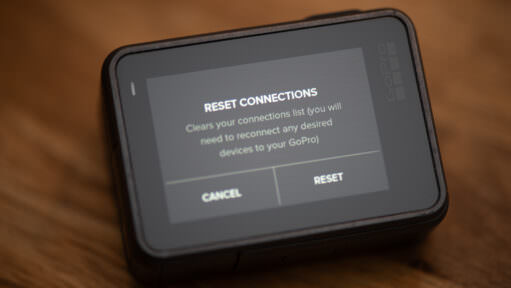
If you're trying to reset your GoPro's wifi password or just look up what it is so you can connect, here are the steps model by model, from the HERO13 Black back to the HERO4.
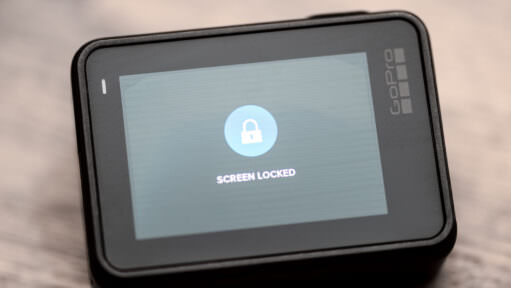
If you find that you're accidentally touching the back screen and changing shooting modes when shooting with the HERO7 cameras, here's how to lock the screen to prevent accidental changes.

Turning on a GoPro is usually very simple. But sometimes you can run into situations where your GoPro won't turn on. Here are some things to try.
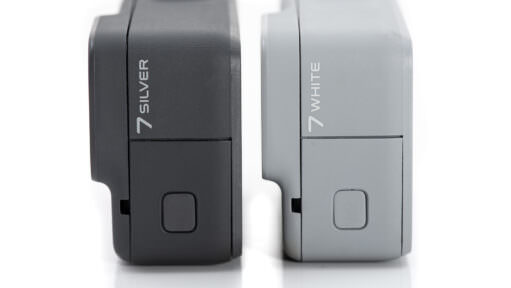
Here's a rundown of the various features and capabilities of the HERO7 Silver and White when shooting photos.

The Burst Mode and Continuous Photo functions on GoPros are useful ways to capture fast-moving action. Here's a rundown of how they work, how they're different, and what options are available.

Wondering whether GoPro photo and video files are compatible with Lightroom? You're in luck. Not only do they work, but Lightroom works especially well with GoPro RAW image files.
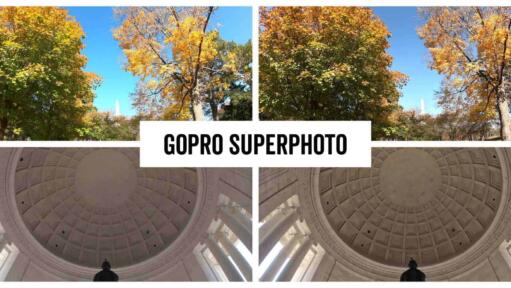
SuperPhoto is one of the photo options on recent GoPro Black edition cameras. Here’s a rundown of what it does and how to use it.

Here's a rundown of the photo features and options available on the GoPro HERO7 Black, the flagship of GoPro's HERO7 lineup.

SuperView is GoPro's extra-tall, extra-wide field of view for video. Here's how it compares to Wide, with side-by-side examples.

Here are straightforward explanations of what each setting does and when to use it, as well as showing what Protune settings are available on which GoPros.
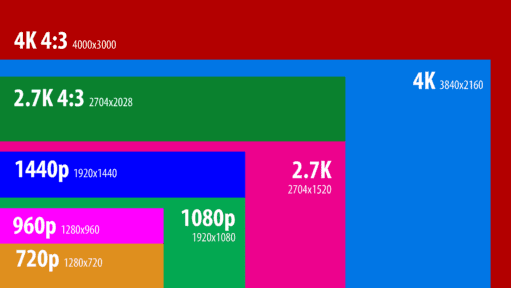
Here's a rundown of the various video modes and options available on the GoPro HERO7 Black, including resolutions, framerates, resolutions, and special shooting options like Protune.
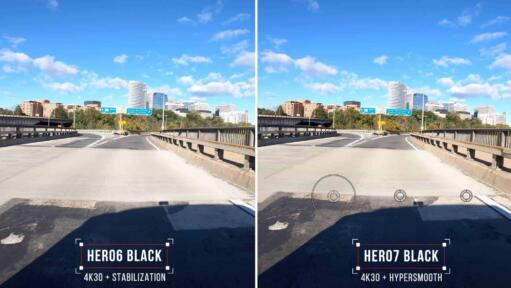
GoPro claims that the new HyperSmooth in-camera electronic stabilization of the HERO7 Black is much improved over the previous generation in the HERO6 Black. So I've been putting it to the test. Here are some side-by-side examples.
The GoPro HERO7 Silver is the middle model in the three cameras in the HERO7 lineup. Here's a detailed rundown of its video features and options.
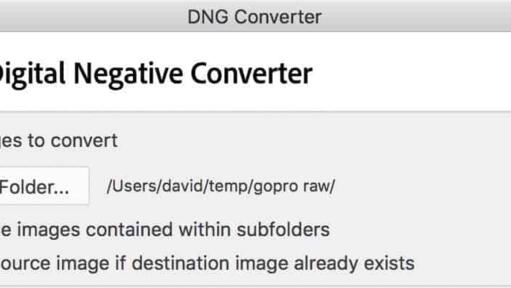
How to convert GoPro RAW (.GPR) files to standard DNG for free — Adobe DNG Converter step by step, plus GoPro's gpr_tools for batch conversion — so any image app can open them.

Practical action cam help, tips, and troubleshooting.
My name is David Coleman, and this is my site.
I take photos for a living. Seven continents. Dozens of countries. Up mountains. Under water. And a bunch of places in between. I'm based in Washington DC.
I've been shooting with GoPros since the HERO2 and have personally owned nearly every model since then. I find them particularly interesting as go-anywhere cameras, and there's nearly always one in my camera bag when I head out on my travels.
All posts and reviews on this site are written by me. And I only review gear with which I have personal hands-on experience. More about me.


© 2009-2026 David Coleman | Have Camera Will Travel LLC
Photos by David Coleman. Please contact me for licensing images. Images are registered with the U.S. Copyright Office.
Have Camera Will Travel LLC | 901 N Glebe Rd, Arlington, VA 22203 | +1.703.942.9245