
The GoPro Magnetic Swivel Clip
The GoPro Magnetic Swivel Clip combines several different options for easily attaching your GoPro to a variety of places on the go.
The GoPro Magnetic Swivel Clip combines several different options for easily attaching your GoPro to a variety of places on the go.
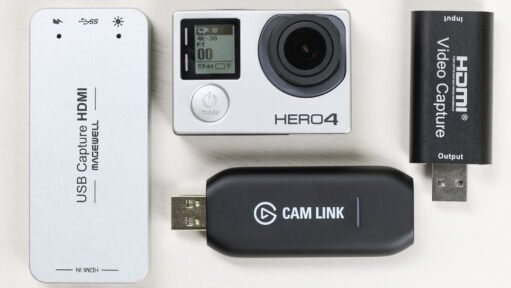
You can use a GoPro HERO4 Black or Silver as a webcam or for real-time capture to a computer. But it's not quite as simple as just plugging your camera in with a USB cable. Here's a guide on how to do it.
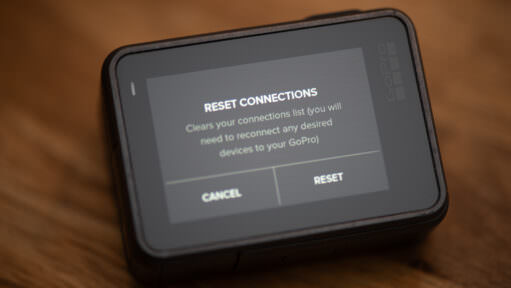
If you're trying to reset your GoPro's wifi password or just look up what it is so you can connect, here are the steps model by model, from the HERO13 Black back to the HERO4.

Turning on a GoPro is usually very simple. But sometimes you can run into situations where your GoPro won't turn on. Here are some things to try.
The "Format" button has moved on newer GoPros, and it is confusingly hidden under the "Reset" menu. Here is how to find it, and why you should do it before every shoot to prevent data corruption.
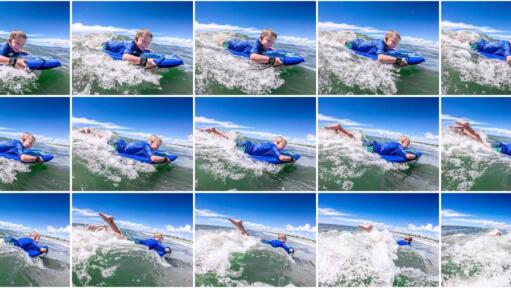
The Burst Mode and Continuous Photo functions on GoPros are useful ways to capture fast-moving action. Here's a rundown of how they work, how they're different, and what options are available.
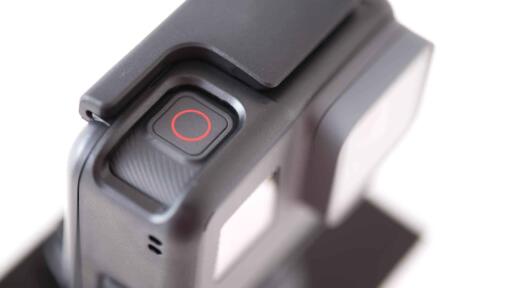
GoPro's QuikCapture feature is designed as a one-press way to power the camera up and start shooting immediately. There are a few tricks to using it, though.
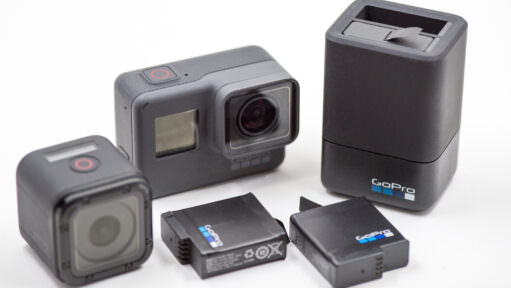
Charging a GoPro used to be simple, but with high-amperage fast charging and new magnetic power doors, there’s a lot to get right. Here is my rundown of how to charge every model safely and quickly, including how to avoid common battery issues.

If you're looking to get split photos of above and below the water line, a dome port is what you want. Here's a rundown of how they work with GoPros.
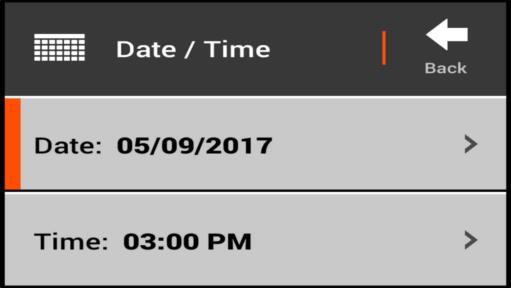
GoPros have a couple of different ways of setting the date and time, each with its advantages.
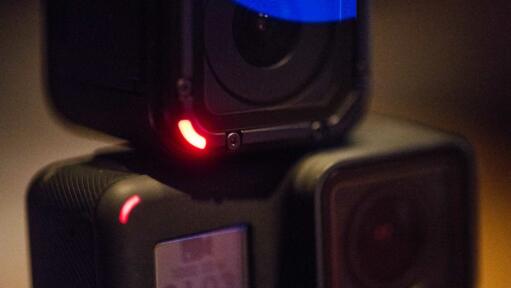
Whether you are filming a quiet stage performance or skittish wildlife, a beeping, flashing camera is a disaster. Here is how to silence your GoPro and turn off the lights for true discreet recording.
Which of your HERO4 accessories work on the GoPro HERO5 Black and HERO6 Black? Here's a rundown of what will and won't work.
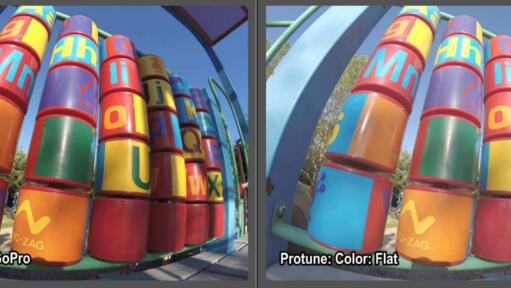
Some GoPros, like the HERO9 Black, offer a choice between two color modes in the photo mode: GoPro and Flat. Here are some examples I've put together along with some suggestions on when I think they're best used.

Some GoPro models give you the option to choose between high, medium, and low levels of sharpening. Here are some examples to help demystify what these different settings do.

There are several types of housings available for GoPros, with each having its strengths and weaknesses. Some are protection. Some are for stealth. Some are for convenience. And some are for expanding with accessories. Here's a rundown of the different types.

Photos taken with GoPro cameras have that distinctive fisheye look. But that might not be what you want all the time. Here's an effective and quick way to remove the fisheye look using Lightroom.
There are multiple options for doing long-term time-lapse with a GoPro HERO4 Silver or Black. Here's a rundown of the options--each has its own pros and cons.

If you're looking to improve the sound quality of your GoPro videos, using an external mic will make a big difference. Here's a rundown of what mics will work with which GoPro.
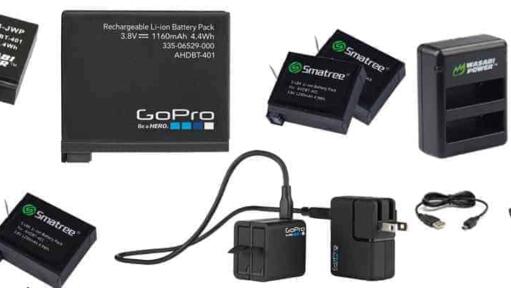
Here's a roundup of some options for spare batteries and battery chargers for the GoPro HERO 4 Silver and Black editions.
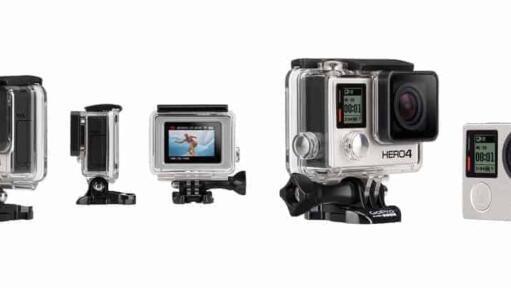
Here's a detailed comparison of how the GoPro HERO4 Black and the HERO4 Silver compare in terms of features, capabilities, and performance.
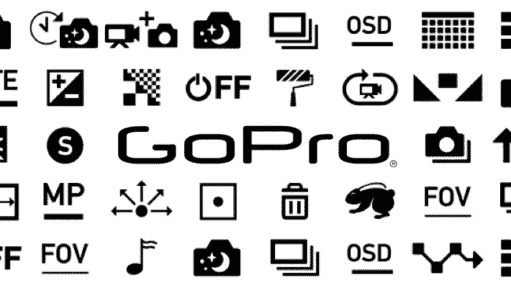
GoPros use quite a lot of icons for various modes and functions. But it's not always clear what they mean. Here's a cheat sheet.

Practical action cam help, tips, and troubleshooting.
My name is David Coleman, and this is my site.
I take photos for a living. Seven continents. Dozens of countries. Up mountains. Under water. And a bunch of places in between. I'm based in Washington DC.
I've been shooting with GoPros since the HERO2 and have personally owned nearly every model since then. I find them particularly interesting as go-anywhere cameras, and there's nearly always one in my camera bag when I head out on my travels.
All posts and reviews on this site are written by me. And I only review gear with which I have personal hands-on experience. More about me.


© 2009-2026 David Coleman | Have Camera Will Travel LLC
Photos by David Coleman. Please contact me for licensing images. Images are registered with the U.S. Copyright Office.
Have Camera Will Travel LLC | 901 N Glebe Rd, Arlington, VA 22203 | +1.703.942.9245