
I’ve been getting back into black-and-white photography quite a bit lately. It’s just for fun for now. The first several years of my photography journey were overwhelmingly with black-and-white, at that time, film. But it’s been a lot of fun to get back into that, but this time with digital.
As much as I’d love a Leica Monochrom or even one of the new Pentax monochrome cameras, that type of large splurge on gear that doesn’t bring me any financial return isn’t in the cards right now.
But there’s an increasing number of cameras available that, while they don’t have dedicated monochrome sensors, nevertheless handle black and white really well. And I’ve loved shooting with a number of them over the years. Cameras like the Fujifilm X100 series, or the Fujifilm X-Pros, or my trusty Ricoh GR III (and before that, the GR II). More recently, I’ve been shooting with the Nikon Zf.
In Nikon’s full-frame line-up, the Zf gets all the love for black-and-white shooting.1 And there’s good reason: it’s a heckuva camera that does a lot of things really well. I’ve really enjoyed shooting with it.

But I actually like the Z8 better for black and white.
It’s not really a fair fight–the Z8 is much more expensive. And it’s brimming with incredible features that aren’t directly relevant to shooting black and white. (That’s even more true since the big firmware updates.) And it has quickly become my day-to-day workhorse camera for client work (color), stock imagery (color), and most of my other general photography (again, mostly color), displacing my D850.
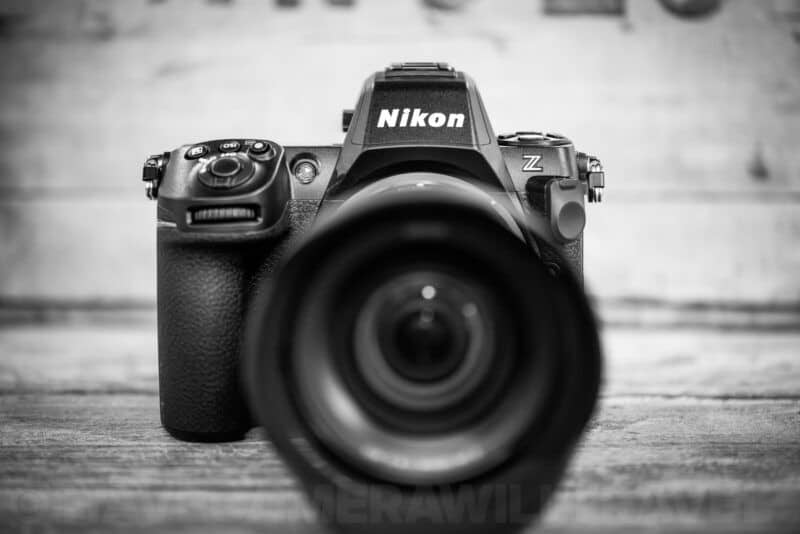
But there’s something back-to-basics about shooting black and white which lends itself to retro-style cameras like the Zf and Fujifilm cameras. It’s a big part of why they’ve become so insanely popular. But it turns out that a feature-packed modern camera like the Z8 does that wonderfully too.
Here are some of the reasons I think the Z8 is especially good for this. Obviously, the Z8 isn’t the only camera with many of these features, but it has the whole package:
- The Z8 has wonderful low-light performance.
- It has excellent dynamic range.
- It’s fast and responsive for focusing on fleeting scenes.
- It has highlight-weighted metering, something I love using with black and white.
- The electronic shutter is essentially silent (or can be).
- It has in-body image stabilization that works really well.
- As much as I like the minimalism of a fixed prime lens, it’s nice to have the option of using other lenses (even other primes).
- I like the way the back screen tilts (both up and down, and sideways for vertical shots) better and find it more useful than the different approaches on cameras like the Zf or the non-approach (i.e., immovable) of cameras like the GR III. It’s great for getting a different non-eye-level perspective.
- And on top of that, I just find it a very comfortable and intuitive camera to shoot with (it helps that I shoot with it a lot and have long used many Nikon cameras, of course).
On the con side, it’s not truly pocketable, even with the smallest lenses (like the 26mm f/2.8).
My point here isn’t to argue that it’s better or worse or you should do this or should do that. And I’m not suggesting that anyone should rush out and buy a Z8 just to shoot black and white (which would be overkill, IMO–it’s not an inexpensive camera).
My point is just that I find the Z8 a surprisingly fun camera to shoot black and white with, and that it works well for that. And that might not necessarily be glaringly obvious.
And I want to put the emphasis here on the “fun” part, because that is precisely a big part of the appeal of some of the retro-style cameras that are in vogue lately.
The settings I’m using for shooting black & white on the Nikon Z8
Some black-and-white shooters prefer to use unadulterated black-and-white JPGs right from the camera. I’m not one of them. I subscribe more to the Ansel Adams approach; while getting as much right in camera is clearly very important, the creativity of the editing and printing is as much a part of making the image as shooting it.
Some cameras give wonderful results of emulating films, for example. Fujifilm cameras are especially strong in that area. The Z8 doesn’t go down that path. It does a serviceable job with the black and white images right out of the camera, but they’re nothing to write home about without some serious tweaking of the settings.2


Instead, I prefer to take more fine-tuned and granular control over how the images are processed. While I’m not using dodging and burning in a darkroom with an enlarger and red lights and chemicals this time around, modern image editing tools can do some pretty remarkable things not only with creating beautiful color images, but also with creating beautiful black and white images.
This is my general black-and-white workflow, regardless of which camera I’m shooting with:
- Set the camera to black and white. On the Z8, this is under Picture Control. Specifically, the MC (monochrome) option. This is mostly a visualization tool in this case. I like seeing a black-and-white rendering on the live view screen or through the viewfinder. I find it helpful for focusing on the tones and lines and textures rather than being distracted by color. It’s definitely not essential, but why not? It’s a nice little perk of using a digital camera with black and white that wasn’t available on film cameras.
- Shoot RAW. Unless you’re using a dedicated monochrome camera like those from Leica or Pentax, the underlying RAW file is going to be color, even if the preview image embedded with it is black and white. When your RAW processing app re-renders the preview from the RAW file, it’s going to revert to color unless you tell it otherwise. Nikon’s free NX Studio software lets you apply Picture Controls, including the monochrome ones, when it processes the RAW file. More on how I choose to handle this below.
- Edit the RAW file in color. This seems counterintuitive, and without the next step, it wouldn’t make much sense. But I prefer to get exposure and contrast and the most basic adjustments done with a color version of the image.
- Process the image in DxO Silver Efex. It’s this step that explains why I do the initial edit in color. Sending a color image to Silver Efex lets it do all the heavy lifting, and it opens up many more possibilities for tweaking filter colors, etc.
Lightroom Classic, Capture One, Photoshop, and other apps can do black-and-white conversion very well, but I prefer to use Silver Efex.
It’s a dedicated black and white conversion app that works either as a standalone app or as a plugin for, in my case, Lightroom. Not only does it have some excellent presets and black and white film emulations that make for really great starting points, but it gives incredibly fine-tuned control over all sorts of aspects of the image. It’s one of those apps I really enjoy using.
Nothing about this is suggested to be the “right” way to do it. There are so, so many variations, and every photographer is going to bring their own mix of preferences.
The Z8’s black-and-white settings
Even though I edit from RAW, the camera’s monochrome settings are worth knowing. They decide what you see in the viewfinder, and what the JPEG looks like if you shoot RAW + JPEG or JPEG alone.
MENU > PHOTO SHOOTING MENU > [Set Picture Control]The Z8 has three monochrome Picture Controls:
- [Monochrome]: the standard black and white.
- [Flat Monochrome]: gentle gradations from highlights to shadows, for a soft, low-contrast look. A good starting point if you plan to adjust the JPEG later.
- [Deep Tone Monochrome]: darker shadows and midtones, with brightness rising quickly toward the highlights. It has a strong red-filter effect built in.
There are also four black-and-white options among the 20 Creative Picture Controls: [Charcoal], [Graphite], [Binary], and [Carbon]. Creative Picture Controls add an effect-level slider, and some of the usual adjustments aren’t available with them.
The quick way to switch: at default settings, hold the Fn3 button and turn the main command dial to step through the Picture Controls. In the i menu, highlight a Picture Control and press down on the multi selector to adjust it while you watch the effect in the display.
Filter effects and toning
Pick one of the monochrome Picture Controls and press right to adjust it. Two settings appear that the color Picture Controls don’t have:
[Filter effects] simulate the colored filters film photographers screw onto the lens:
| Filter | Effect |
|---|---|
| Y (yellow) | More contrast; darkens a blue sky a little |
| O (orange) | More contrast than yellow |
| R (red) | The most contrast; dark, dramatic skies |
| G (green) | Softens skin tones, for portraits |
With Deep Tone Monochrome, choosing a filter replaces its built-in red filter rather than adding to it. So Y, O, or R actually lowers the contrast.
[Toning] adds a tint: plain B&W, or one of several colors. For a tint, press down on the multi selector to set how strong it is.
You can also adjust sharpening, clarity, contrast, and brightness, and save the result as your own Picture Control under PHOTO SHOOTING MENU > [Manage Picture Control].
Two monochrome limits worth knowing. In the HLG tone mode (HDR photos saved as HEIF), only Standard, Monochrome, and Flat are available, set separately under [Set Picture Control (HLG)]. And Portrait impression balance is unavailable with any monochrome Picture Control.
A black-and-white copy after the fact
If you shot in color, the camera can make a black-and-white copy. In playback, press the i button, choose [Retouch], then [Monochrome], and pick [Black-and-white], [Sepia], or [Cyanotype]. The original stays untouched.
From a RAW file you can go further. [RAW processing (current picture)] in the same [Retouch] menu lets you apply any Picture Control, including the monochrome ones with filter effects, and save a JPEG. It’s a handy way to test a filter on a real photo before committing to it.
For shooting when I’d rather not be drawing attention to myself, I also turn the sounds to their minimum (without being fully silent; I like a little audible feedback on the shutter) and put a thin strip of gaffer tape over the “Nikon” branding on the front of the camera (I just don’t like being a walking advertisement, especially for something as street-valuable as a top-shelf camera).
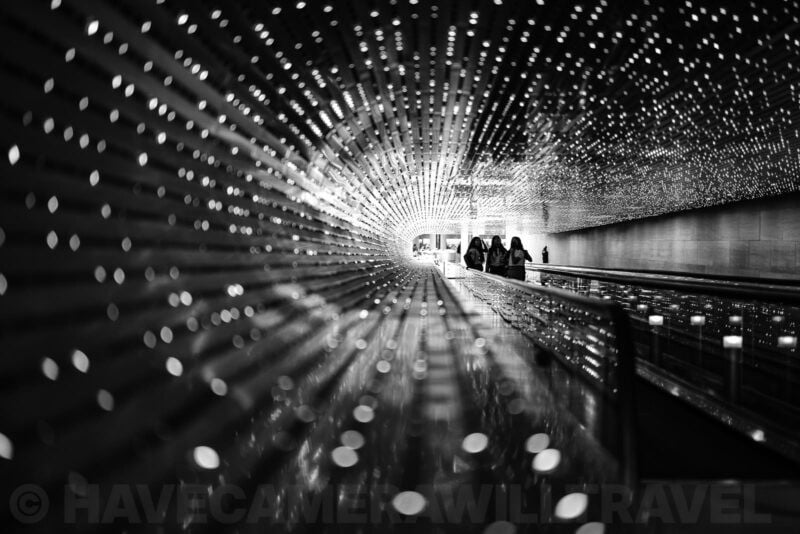
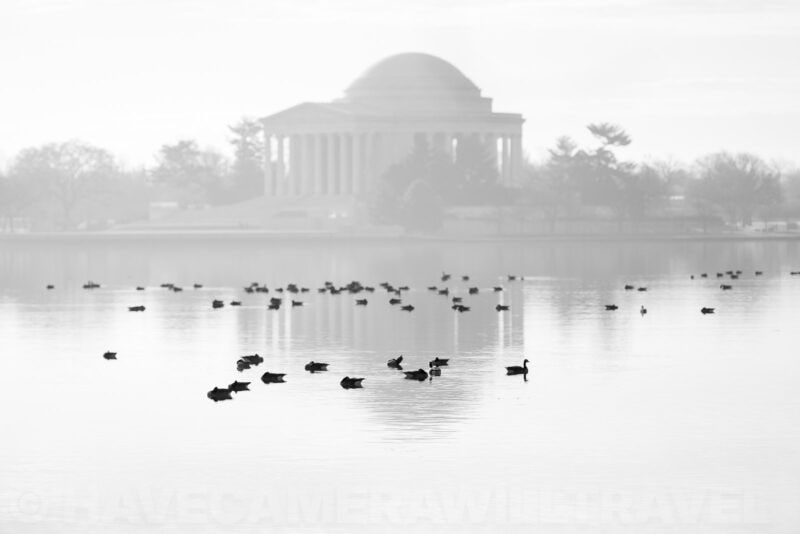
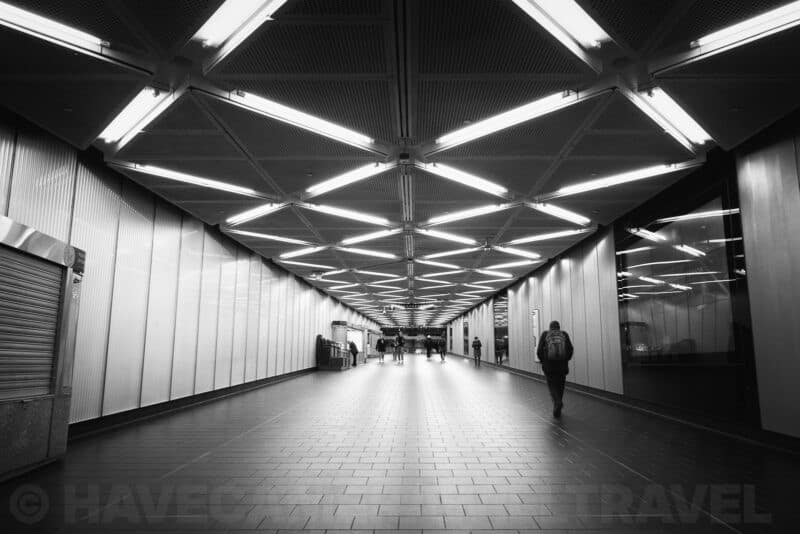
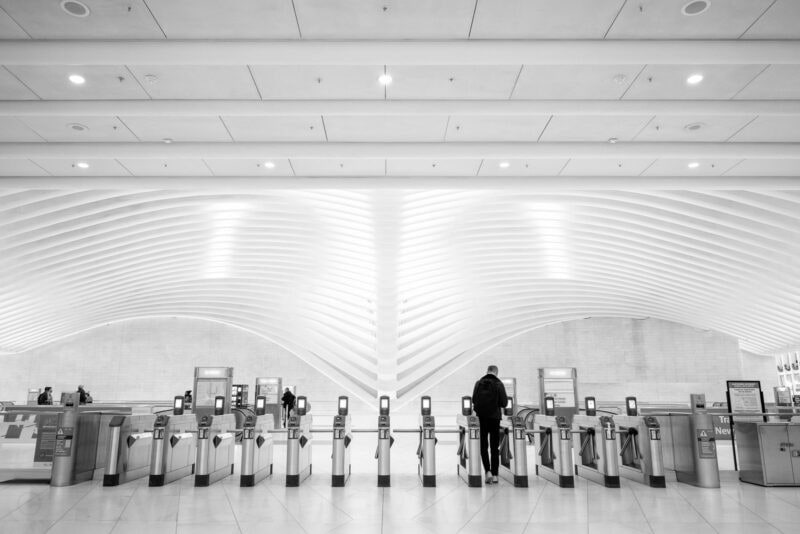
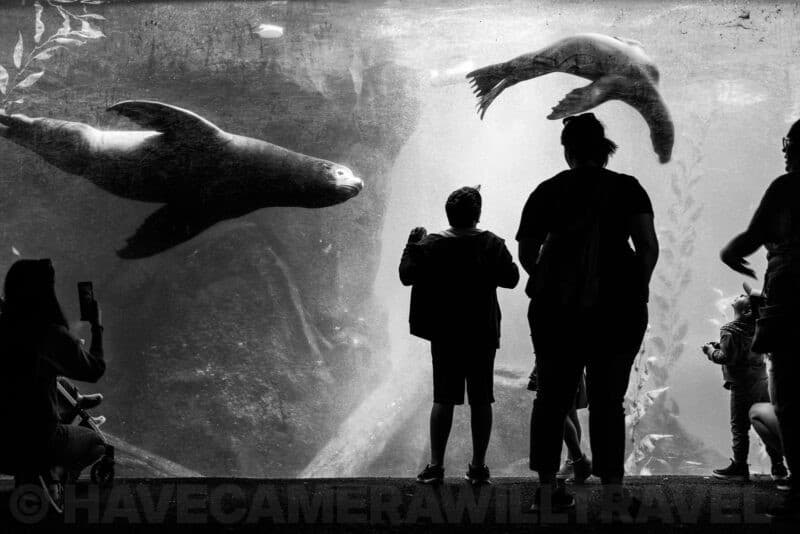
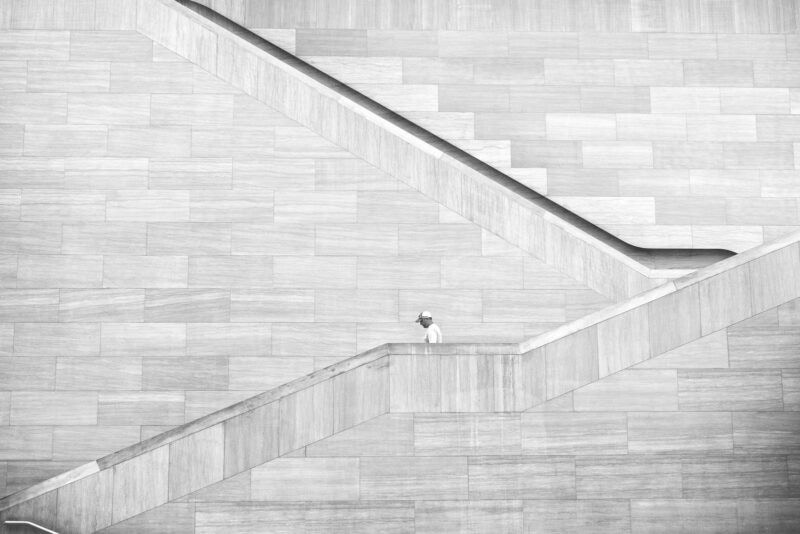
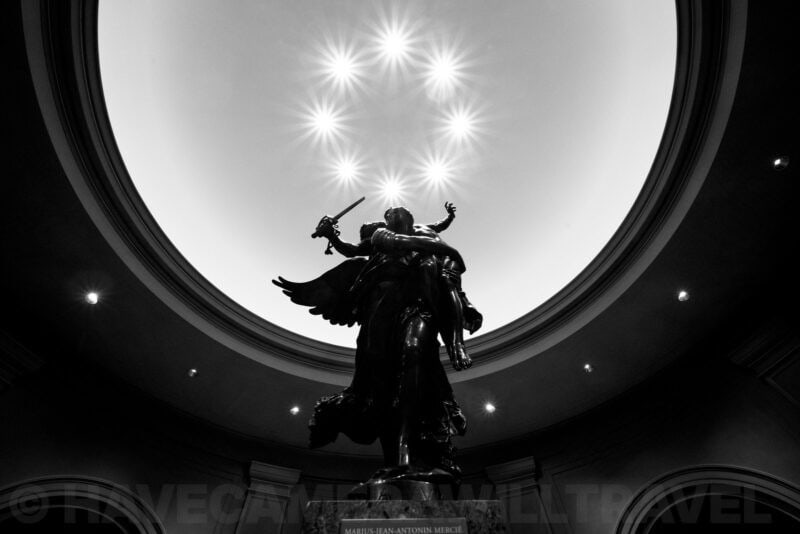
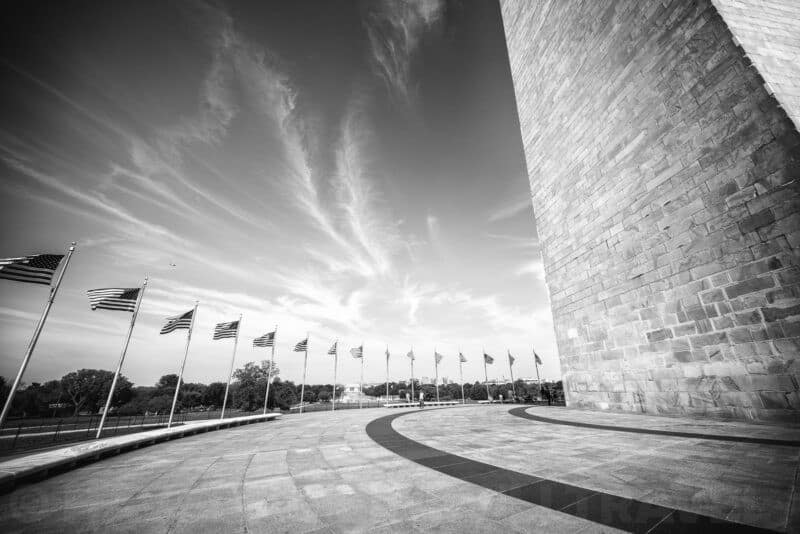
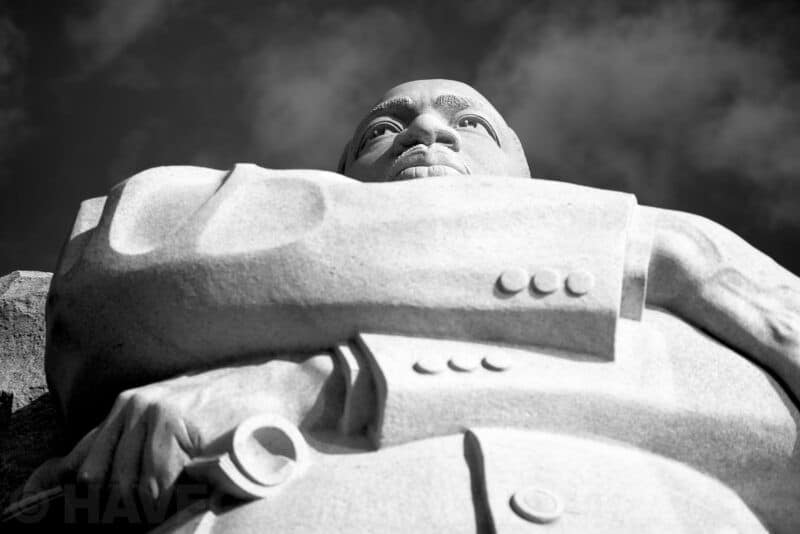
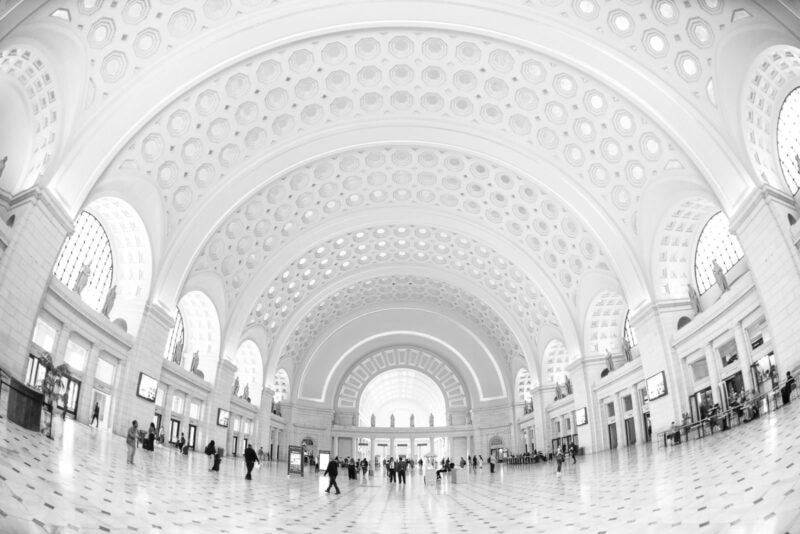
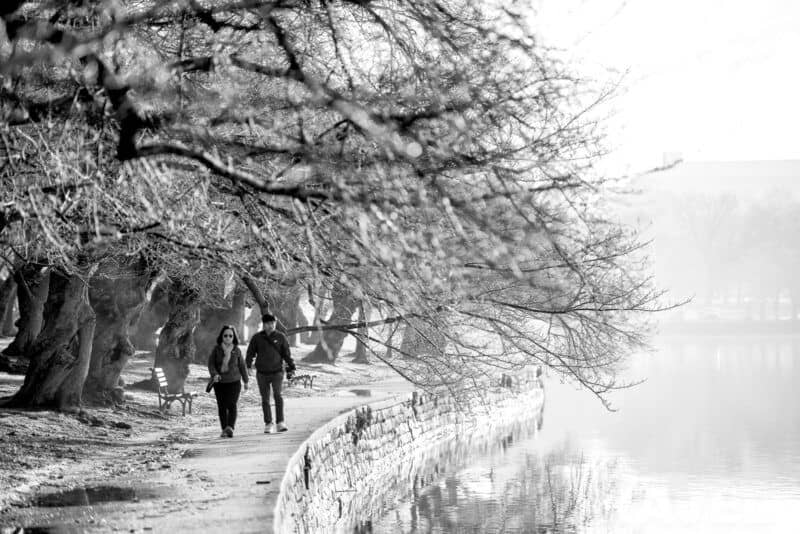
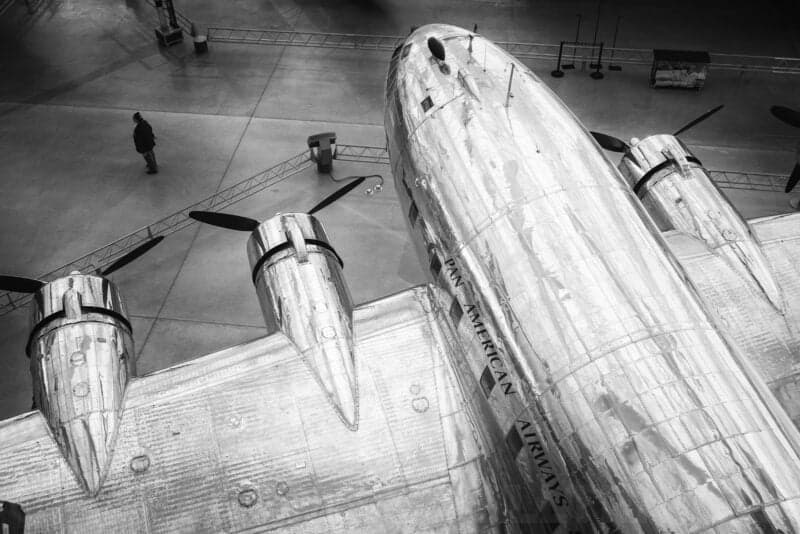
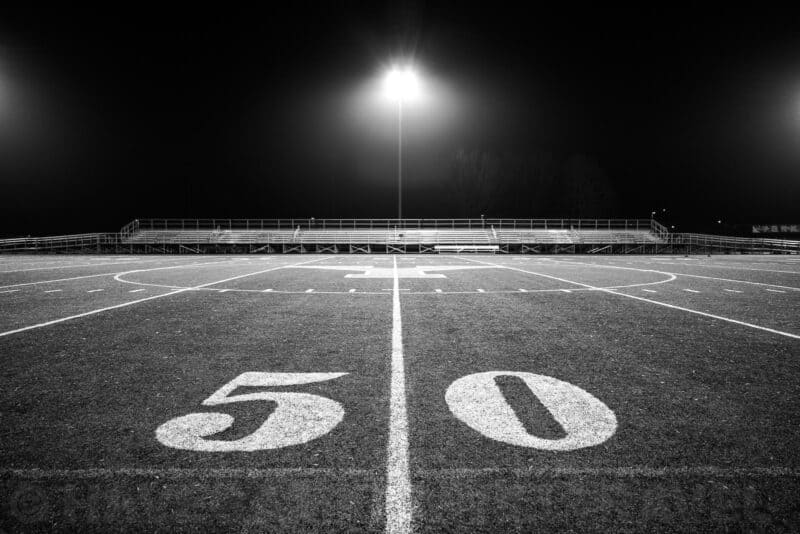
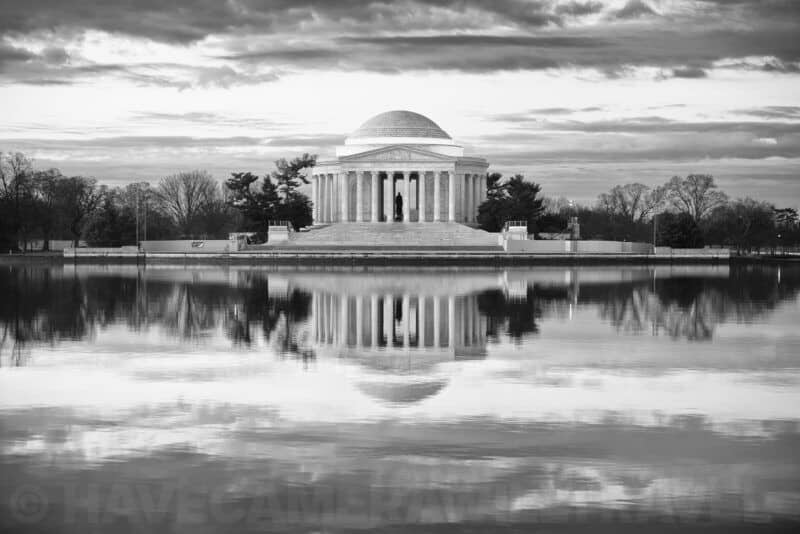
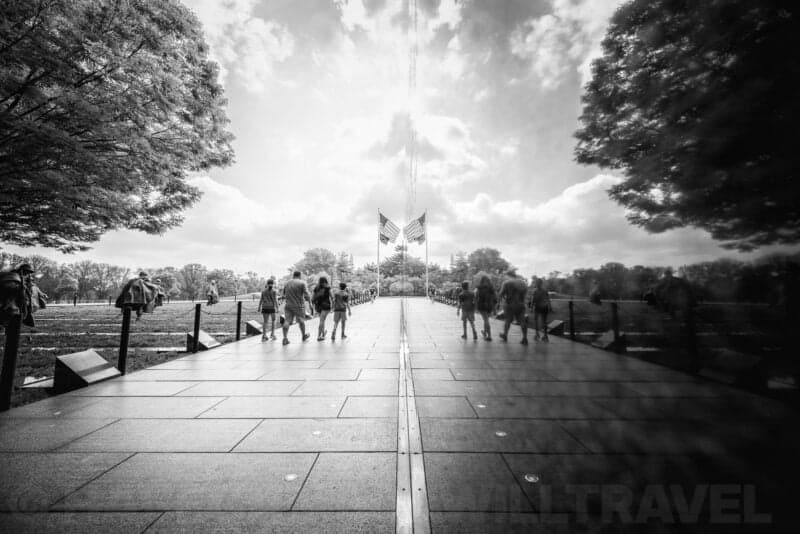
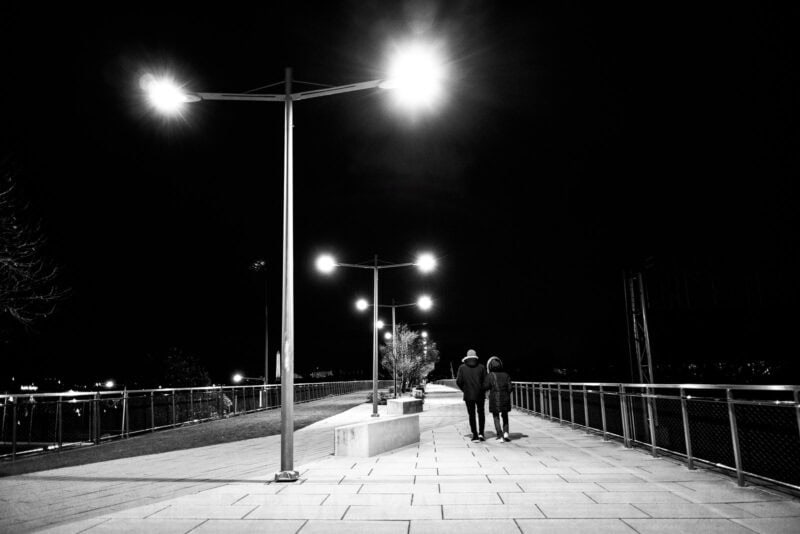
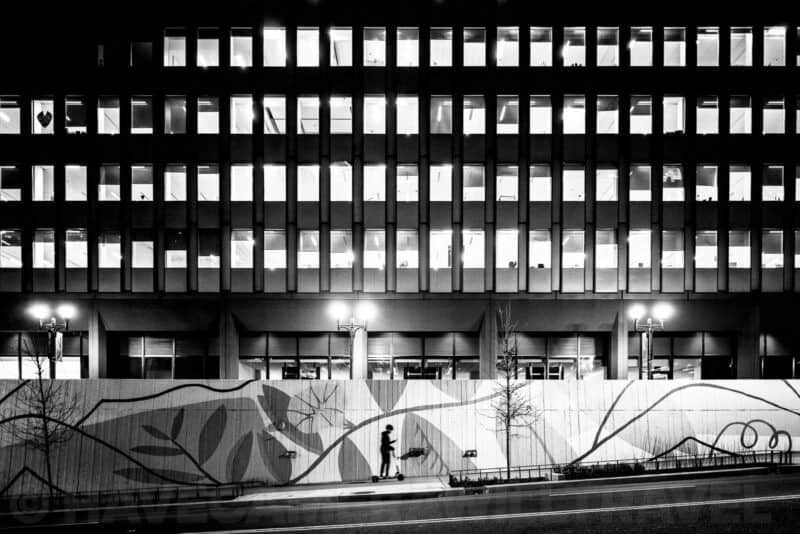
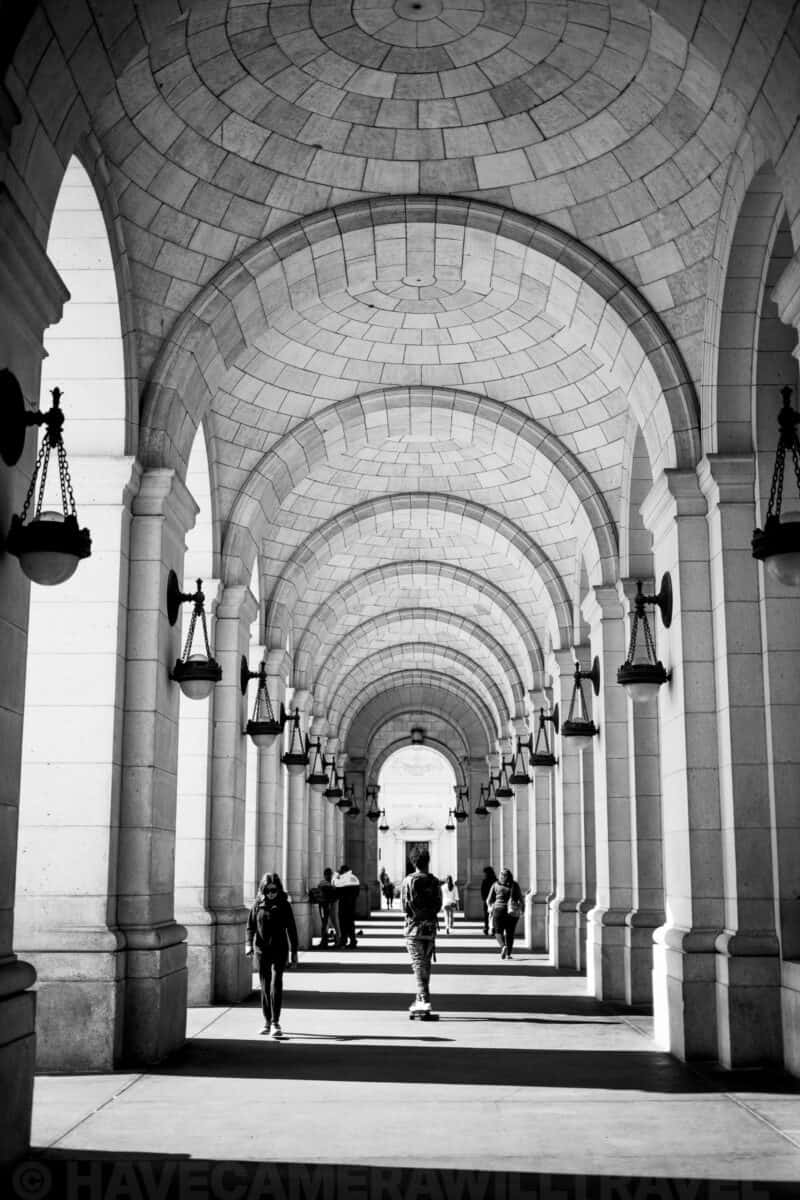
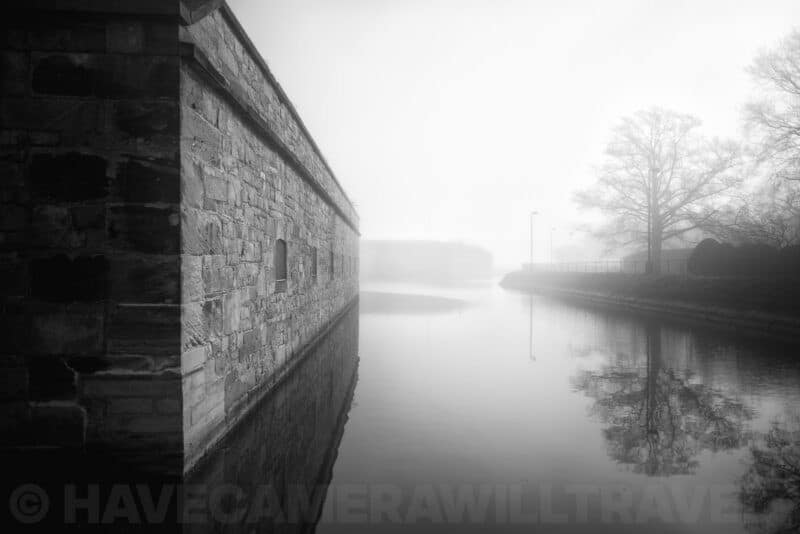
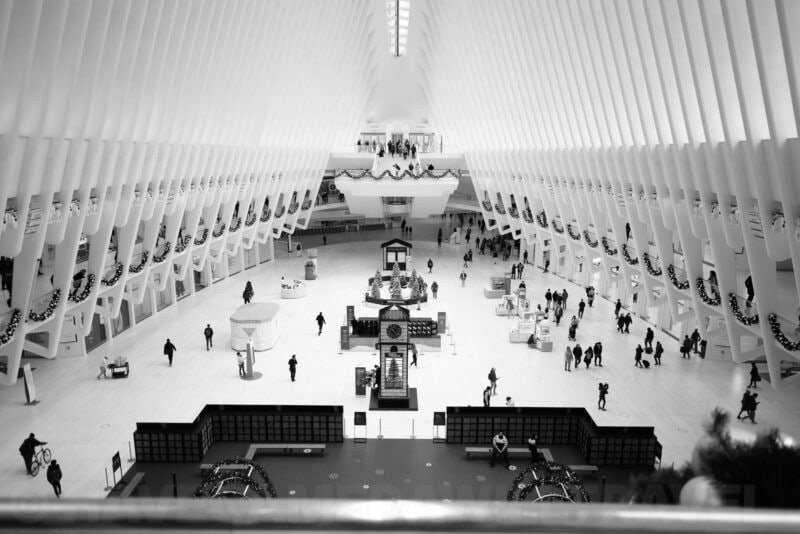
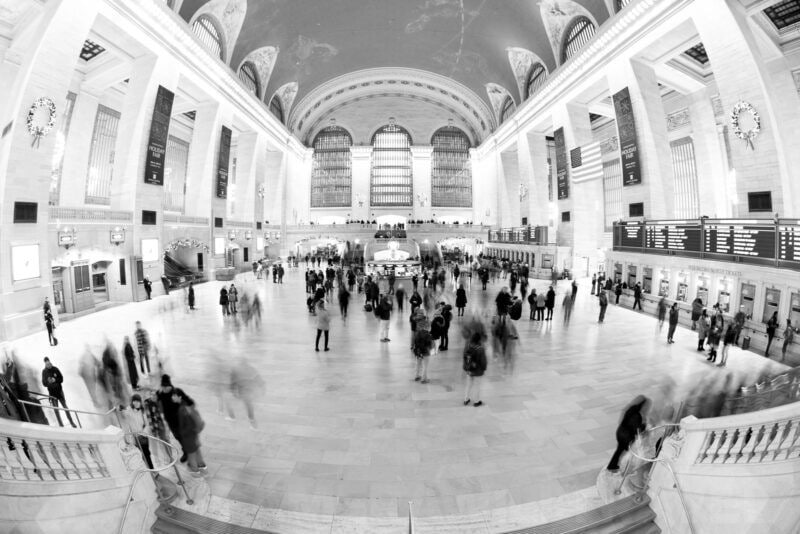
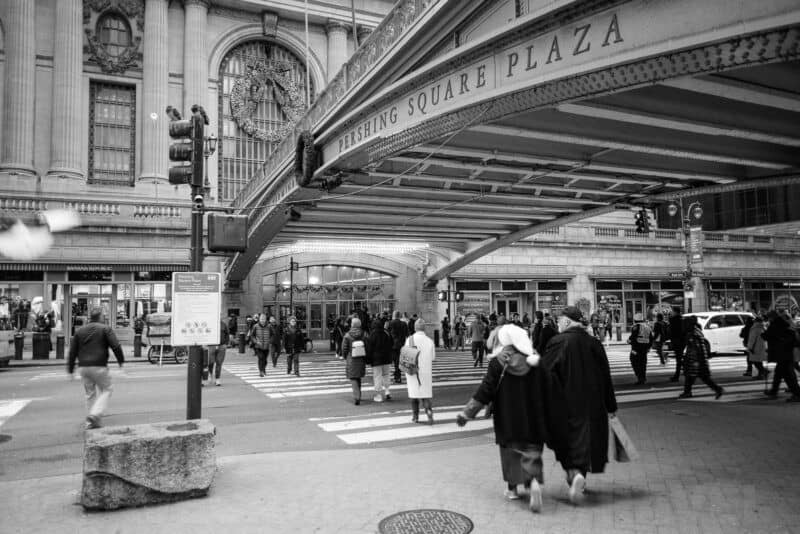
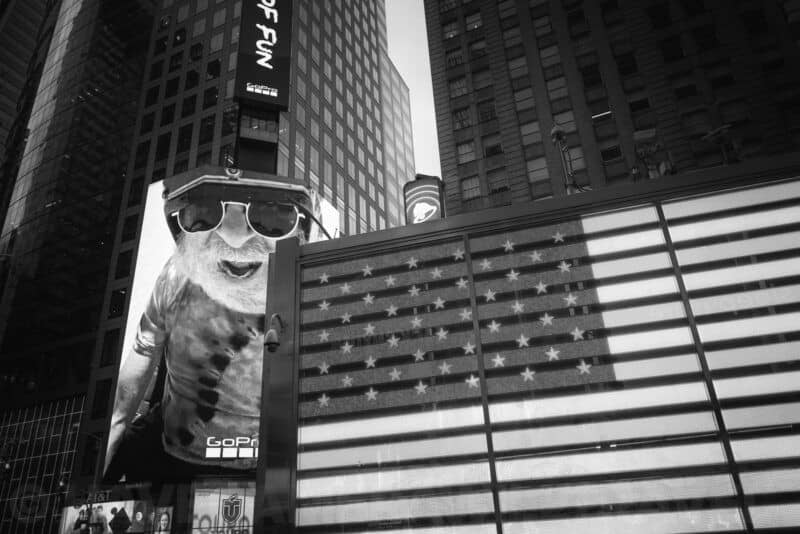
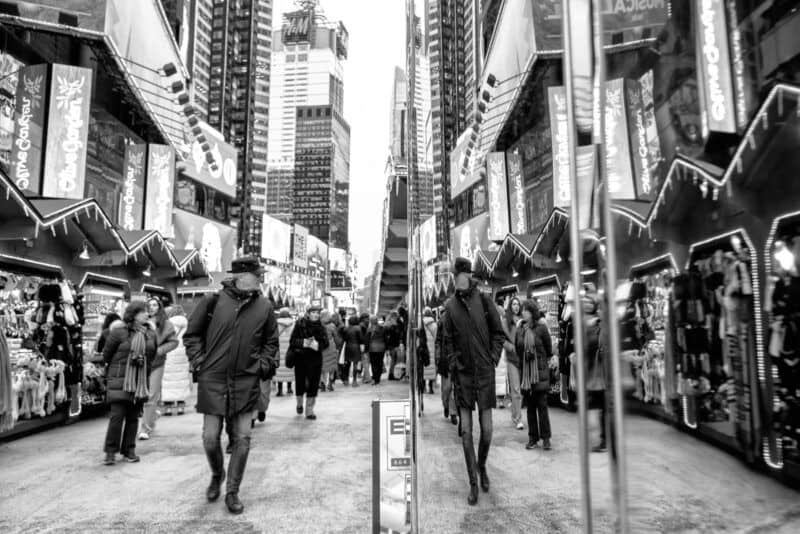
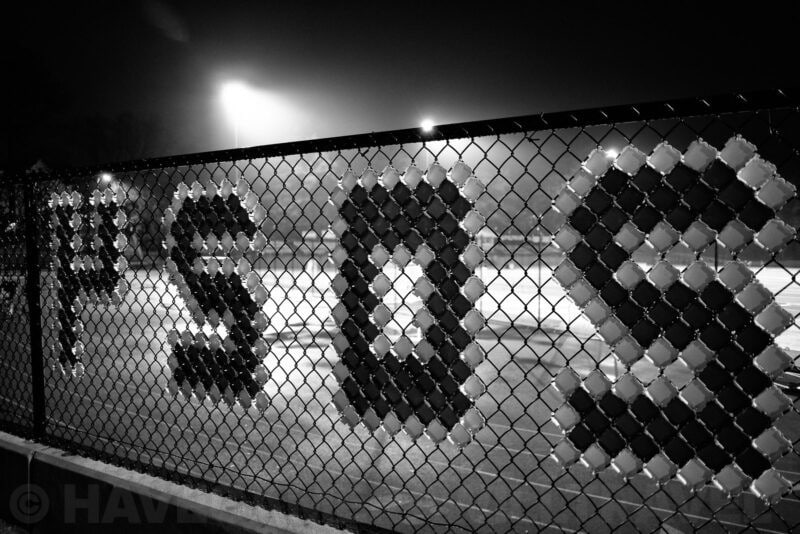
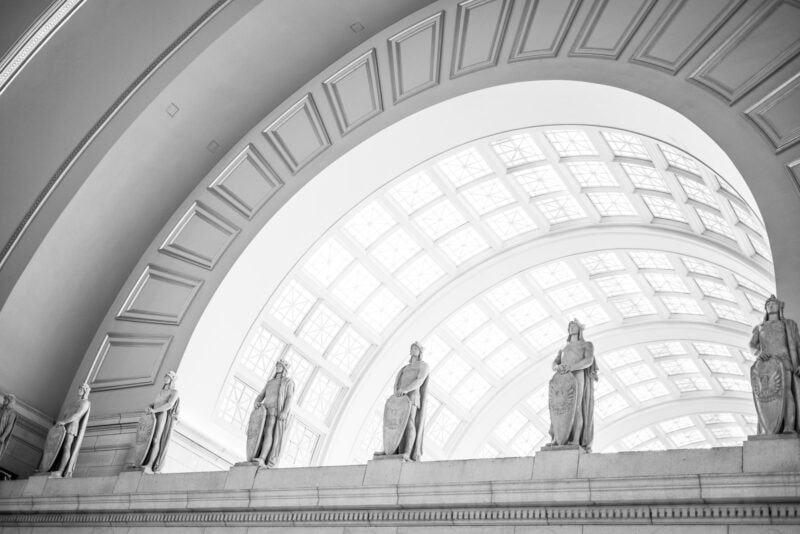
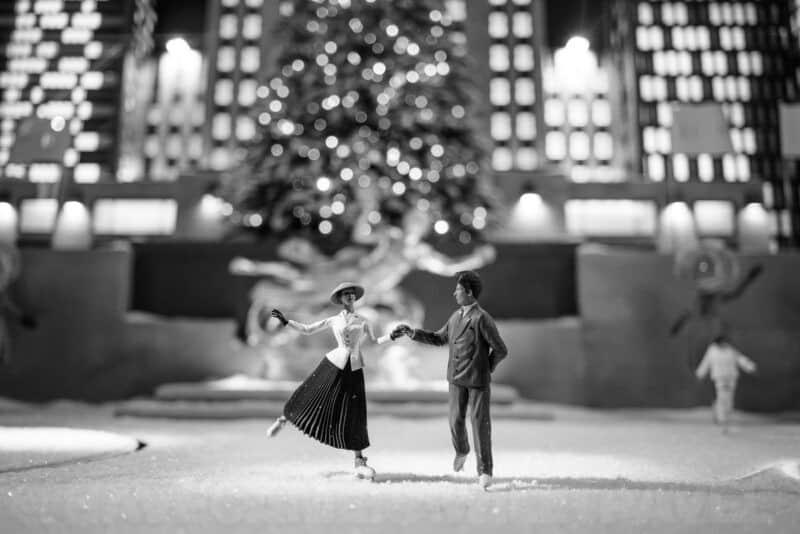
Some examples of Nikon Z8 black & white
Many of these are just playing around and testing out more than anything else. But I’ve selected them for here to give a bit of a sense of what I’ve been doing with it. I’ll add some more over time as I get more.
I’ve used a few different lenses for these, but my favorite combination is the Nikon Z8 with the 26mm f/2.8. It’s a tiny pancake lens that’s surprisingly good for such a small and inexpensive lens. It’s a natural choice for the Nikon Zf, but it also works wonderfully on the Z8. Ditto for another obvious choice for the Zf: the 40mm f/2.0.
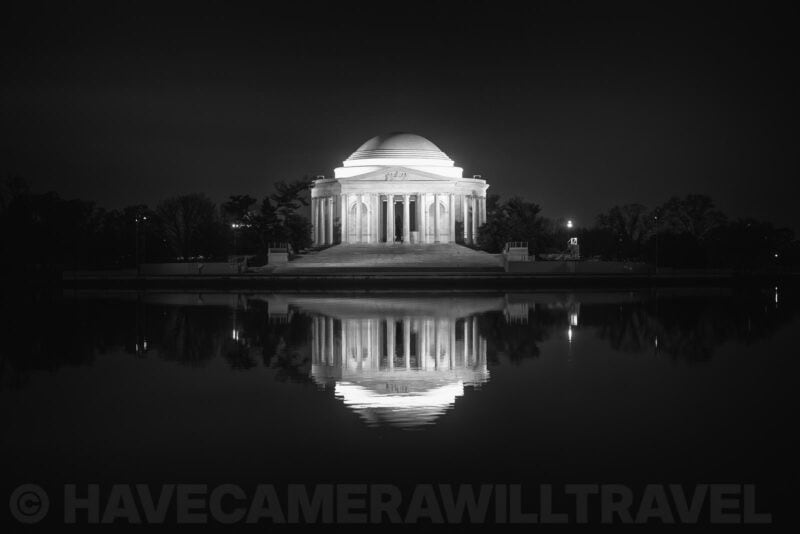
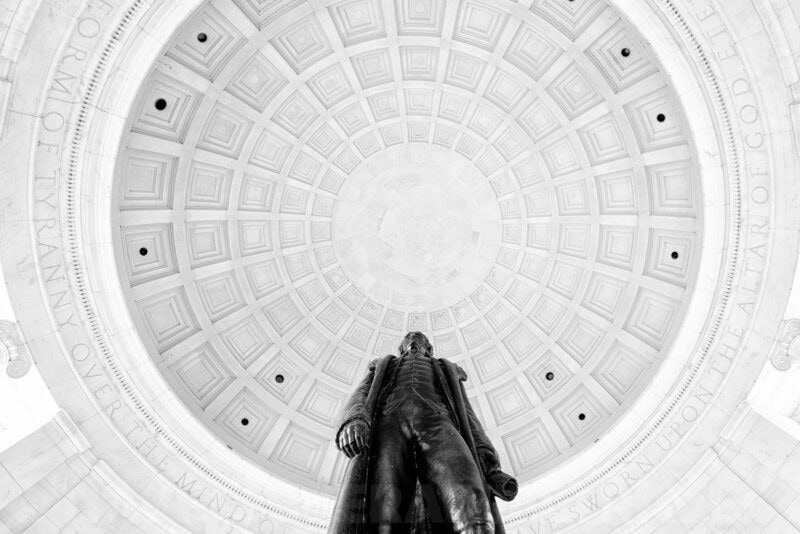
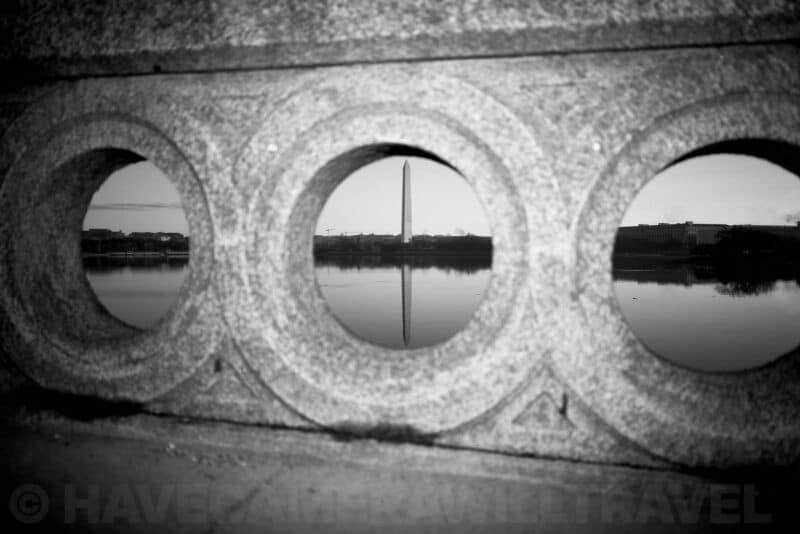
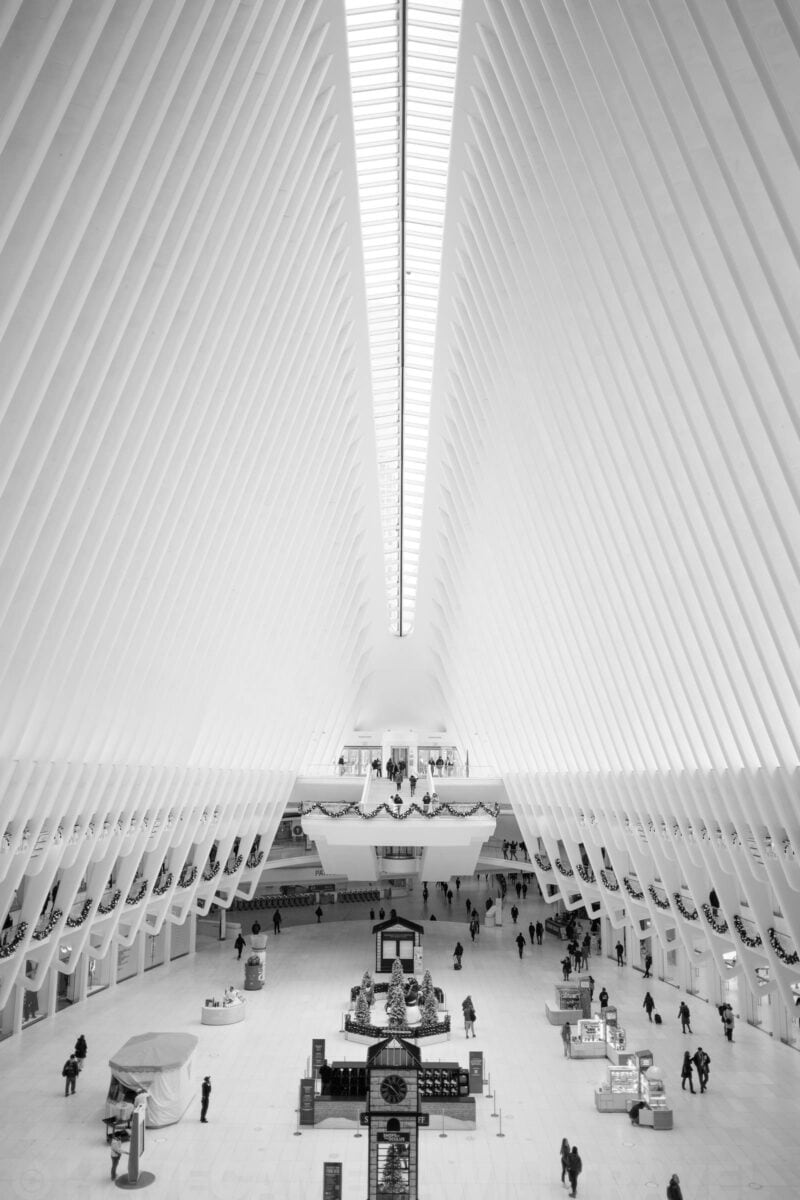
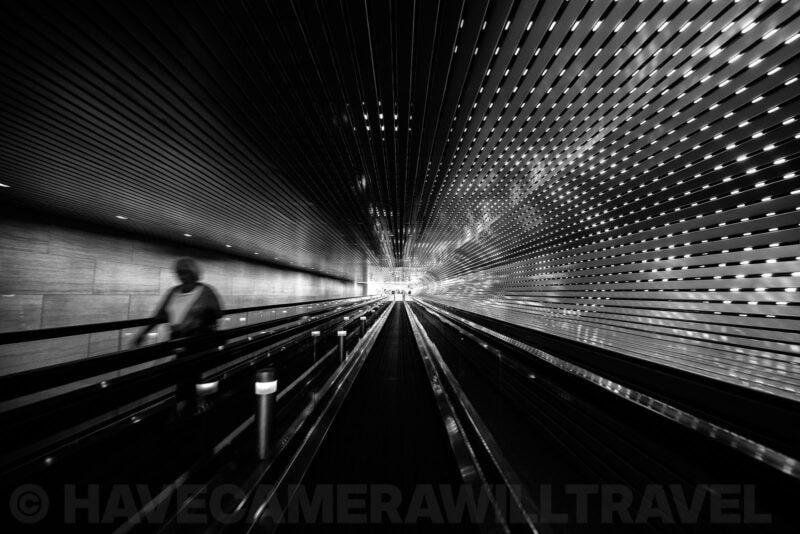
Shooting black & white
My photography journey started with black and white decades ago, spending many hours in a darkroom processing and printing films like Ilford HP5, FP4, Delta 100, and, later, Kodak Tri-X. Going back and scanning my thousands of rolls of black and white film is an ongoing and years-long process. While I haven’t been shooting film much in recent years–but stay tuned for more on that–I’ve continued shooting black and white digitally, and even more so recently. I’ve used lots of different cameras for it, but one of my current favorites is my trusty Ricoh GR III. And I’m looking forward to adding the Fujifilm X100VI soon to that short list.
Shooting black and white is not something that fits neatly in my day-to-day photography business. It’s not for clients or money or algorithms. My black and white shooting is for me and for fun. I post a small selection of them on Instagram, but I might start expanding that sometime (black and white seems to face an uphill battle with Instagram’s algorithm, and I’m just not interested in dancing for an algorithm).
Which is a long-winded explanation for why my criteria of whether the Z8 is good for black and white ultimately comes down to whether I find it fun and the results meet my personal tastes.
Notes & References:
- In Nikon’s DX lineup, there’s the Nikon ZFc, which is another great option, although I haven’t had the pleasure of shooting with that one yet. [↩︎]
- The Z8 also has ways you can process JPGs and RAW files in the camera with various kinds of monochrome processing, such as sepia or cyanotype. I personally don’t find that useful and prefer to do my editing on a computer. [↩︎]



I’m big fan of B&W, use Silver, and have Z8, now.
I’ve read your article, but your images worth 10000 words. thank you, I’ll follow on Instagram.
yigal
YDHphoto