
Action cams don’t have to be limited to death-defying stunts. Sure, they film killer video, but they can make surprisingly capable “everyday” travel cameras as well.
The image quality generally can’t compete with larger (and much more expensive) mirrorless and DSLR cameras, but action cams can go places those cameras can’t.
They’re discreet, waterproof, and pretty foolproof to shoot with. And in an era where compact cameras are making a comeback, you can’t get much more compact than this.
This post is designed to go alongside my detailed review of shooting photos with the Insta360 Ace Pro 2, adding a larger selection of sample images than I could reasonably fit there.
The Insta360 Ace Pro 2 features a massive (for an action cam!) 1/1.3″ sensor, a Leica SUMMARIT lens (f/2.6, with a 157° field of view — roughly 13mm equivalent), and a dedicated Dual AI Chip system for image processing.
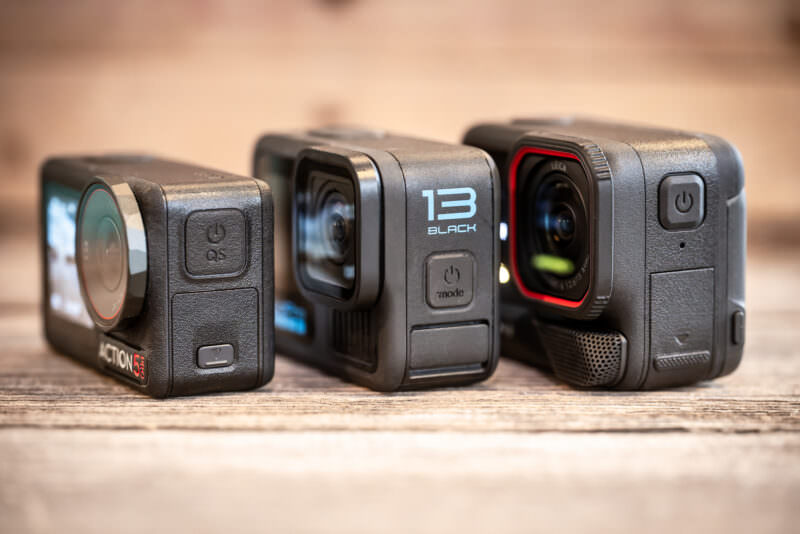
That sensor is physically larger than the 1/1.9″ sensor found in the GoPro HERO13 Black, and it shows. I’ve always found GoPro’s RAW files to be a bit thin and noisy in the shadows. The Ace Pro 2’s RAW files are substantially richer, with dynamic range that rivals or beats the best in the category, including the DJI Osmo Action 5 Pro.
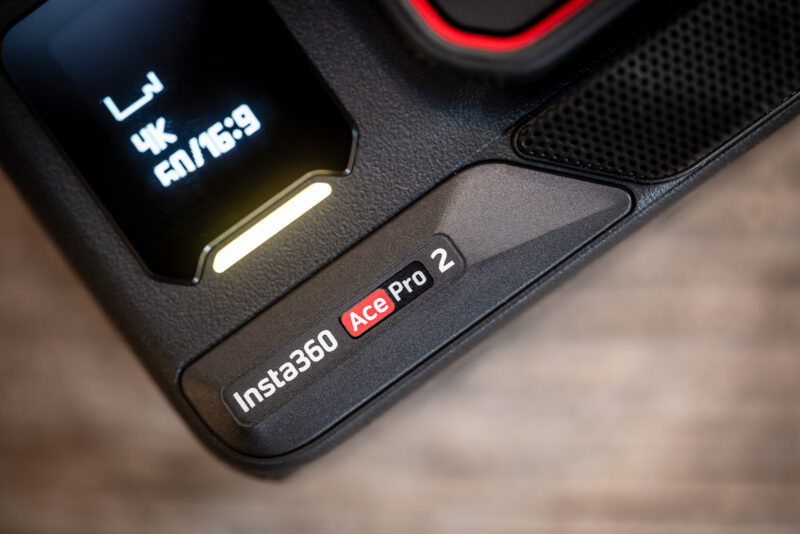
I nearly always shoot RAW in the camera’s 50MP mode (8192×6144 pixels). While the camera uses pixel-binning (2.4μm equivalent) for low-light video, the full-resolution photo mode utilizes the entire sensor. The result is Adobe DNG files that weigh in at around 96MB each. I process these in Lightroom Classic, often leaving the natural fisheye distortion for that classic action-cam look.
The downsides:
- Slow responsiveness — You’ll wait a few seconds between shots in 50MP RAW mode as the camera processes that massive file. The shutter button also feels intentionally “spongy” (to prevent accidental presses) compared to the clicky shutter of a dedicated camera.
- Camera shake in auto mode — In lower light, the auto exposure tends to drop the shutter speed as low as 1/13th of a second. That is very difficult to handhold sharply without blur. I wish Insta360 would add a minimum shutter speed setting to prevent this. Until they do, there’s no way to put a floor under the shutter in auto — the only workaround is switching to full Manual and setting the shutter yourself, which means giving up auto exposure.
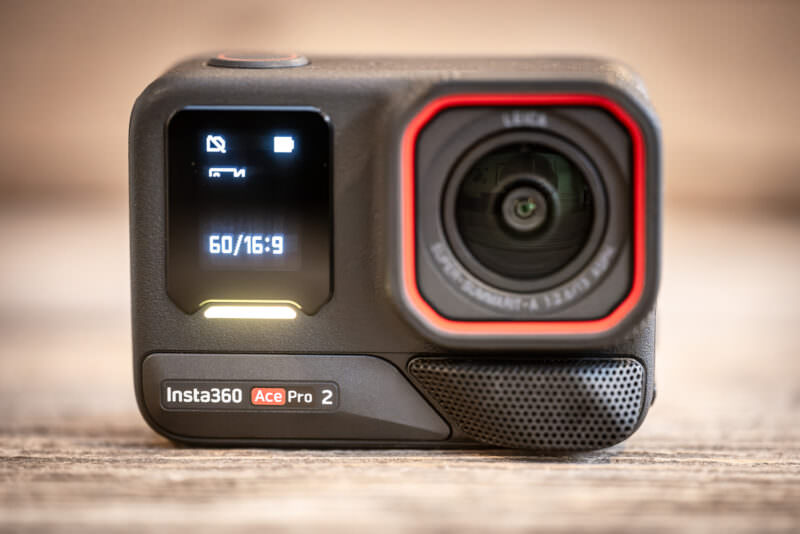
In short, to my mind, the Ace Pro 2 is the best current action cam for regular still photography. One caveat: I still prefer the GoPro HERO13 Black‘s burst mode for fast-moving action. But for travel landscapes and cityscapes, the Ace Pro 2 is a step above.

Have Camera Will Travel Newsletter
Practical field notes, hands-on gear tests, and the fun of exploring the world with a camera in hand.

It’s also a better city-walking camera than its shape suggests. It’s small and unobtrusive, the flip-out screen makes it easy to shoot from waist level instead of eye level, and the ultra-wide view means you can work in close and still get the whole scene. The limit is light: once the sun drops, put it in Manual and set the shutter yourself, or the auto exposure will sag to 1/13 second and blur anything that moves.
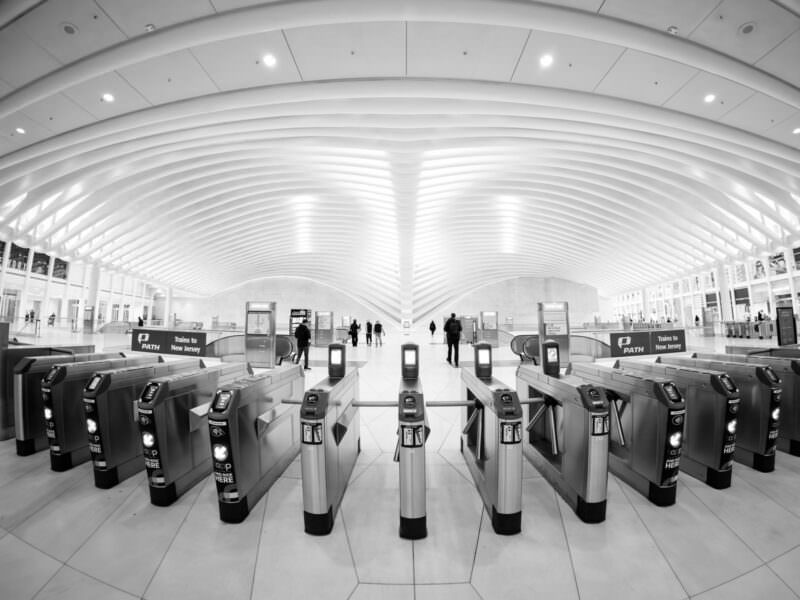
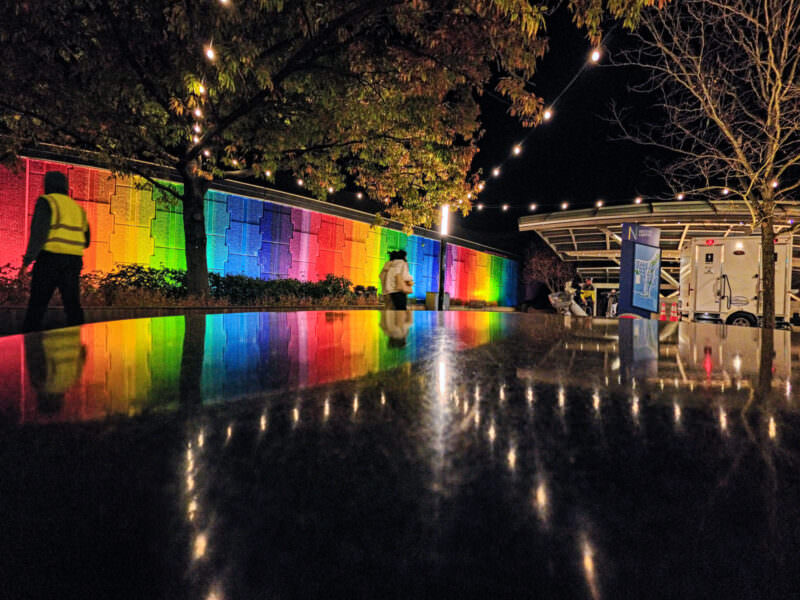
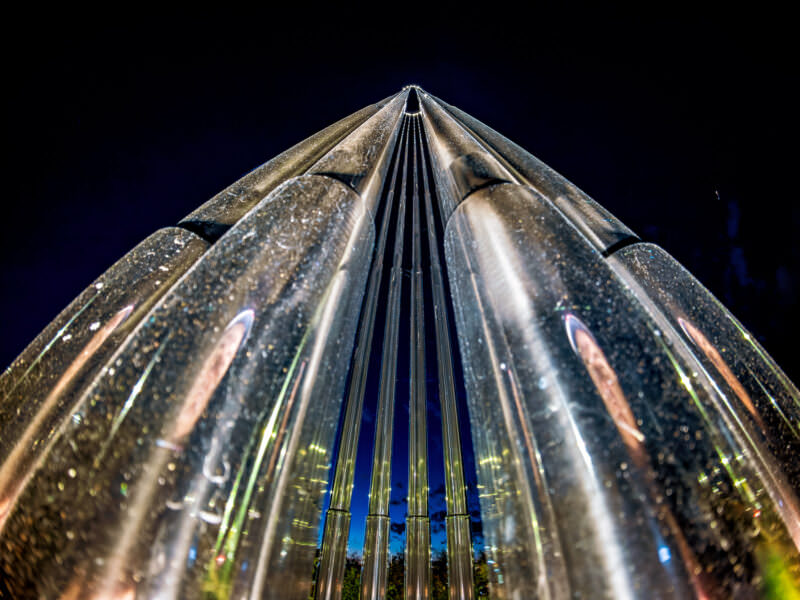
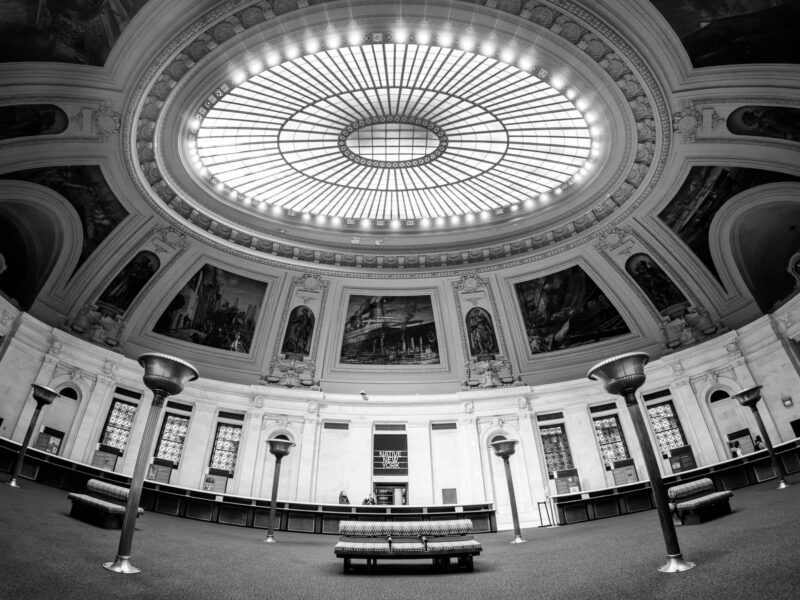
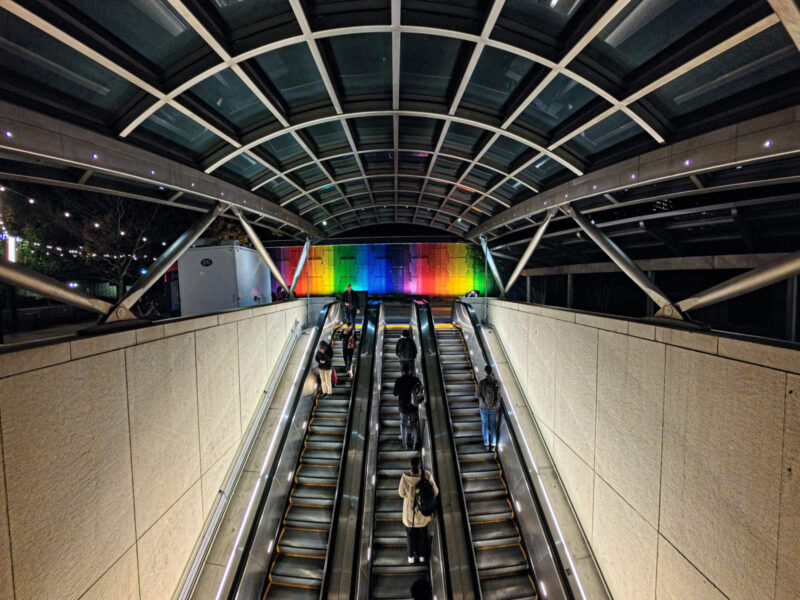
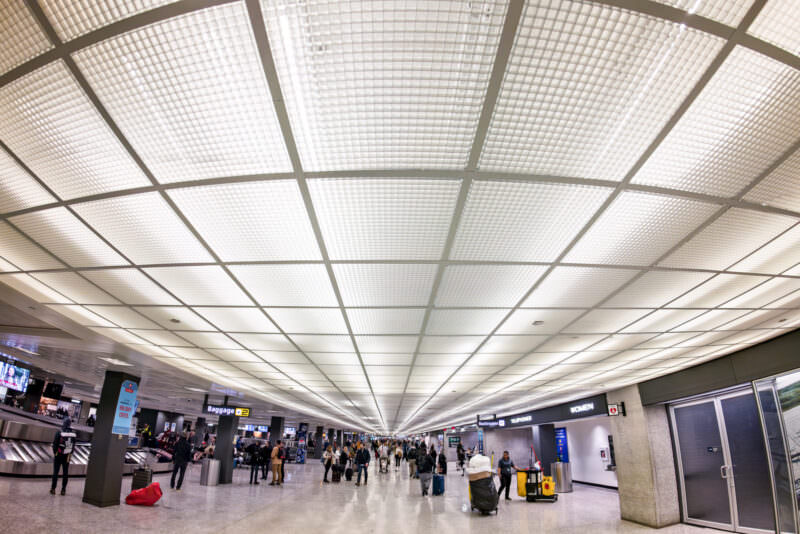
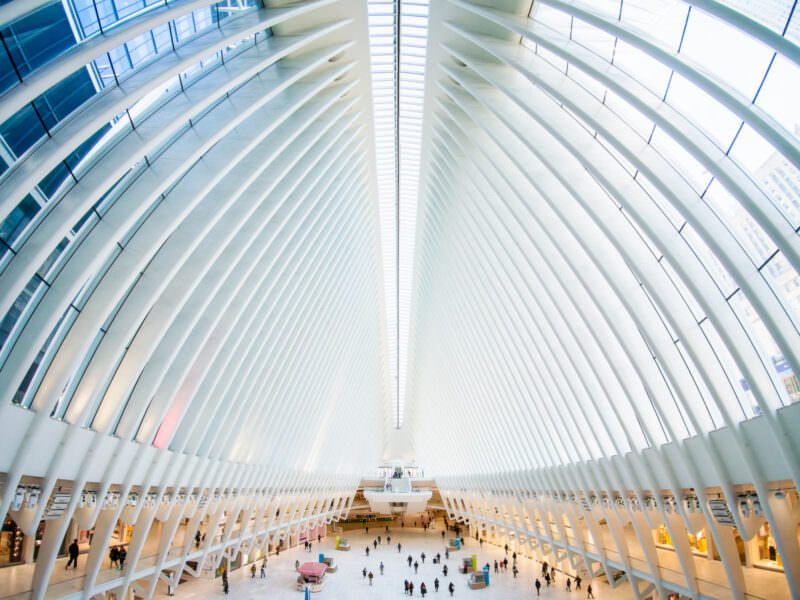
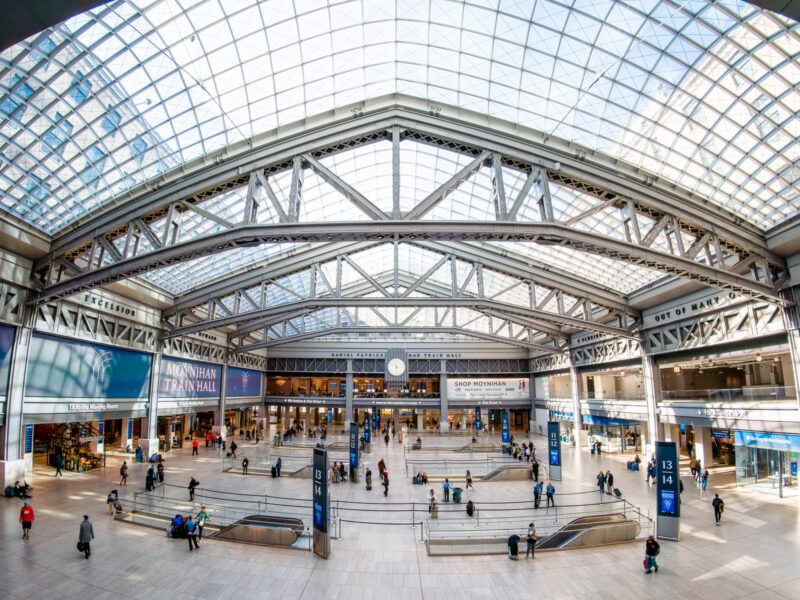
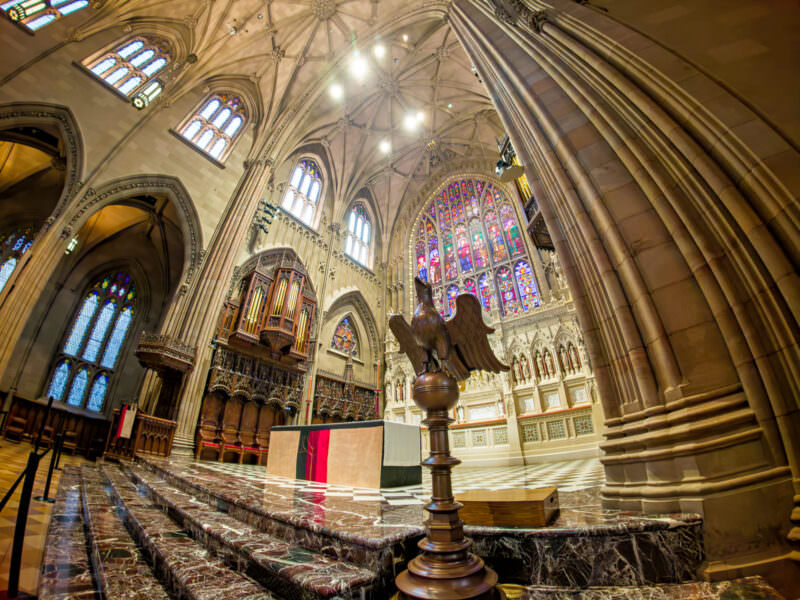
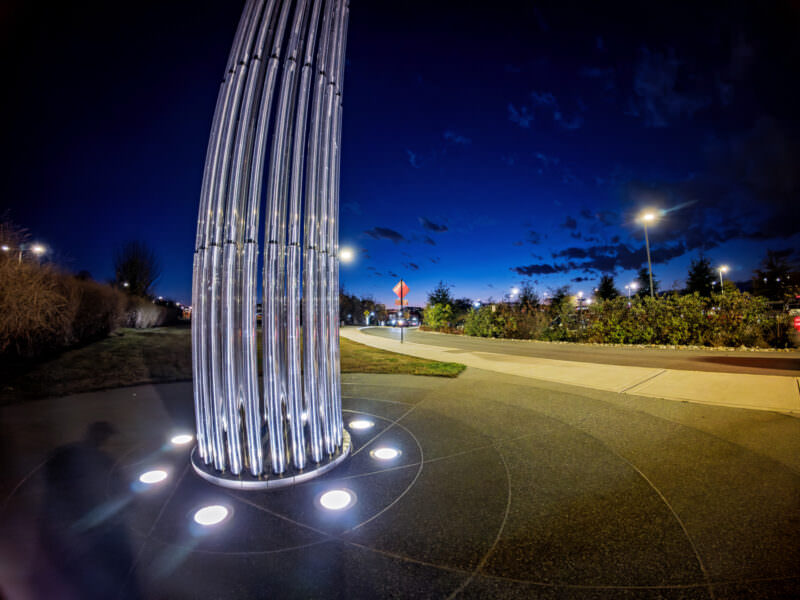
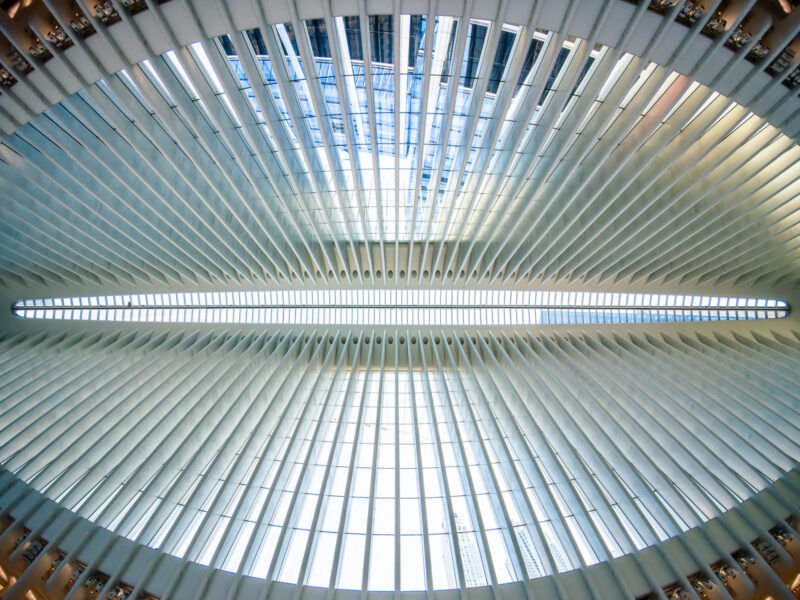
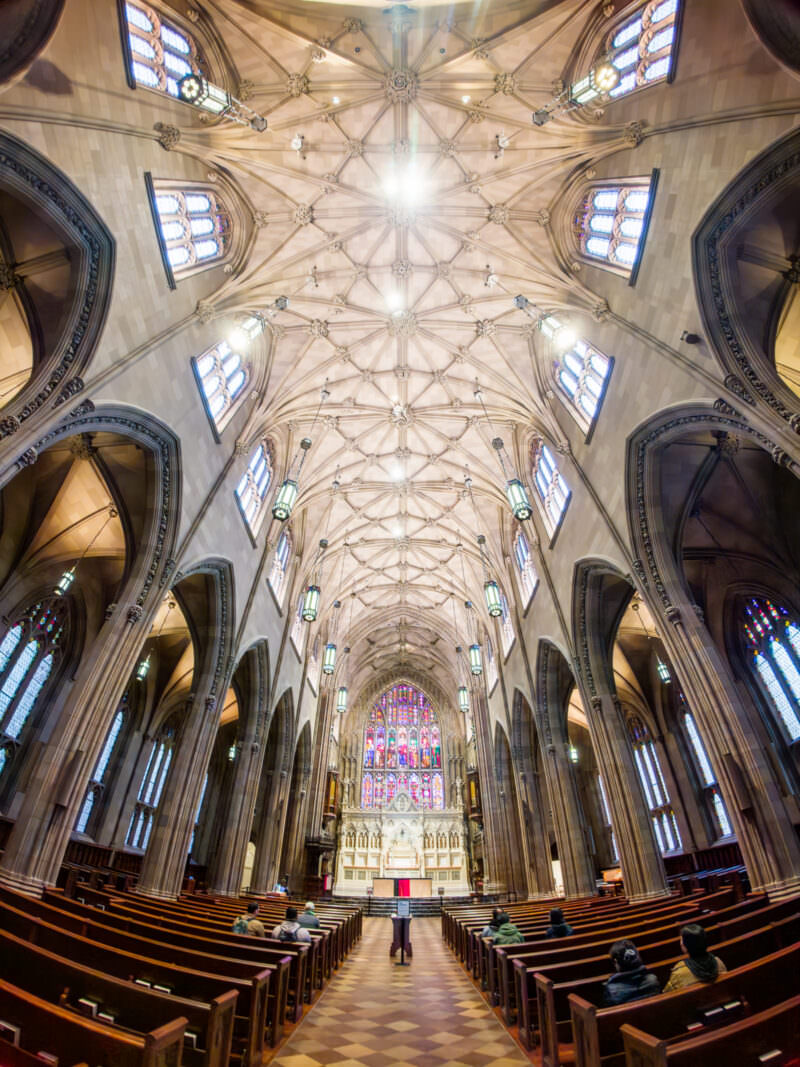
Sample images taken with an Insta Ace Pro 2
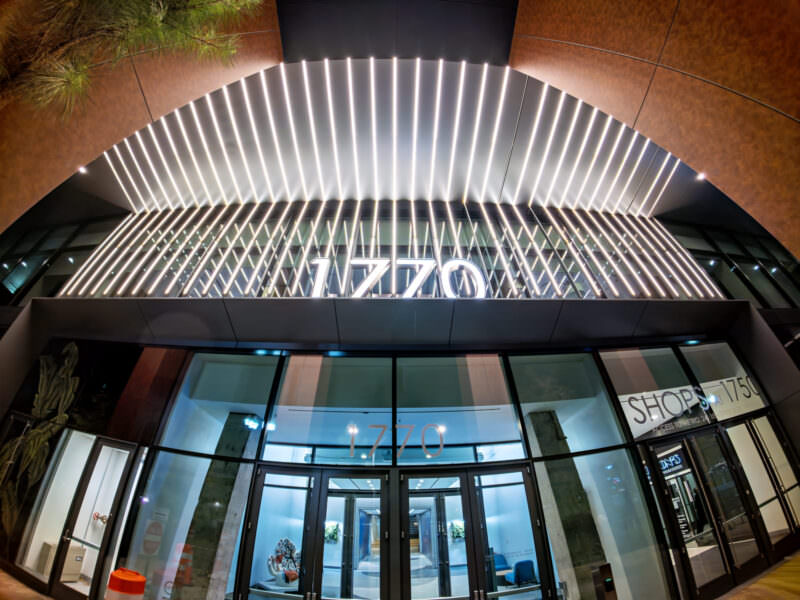
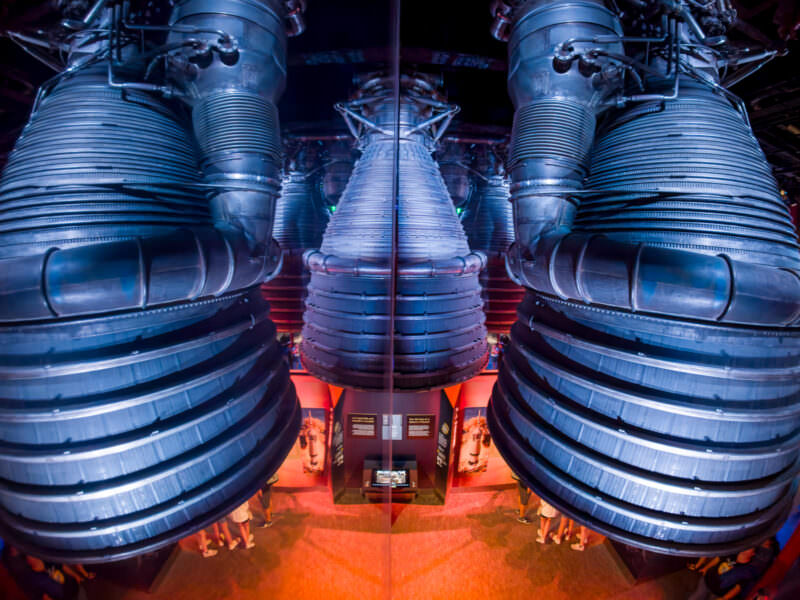
All of these photos were shot in RAW and processed in Lightroom Classic. Particularly on the higher-ISO shots, I’ve used Lightroom’s Denoise tool, which I find works really well on these files.
The Insta360 Ace Pro 2 does have other shooting modes, including HDR, digital zoom, and digitally corrected FOVs. Those features aren’t available with the RAW file; I’ve gone into detail in my review why I still prefer to shoot RAW with this camera and forego those features.
One thing worth knowing before you judge this camera by its JPEGs: turning RAW on doesn’t give you RAW plus a normal JPEG. You get the DNG alongside a PureShot file — a heavily processed HDR JPEG that I find overcooked, with weird color shifts. There’s no plain RAW+JPEG option, so the JPEGs aren’t a fair guide to what the sensor can do. Every frame in the gallery above came from the DNG.








What makes this camera different for photography
The difference here goes all the way to the core of the camera. Unusually, the Ace Pro 2 has a dual AI chip system — a dedicated Pro Imaging Chip for noise reduction and image processing, plus a 5nm AI chip for further processing. It’s not entirely clear to me where the line is between the work that’s doing for capture processing and the kind of post-processing behind the PureShot images, but the end result is good.
To be clear, though, my comparison reference points I’m using here are other action cams. You know, the tiny, rugged, waterproof, and just about foolproof cameras that GoPro pioneered and made famous. (There’s also the Sony RX0 and RX0 II. I have both, and they’re also excellent cameras, but for various reasons, I find them to be quite different to an action cam; more on that here.) The image quality simply doesn’t rival a larger (and more expensive) mirrorless camera. But then, the Ace Pro 2 can go places those cameras can’t easily go.
Shooting RAW
The leading action cams these days can all shoot RAW. (All of them actually do RAW+JPG when you choose RAW.) And they’re all using a variation of Adobe’s DNG RAW format. So the Ace Pro 2 isn’t unique in that.
I nearly always shoot RAW with this camera, and most of the sample images I’ve included on this page are shot that way and processed in Lightroom Classic. The camera saves DNG files, based on Adobe’s open RAW format. That means compatibility is good across different processing applications.
There are several reasons I choose RAW here. Firstly, that’s always my first habit with any camera. It gives you much more flexibility and potentially higher quality images. I find the RAW files out of the Ace Pro 2 to be much better than RAW files out of the GoPro HERO13 Black. Much better dynamic range and depth. I’ve always found the RAW files out of GoPros to be pretty thin, with not much recoverable from shadows and highlights beyond what’s already in the JPGs. But the Ace Pro 2’s RAW files are much richer. They claim it’s 13.5 stops of dynamic range. I don’t have a way to independently test that number reliably, and it does seem a bit on the high side compared to the 14 stops or so of a camera like the Nikon Z8. Nevertheless, it’s much more dynamic range than I’m able to get out of RAW files from the GoPro HERO13 Black or DJI Osmo Action 5 Pro.
I’ve also found that Lightroom’s Enhance feature works really well with these files. (Note that DxO’s PureRAW doesn’t currently work with them.)
There are, however, a few compelling reasons not to shoot RAW. For one, it makes the camera’s responsiveness annoyingly slow. If you shoot RAW in the 50MP mode, you’ll be waiting a few seconds between shots, even with a fast SD card. For another, you’ll lose the ability to take advantage of some pretty cool Leica looks in the processing. Firmware v2.0.3, in November 2025, added a really nice Leica high-contrast black and white look that I like. And for another, you won’t be able to take advantage of the various field of view options available, including a rectilinear view that digitally corrects the fisheye distortion.
Now, under normal circumstance, a really good best-of-both-worlds option is to shoot RAW+JPG. But the Ace Pro 2 has a quirk that I’m not a fan of — you can’t really just do that. That’s not to say that you won’t get both a RAW file and a JPG file output when you press the shutter. It’s that you can’t get a regular JPG and a RAW file together. That’s because you can choose to output as a JPG, in which case you get a regular JPG. But if you choose RAW, the only option is a RAW + PureShot output. My gripe here is that although the PureShot is a JPG, it’s a heavily processed version that uses HDR and heaven knows what other algorithm. And yes, I realize that the “AI” selling point here is doing the heavy lifting in this processing. But, to my eye, it wildly misses the mark; I’ve yet to see a PureShot version that doesn’t look to my eye to be way overcooked, with weird color shifts. I would love for there to be a much simpler RAW + JPG option, but it’s just not there.
The 50MP mode & photo quality
I usually shoot in the 50MP mode, and the image quality is generally pretty good. Images come out at 8192×6144 pixels, and the RAW files are substantial — 96.05MB each. Since they all come out at the same size regardless of the scene, it appears that there isn’t any RAW compression being applied.
But the 50MP mode has downsides. Most importantly, in combination with the RAW output setting, it makes the camera slow, meaning you’ll have to wait a few seconds between shots. Which is a bit annoying if you’re trying to capture a series of moments.
But it’s not the only option. These are the available resolutions:
- 50MP (8192×6144) – Full resolution for maximum detail
- 37MP (8192×4608) – 16:9 crop for wider compositions
- 12.5MP (4096×3072) – HDR enabled by default, great balance of quality and file size
- 9MP (4096×2304) – 16:9 with automatic HDR
It’s also worth noting that the native aspect ratio is 4:3 rather than the squarer 8:7 aspect ratio of the newer models of GoPro HERO series.
HDR automatically kicks in for the 12.5MP and 9MP modes. While this gives you better dynamic range, it contributes to a rather overprocessed look I mentioned earlier — another reason I prefer shooting RAW in the 50MP mode where I have more control over the final look.
Why photos come out blurry: Camera shake & motion blur
Motion blur is a big issue I run into when shooting with this camera in anything that’s not outdoors in daylight.
The problem is that the shutter speed calculated by the auto exposure algorithm can end up too slow for practical hand-holding, especially in lower light. It can often go down to 1/13 of a second.
With extra care, it’s possible to get sharp photos at that speed handheld, but it’s a challenge, especially with a small camera like this that doesn’t get the multipoint bracing that you can do with a two-handed camera with a viewfinder. I wish there was a way to impose a minimum shutter speed floor in auto mode — something like 1/100 sec would be a good start. If they wanted to address this, it seems like something that could be easily addressed in a firmware update.
By switching to full manual mode, you can set a manual shutter speed (anywhere from 1/8000s to 120s), which helps, but then you lose the automatic exposure adjustments that make this camera so convenient. The ISO range of 100-6400 gives you room to work, but the camera tends to favor slower shutter speeds over higher ISOs.
Things worth knowing about shooting photos with the Insta360 Ace Pro 2
ISO Range: 100-6400 — This is competitive with many dedicated cameras, and the noise control is genuinely impressive thanks to that dual-chip processing.
It’s worth knowing that 6400 is also the lowest ISO ceiling among the current flagship action cams. The DJI Osmo Action 5 Pro and Osmo Action 6 both go to 25600 for stills; the GoPro HERO13 Black stops at 6400, the same as this camera. In practice, the ceiling matters less than how the camera gets there — the Ace Pro 2’s auto exposure reaches for a slower shutter speed before it reaches for a higher ISO, which is what causes the blur problem I describe above.
Shutter Speed: 1/8000s – 120s — This is where it gets interesting. You can freeze action at 1/8000s or create 120-second star trails. The range rivals serious cameras. Only available in manual mode. As I’ve written above, though, if you leave it on auto settings, the shutter speed can go as low as 1/13 second, which is pretty tricky to shoot handheld and reliably get sharp images, especially with such a tiny and light camera.
Aperture: f/2.6 (fixed) — That might seem wide and result in a shallow depth of field, but in practice, it’s pretty hard to get anything out of focus because the fisheye ultra-wide perspective is so forgiving of depth of field.
2.5x Zoom (Photos) — Yes, it has a “zoom,” but it’s a digital zoom. Which is really just a crop — there’s nothing optical about it. So this isn’t something I find at all useful for photos (it’s marginally more useful when shooting video).
Exposure Control — The camera has exposure compensation, which can be useful for tweaking the auto exposure in challenging lighting or when going for a particular look. And it’s something I use often on any camera I shoot with. On this camera, it’s also an unusually wide range (for an action cam), up to 4 stops in each direction in 1/3 stop increments (the GoPro HERO13 Black only has 2 stops in each direction). Using it isn’t quite as easy as it is on a larger camera that has more dials and buttons, but it’s at least readily accessible from the main screen (right side).
Leica Color Profiles / Looks — Since I mostly shoot RAW when using this camera, I rarely use the in-camera looks. But I’m more tempted than usual by the ones here, which are really nice. Now that there’s a Leica high-contrast black and white look in the mix, I can see myself exploring these more.
Wrap up
So the Insta360 Ace Pro 2 isn’t perfect for shooting photos. There are some frustrating shortcomings. But I also find that it’s the best of the current crop of action cams for regular stills photography.
Now, there is one important qualification here. And that is that I really like the GoPro HERO13 Black’s burst mode for action shots. If I’m shooting fast action in the surf or elsewhere, I’ll reach for the GoPro every time. For less active shooting, I also like the HERO13 Black, and I’ve posted some photos from it before. But the output and features of the Insta360 Ace Pro 2 are a step above for this.
At a time when compact cameras are making a comeback, you can’t get much more compact than this.


