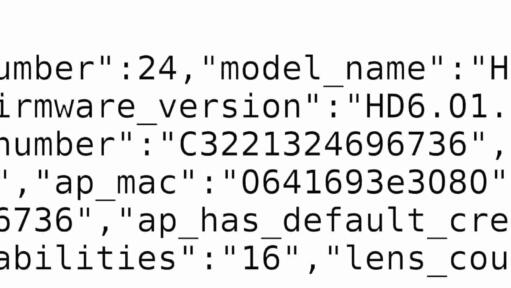
How to Find a GoPro’s MAC Network Address
GoPro hides the MAC address deep inside the system on modern cameras. If you need it to connect to a restricted Wi-Fi network, don't panic. Here is the simple SD card trick to reveal it in seconds.
Tips and tricks related to using GoPro cameras for shooting video, photos, and timelapse.
GoPro hides the MAC address deep inside the system on modern cameras. If you need it to connect to a restricted Wi-Fi network, don't panic. Here is the simple SD card trick to reveal it in seconds.

A step-by-step guide to removing and replacing the lens cover on the GoPro HERO5 Black for replacing a scratched cover or using a SuperSuit diving housing.
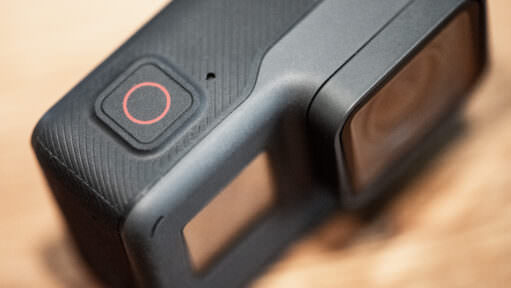
Here's a rundown of the relevant modes and settings of the photo mode on the GoPro HERO (2018), including file types, fields of view, and enhanced dynamic range.

Newer GoPro cameras give you a choice of JPG or RAW when shooting photos. So which is better, and when should you use it? Here's a quick explainer of what the difference is and when to use which format.
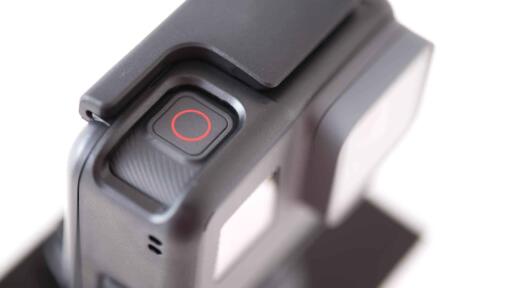
GoPro's QuikCapture feature is designed as a one-press way to power the camera up and start shooting immediately. There are a few tricks to using it, though.

Here's a rundown of the video resolutions, framerates, fields of view, and modes that are available on the GoPro HERO (2018).
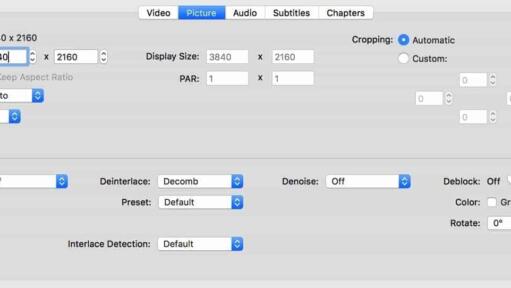
If you're getting an error message on your computer when you try to open a video shot on the GoPro HERO10, HERO9, HERO8, HERO7, or HERO6 Black, it might be because it isn't compatible with the HEVC (H.265) codec used in some of those cameras' video modes. Here are some workarounds.

If you're wondering why your image is suddenly cropped when you turn on the video stabilization feature, here's an explanation.
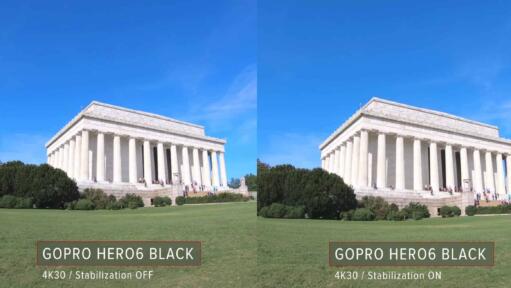
One of the headline features of the GoPro HERO6 Black is better in-camera video stabilization to smooth out shaky footage. Here are some side-by-side examples to illustrate its effectiveness.
When I was traveling in the High Arctic north of Svalbard a while back, I attached a GoPro to the ship's railing to capture a time-lapse of us crunching through the Arctic sea ice. Here's the video.
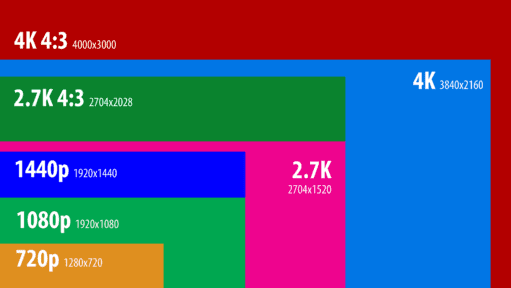
The GoPro HERO6 Black has headline features of 4K60 and 1080p240 video modes. While there's a lot of overlap with the HERO5 Black, there are also some new options and some that have gone away.
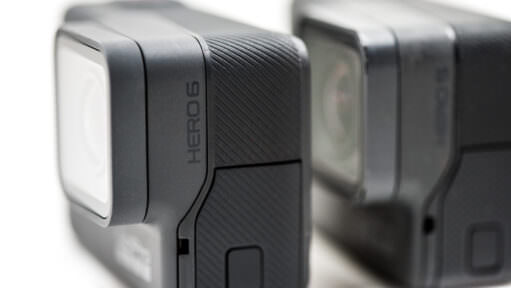
The HERO6 has a new processor and promises improved image quality over its predecessor, the HERO5 Black. Here are some side-by-side comparisons.
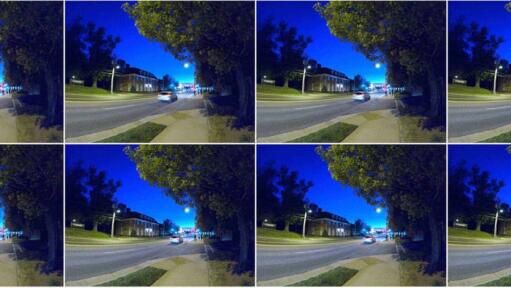
Among the Burst Mode options on newer GoPros is an Auto setting. It prioritizes better exposure over forcing the number of shots. Here's how it works.

A rundown of the photo modes available on the HERO6 Black.
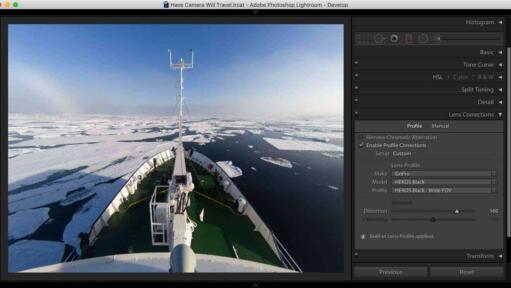
You can't use Linear FOV with GoPro RAW files, but here's a workaround that lets you get something very close to it using Lightroom.

If your GoPro feels like it's burning a hole in your hand — or your SD card feels scorching hot when you pull it out — you aren't alone. High-performance modes generate massive heat. Here is why it happens, and how to fix it.
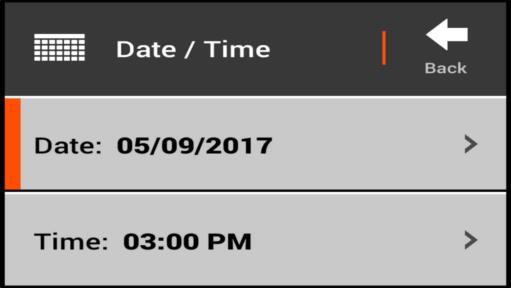
GoPros have a couple of different ways of setting the date and time, each with its advantages.
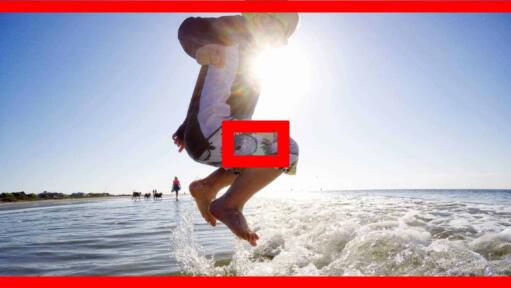
The GoPro spot meter exposes for a small area instead of the whole frame — handy for backlit windows or faces in shadow, but not something to leave on by default. Here's how it works, how it became Exposure Control on newer GoPros, and which models skip it entirely.
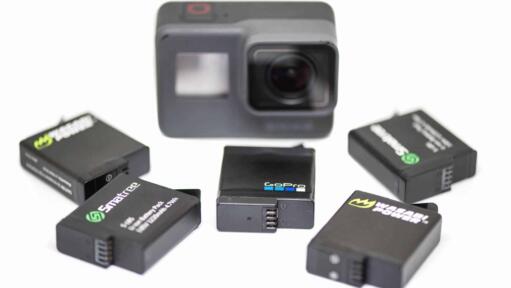
If you find that your GoPro's battery is draining quickly even when the camera is switched off, here's a troubleshooting checklist of things to try.

Every GoPro video comes with two extra files you never asked for: a .LRV proxy and a .THM thumbnail. Here's what each one actually does, why the camera creates them, and what breaks if you delete them.
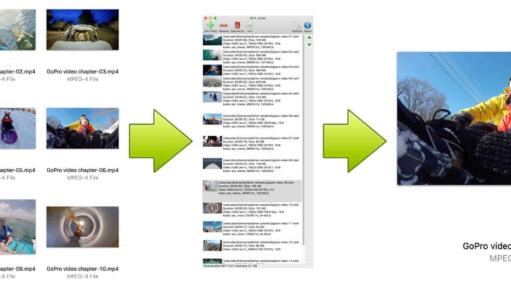
GoPros split up large video files into chapters. Here's a quick method for joining them back together.
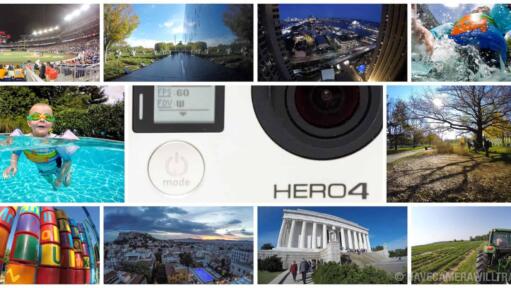
34 real-world photos taken with a GoPro HERO4 Silver, with the settings for each one. What its 12MP JPGs look like in good light, and where the small sensor shows.
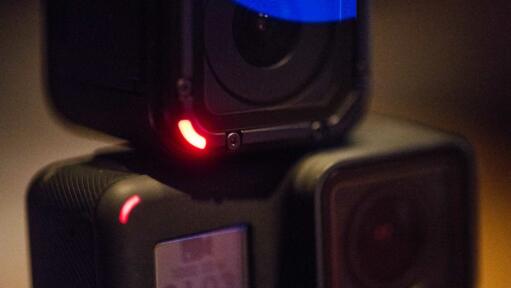
Whether you are filming a quiet stage performance or skittish wildlife, a beeping, flashing camera is a disaster. Here is how to silence your GoPro and turn off the lights for true discreet recording.
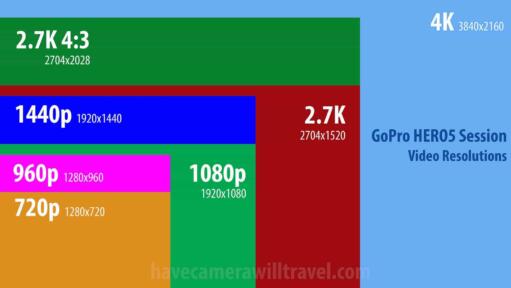
The HERO5 Session shoots up to 4K30 in a tiny cube with no preview display, only a small status screen. Here's every resolution, frame rate, and field of view it offers, plus where stabilization and Protune apply.
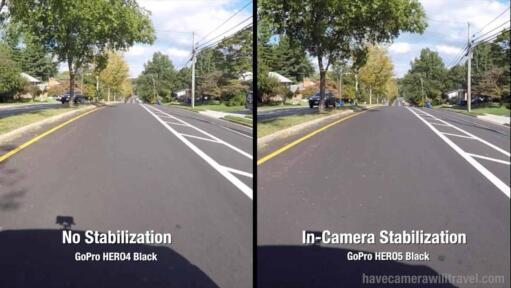
A headline feature of the new GoPro HERO5 Black and HERO5 Session is the addition of built-in video stabilization. So I've put it to the test. Here are the results.
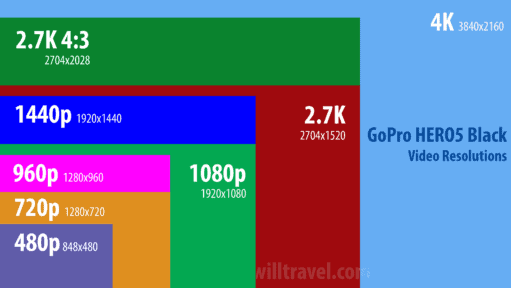
A rundown of the various video modes, resolutions, framerates, fields of view, formats, bitrates, and stabilization options available on the GoPro HERO5 Black.
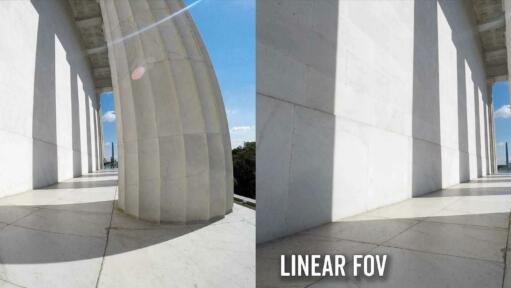
Some newer GoPros have a new in-camera feature for something you could only do in post-production before: correcting fisheye in photos and videos. It's called Linear FOV.
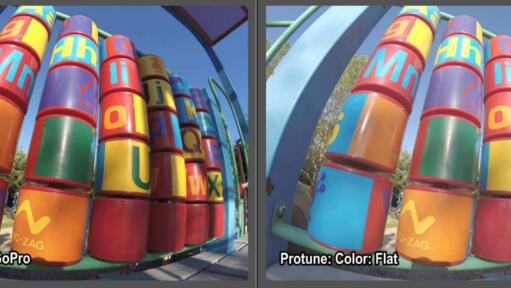
Some GoPros, like the HERO9 Black, offer a choice between two color modes in the photo mode: GoPro and Flat. Here are some examples I've put together along with some suggestions on when I think they're best used.
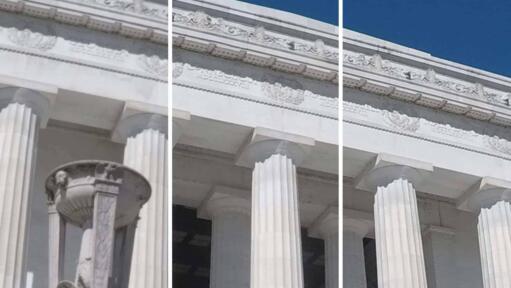
Some GoPro models give you the option to choose between high, medium, and low levels of sharpening. Here are some examples to help demystify what these different settings do.

Photos taken with GoPro cameras have that distinctive fisheye look. But that might not be what you want all the time. Here's an effective and quick way to remove the fisheye look using Lightroom.
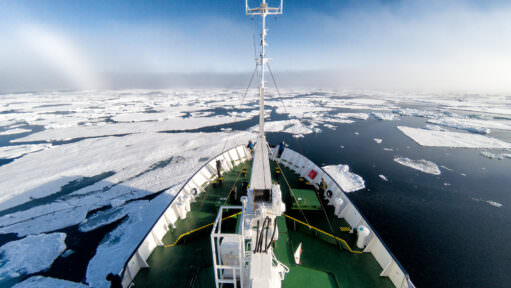
Yes, a GoPro can take good travel photos — I've been shooting them for years. Here's an honest, hands-on look at where GoPros excel, where they fall short, and how to work around the quirks.
There are multiple options for doing long-term time-lapse with a GoPro HERO4 Silver or Black. Here's a rundown of the options--each has its own pros and cons.
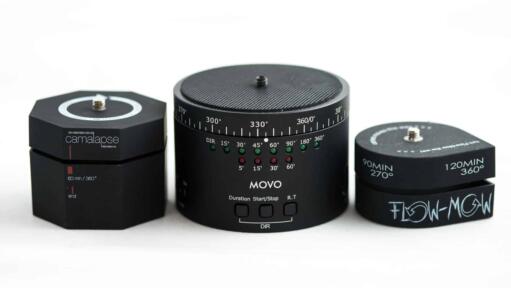
Motion can make time lapse more compelling. Here's a roundup of some of the better options for adding panning and rotation to your time lapse captures taken with GoPro cameras.
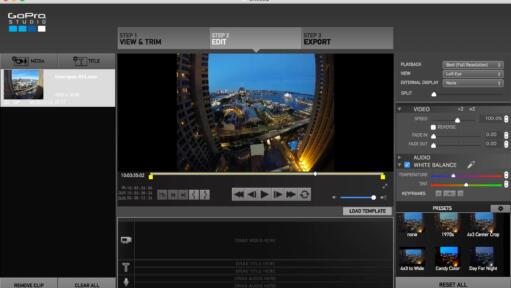
If you're exporting GoPro Cineform MOV files from GoPro Studio, you might have trouble playing them on other systems. Here's how to fix it.

It’s a moment of panic for every new GoPro user: you recorded a one-hour video, but your SD card shows ten separate files. Don't worry, your footage is safe. Here is why GoPro "chapters" your video files and how to stitch them back together.
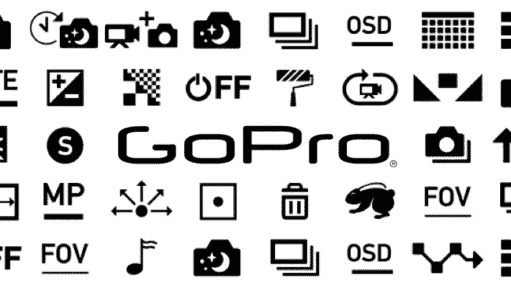
GoPros use quite a lot of icons for various modes and functions. But it's not always clear what they mean. Here's a cheat sheet.

Practical action cam help, tips, and troubleshooting.
My name is David Coleman, and this is my site.
I take photos for a living. Seven continents. Dozens of countries. Up mountains. Under water. And a bunch of places in between. I'm based in Washington DC.
I've been shooting with GoPros since the HERO2 and have personally owned nearly every model since then. I find them particularly interesting as go-anywhere cameras, and there's nearly always one in my camera bag when I head out on my travels.
All posts and reviews on this site are written by me. And I only review gear with which I have personal hands-on experience. More about me.


© 2009-2026 David Coleman | Have Camera Will Travel LLC
Photos by David Coleman. Please contact me for licensing images. Images are registered with the U.S. Copyright Office.
Have Camera Will Travel LLC | 901 N Glebe Rd, Arlington, VA 22203 | +1.703.942.9245