
How to Get Video Output from the Ricoh GR III
If you're shooting with a Ricoh GR III and wanting to get video output directly from he camera, here's how to do it.
The Ricoh GR III continues Ricoh’s long-running series of GR cameras that have become favorites of street photographers and as pocketable cameras for travel photographers. The series started with film cameras and then evolved into digital. The GR III was announced at Photokina in September 2018 and released in March 2019.
It features a 28mm f/2.8 built-in lens and has an APS-C sensor.
(Note: There’s also a GR Digital III that is an older camera (2009) with a smaller sensor.)
If you're shooting with a Ricoh GR III and wanting to get video output directly from he camera, here's how to do it.

If you've been changing settings on your Ricoh GR III and want to restore the default settings, or maybe you're lending the camera to someone, here's how to reset the settings.
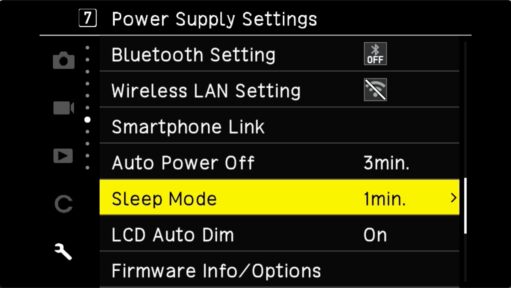
If you've changed the settings on your Ricoh GR III and can't remember what you've changed, this master list of default settings on the Ricoh GR III can help with changing individual settings back to their defaults.
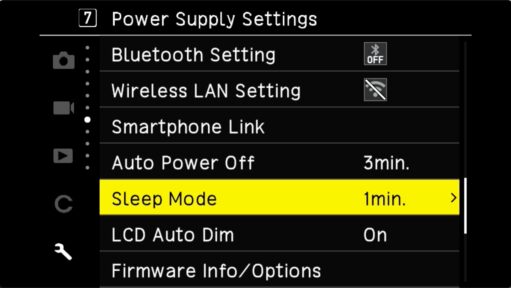
Do you find that your Ricoh GR III's back screen turns off too quickly? That's a power-saving feature, but it's one you can adjust to make it stay on longer. Here's how.

As discreet as the Ricoh GR III is out of the box, you can make it even more so. You can make it quiet. You can also turn out the lights (well, mostly). Here's how.

The Ricoh GR III excels at being discreet. With its plain looks and small stature, it doesn't attract attention to itself. You can also make it very quiet, but somewhat surprisingly, not completely silent.
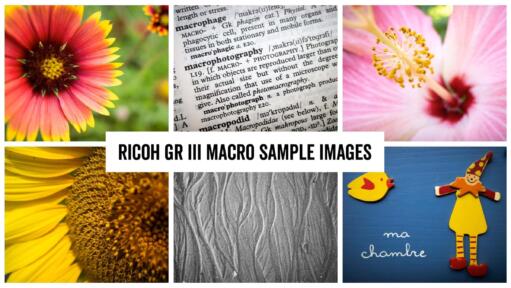
The Ricoh GR III has a built-in macro close-up shooting mode. Here’s how to enable it and what it does.

Here's a straightforward guide on how to update the Ricoh GR III's firmware.

Here are some of the key accessories and replacement part numbers for the Ricoh GR III compact camera.

The small metal ring around the lens barrel of the Ricoh GR III has a habit of coming off. Here’s how to replace it, with either the official gray Ricoh version or a more colorful aftermarket version.

The Ricoh GR III is mostly a stills photo camera. But it does have some basic video capabilities. Here's a rundown of what they are and how to use them.

Ensure you have a spare battery for your Ricoh GR III, as the included battery is small. Whether you need a replacement or spare battery, discover the recommended model and learn how to maximize its performance.
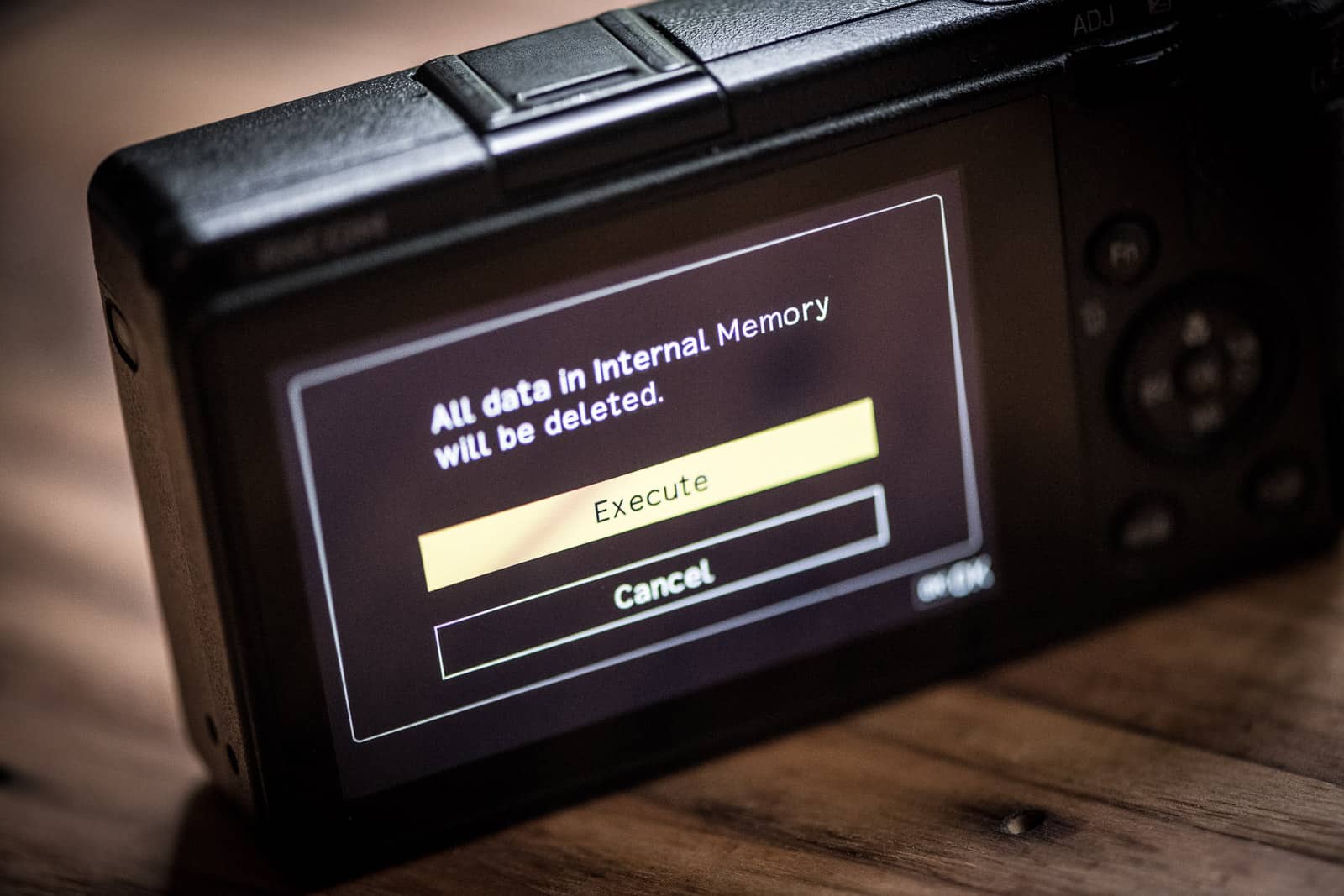
The Ricoh GR III has a 2GB internal memory that can be used as a safety net in case there are issues with the SD card. Here's how to save images and videos to it and copy data from it.

The Ricoh GR III is a camera I love shooting with, and it's usually the one I reach for when I'm not looking to carry a larger camera around. It just slips in my pocket, is very discreet to shoot with, and has fantastic image quality. But you really just want to get out shooting with it, right? Not messing around with trying to make sense of SD card specs. I get it. So here are my recommendations.
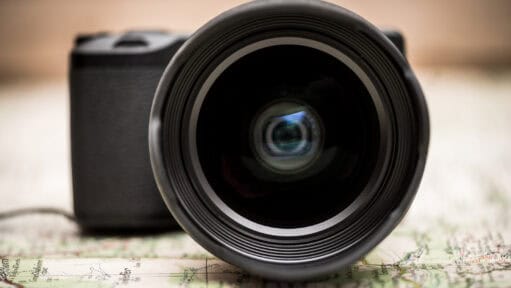
Slapping a thick piece of conversion glass onto a highly corrected prime lens usually comes with a severe optical penalty. To see how the Ricoh GW-4 actually performs, I bypassed the spec sheets and shot uncorrected RAW files of harsh architectural lines and direct, high-contrast lighting. Dive into the side-by-side visual comparisons to see exactly what this 21mm adapter does to the GR III's legendary sharpness.
The Ricoh GR III has an ISO range from 100 to 102400, which is a significant upgrade over its predecessor, the GR II. Here are some high-resolution practical examples of how that translates in real-world shooting, with side-by-side examples at different ISOs so you can get a sense of image quality at different ISOs.

A growing set of real-world Ricoh GR III sample photos, shot in RAW under everyday street and travel conditions, with full exposure details captioned under each image.
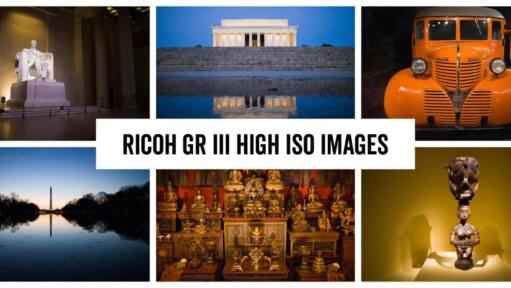
The Ricoh GR III tops out at ISO 102400, but real-world shooting shows image quality falls off well before that. Here are sample images and practical ISO limits from hands-on low light testing.

My name is David Coleman, and this is my site. I take photos for a living. Seven continents. Dozens of countries. Up mountains. Underwater. And a bunch of places in between. I'm based in Washington, D.C.
This site is where I post practical photography help, tips, and troubleshooting.
All posts and reviews on this site are written by me. And I only review gear with which I have personal hands-on experience. By a photographer, for photographers. More about me.


© 2009-2026 David Coleman | Have Camera Will Travel LLC
Photos by David Coleman. Please contact me for licensing images. Images are registered with the U.S. Copyright Office.
Have Camera Will Travel LLC | 901 N Glebe Rd, Arlington, VA 22203 | +1.703.942.9245

