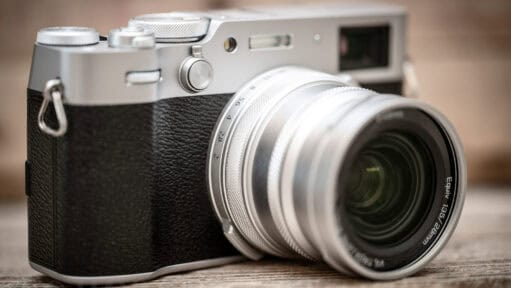
Viltrox WCL-X100VI Wide-Angle Conversion Lens for the Fujifilm X100VI: A Real-World Look
I've been shooting with the Viltrox WCL-X100VI wide-angle conversion lens on my Fujifilm X100VI, and here's what I've found.
When I picked up the Fujifilm X100VI, the jump to a 40-megapixel sensor and in-body image stabilization changed how I use the camera. It is still a great daily carry, but the RAW files now have enough resolution to hold up alongside my main workhorse bodies.
Of course, that extra resolution means larger files to store and a bit more heavy lifting for the computer when processing the X-Trans data. Below is a collection of my notes on using the X100VI, including the accessories I actually pack, how I manage the larger files on a Mac, and general observations from shooting with it.
I've been shooting with the Viltrox WCL-X100VI wide-angle conversion lens on my Fujifilm X100VI, and here's what I've found.
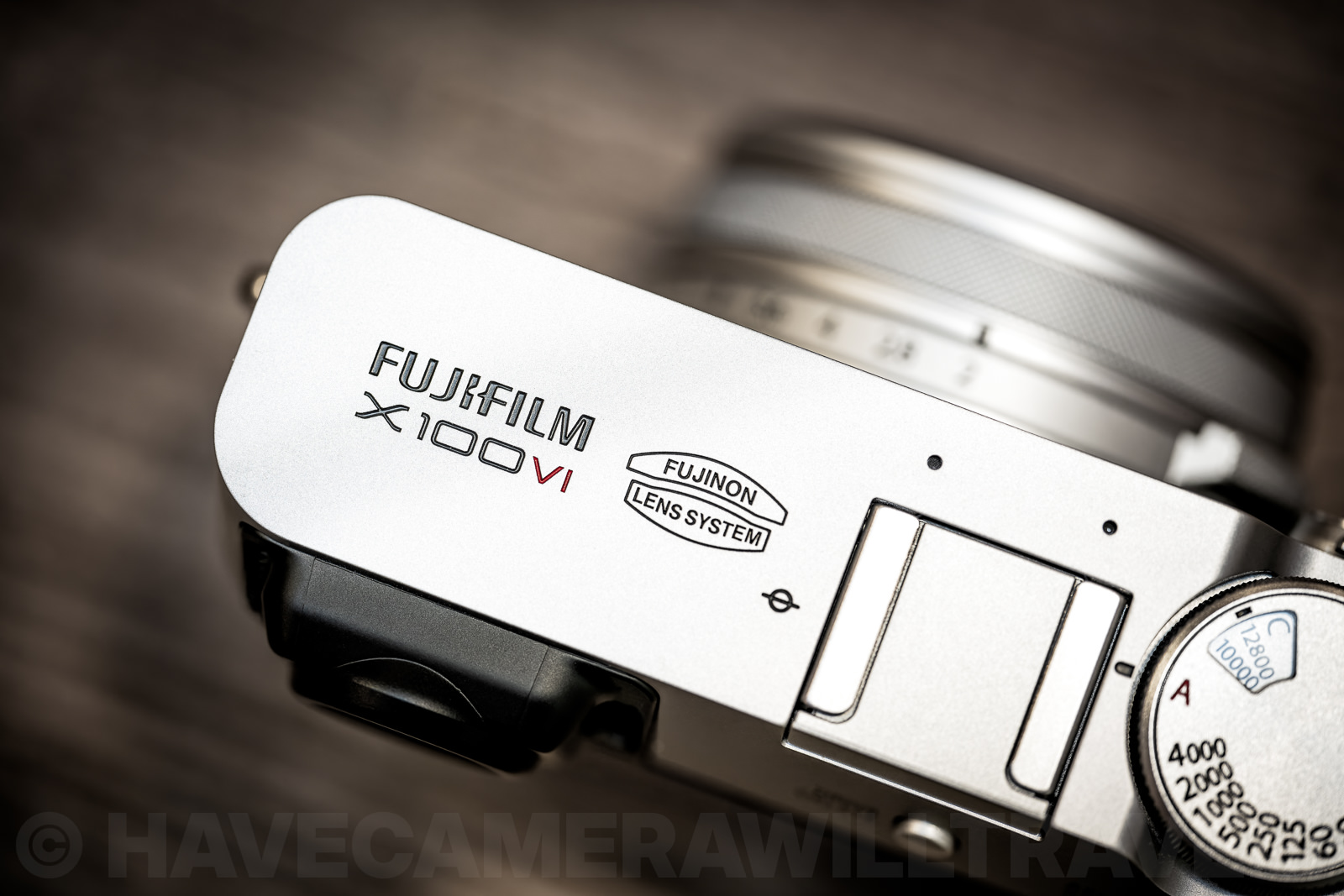
Bypassing workflow friction when transferring 40MP files. Here is a practical look at the best ways to connect the Fujifilm X100VI to your computer via USB-C, wireless, or natively as a high-end webcam without extra software.
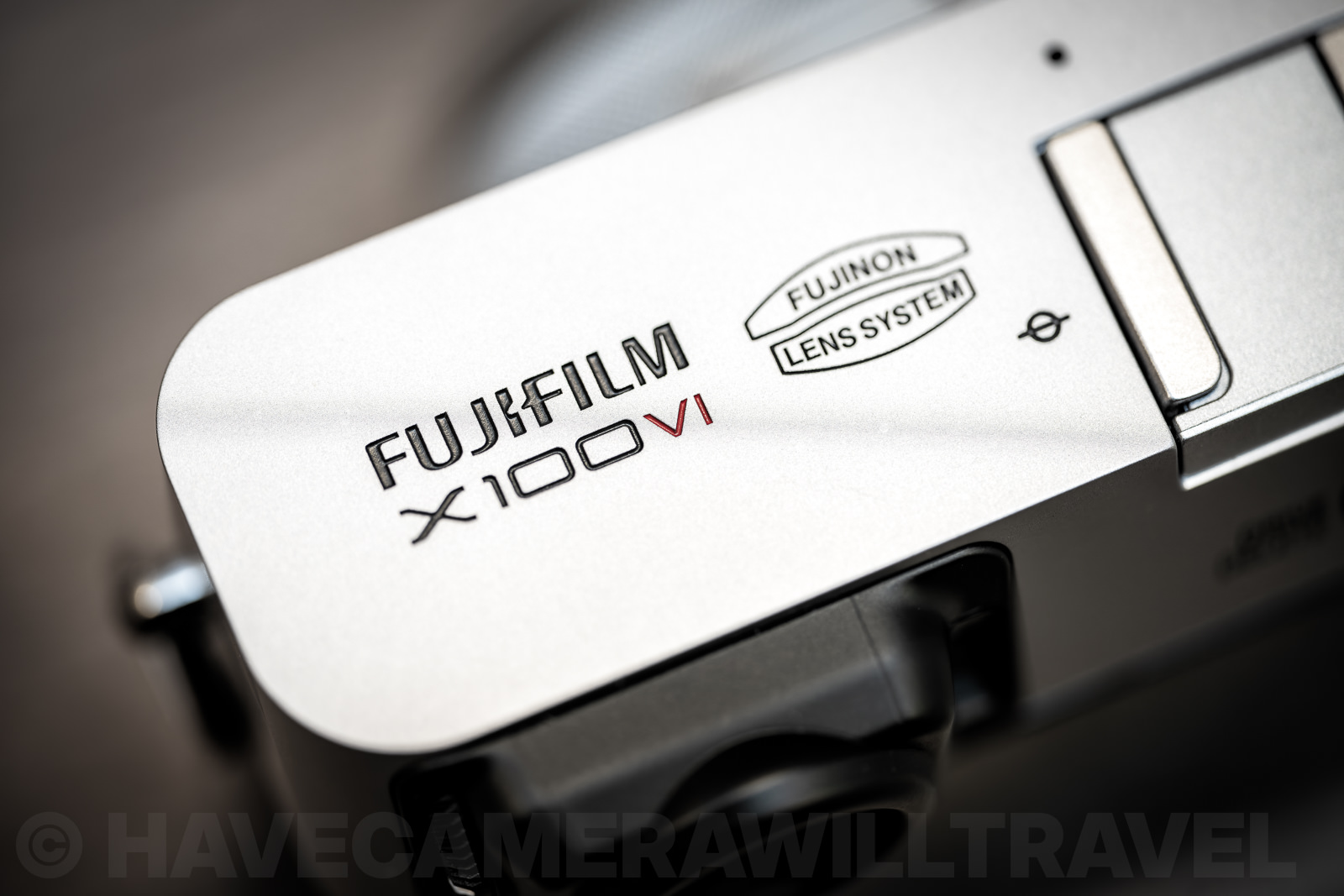
Formatting a new SD card in the X100VI takes seconds once you know where to look — here's the menu path, a hidden 2-button shortcut, and what a 'Card Error' message usually means.
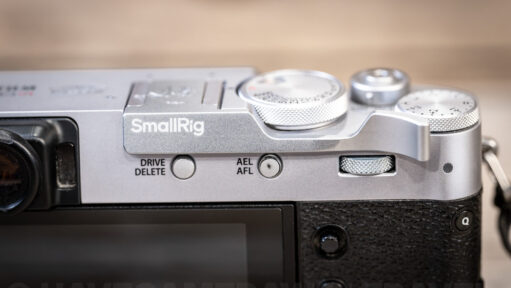
The Fujifilm X100VI is a beautiful camera, but it's essentially a rectangular brick to hold. Thumb grips are a popular fix, but after testing the SmallRig version, I found the trade-offs — specifically regarding back-button focus and button access — might outweigh the benefits.
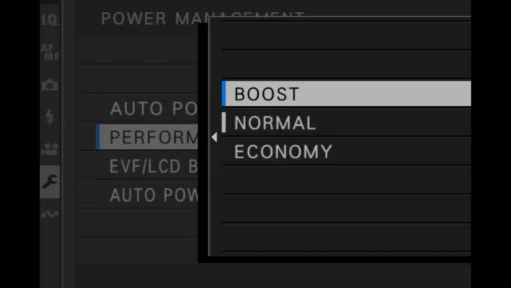
The Fujifilm X100VI's Boost mode speeds up autofocus, EVF refresh, and low-light visibility, but at a real battery cost. Here's what each of its three settings does and when to use them.
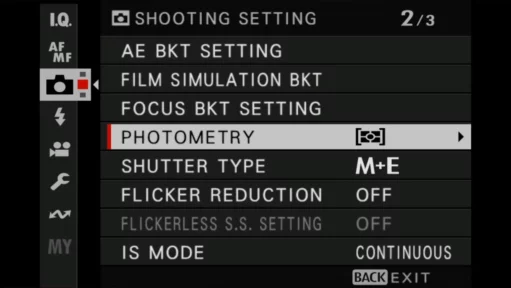
Looking for "metering" on your Fujifilm X100VI and coming up empty? Fujifilm calls it Photometry instead — here's exactly where to find it, what Multi, Spot, Center-Weighted and Average do, and how to assign it to a button or the Quick Menu.
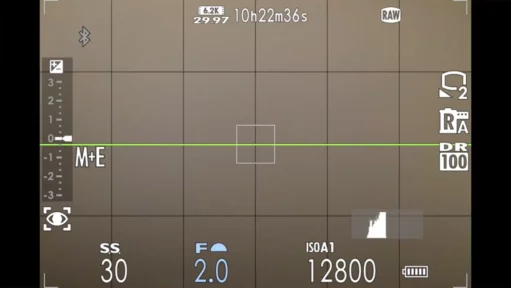
The Fujifilm X100VI's default viewfinder text is small and low-contrast, easy to misread in bright light. Here's how to switch on Large Indicators Mode and customize which readouts appear where.

If your Fujifilm X100VI's viewfinder lever suddenly stops switching to optical mode, you haven't broken anything. One specific setting, the 3D Electronic Level, silently disables the OVF, and this is exactly where to find and fix it.

Fujifilm pushes its smartphone app for firmware updates, but the old-school SD card method is faster and more reliable. Here's the exact file name, menu steps, and precautions to get the X100VI updated without a hitch.

The X100VI's aperture ring is easy to fumble on its slim lens barrel. Here's the 3-step menu setup that moves aperture control to the front command dial instead, plus the trade-off it creates.
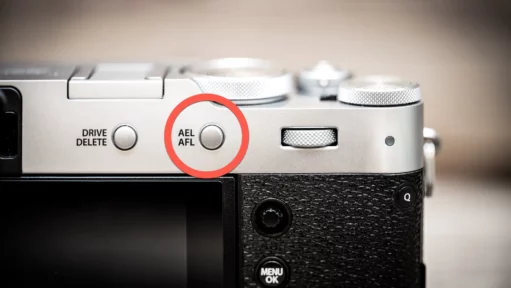
The AEL/AFL button is the key to real back-button focus on the Fujifilm X100VI, but the menu setup isn't obvious. Here's the exact steps, plus a hybrid trick for switching back to normal autofocus.
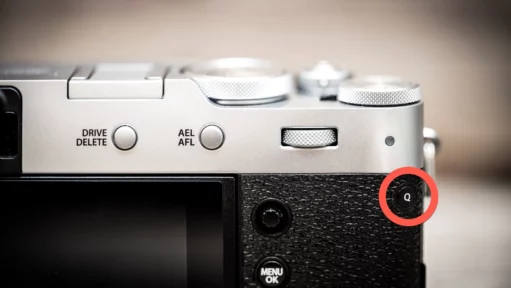
The "Q" button gives you instant access to 16 camera settings, but did you know you can completely redesign it? Whether you want to swap Film Simulations for Self-Timers or just reduce the clutter, here is the undocumented shortcut to customizing the Quick Menu.
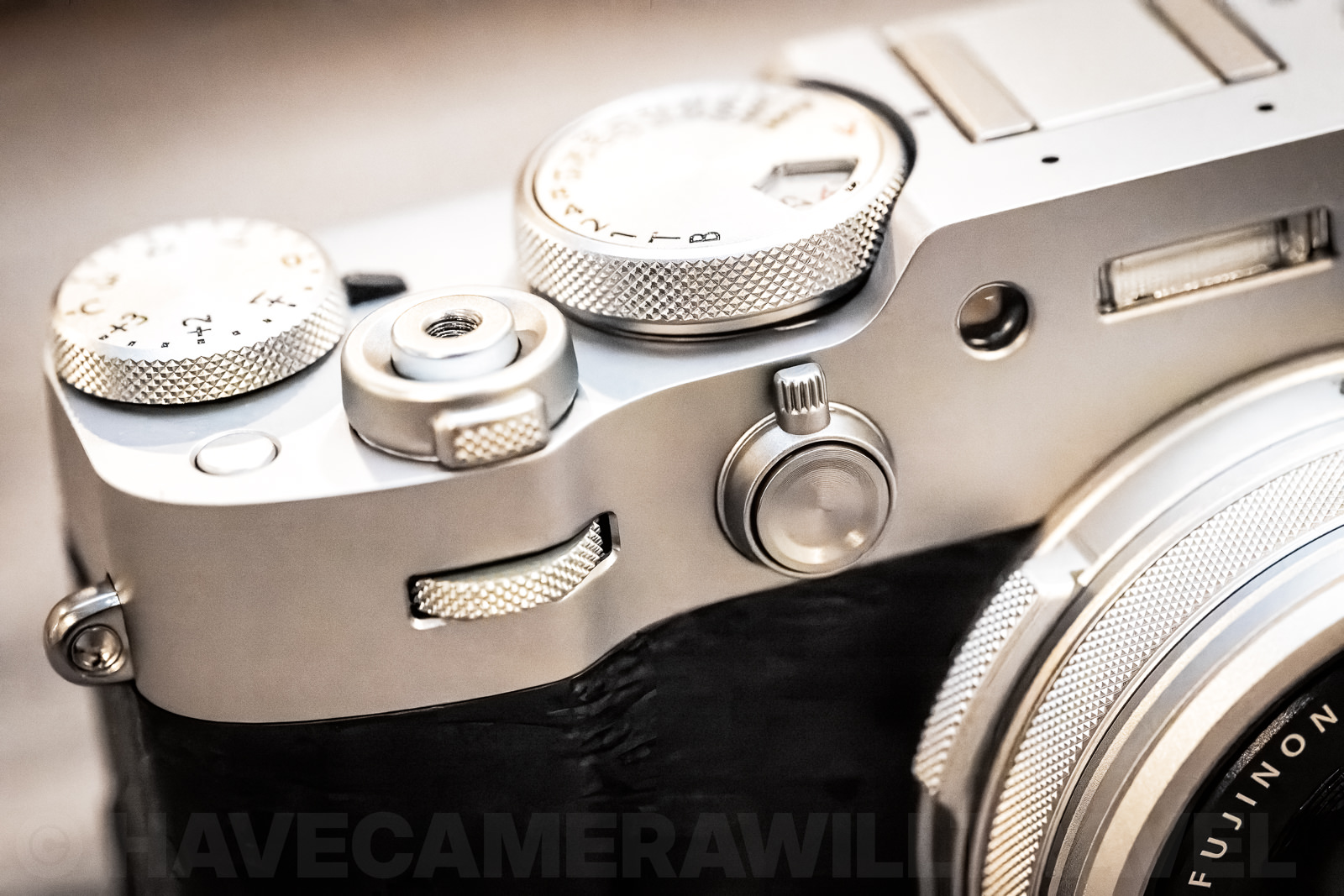
The X100VI's fixed lens has no true zoom, but a Digital Teleconverter can simulate 50mm and 70mm crops via the control ring. Here's how that feature actually works, and why it often engages by accident, cropping your shot without warning.

The Fujifilm X100VI's digital teleconverter simulates 50mm and 70mm, but it's a crop, not a zoom — resolution drops from 40MP to 20MP and 10MP. Here's what it actually does, real sample images, and whether it's worth using.
The X100VI has a secret shortcut to reassign your buttons on the fly. Instead of navigating deep into the "Setup" menu, you can access the full button customization screen with a single long-press. Here is how.

The X100VI's top dial only gives you +/-3 stops of exposure compensation — but a lesser-known setting using the command dials extends that to +/-5 stops in each direction. Here's exactly where to find both controls and how to set them up.

The Fujifilm X100VI's base ISO is 125, with a native range up to 12,800 and extension down to 64 and up to 51,200 — but numbers alone don't show you image quality. These real-world sample sets, with downloadable RAW and JPEG files, let you judge the noise and highlight clipping for yourself.

The Fujifilm X100VI ships with its Wi-Fi set to 2.4GHz by default, which makes downloading photos and video to the XApp needlessly slow. Switching one setting to 5GHz gives a major speed boost on nearly any modern smartphone — here's exactly where to find it and what to watch out for.

Neither the X100VI nor the X100V ships with a card, and Fujifilm's official list points you toward expensive UHS-II cards the camera's UHS-I slot can't fully use. Here's exactly what card size and speed actually matter, and where you can save real money.

My name is David Coleman, and this is my site. I take photos for a living. Seven continents. Dozens of countries. Up mountains. Underwater. And a bunch of places in between. I'm based in Washington, D.C.
This site is where I post practical photography help, tips, and troubleshooting.
All posts and reviews on this site are written by me. And I only review gear with which I have personal hands-on experience. By a photographer, for photographers. More about me.


© 2009-2026 David Coleman | Have Camera Will Travel LLC
Photos by David Coleman. Please contact me for licensing images. Images are registered with the U.S. Copyright Office.
Have Camera Will Travel LLC | 901 N Glebe Rd, Arlington, VA 22203 | +1.703.942.9245

