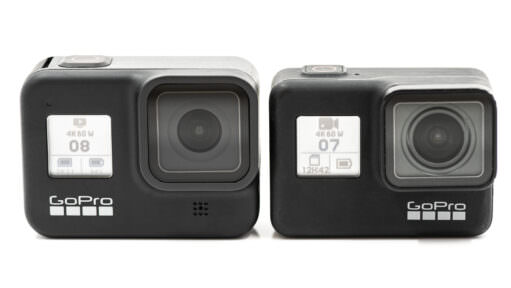
GoPro HERO8 Black vs HERO7 Black
Trying decide which GoPro to get or whether it's worth upgrading? Here's a detailed breakdown of how the GoPro HERO7 Black compares with the newer GoPro HERO8 Black.
Trying decide which GoPro to get or whether it's worth upgrading? Here's a detailed breakdown of how the GoPro HERO7 Black compares with the newer GoPro HERO8 Black.
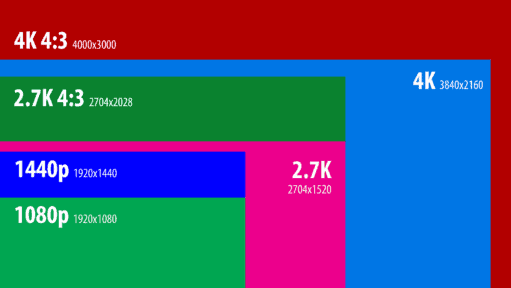
A rundown of the video modes and features on the GoPro HERO8 Black.
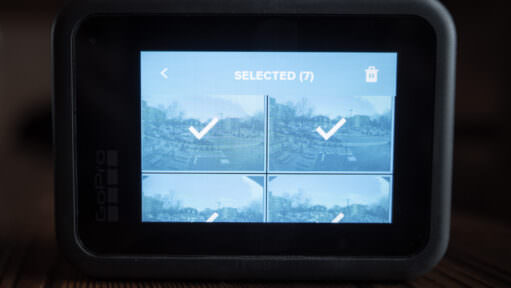
When using the media viewer on the back screen of the HERO8 Black, here's how to select and delete multiple files at once.
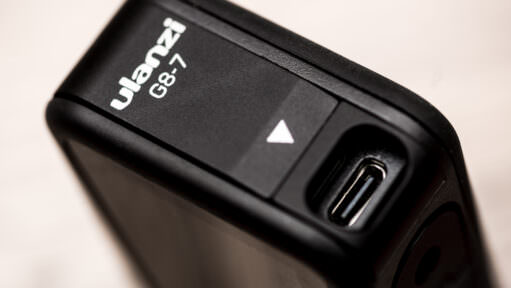
The new design for the side door of the GoPro HERO8 Black has its flaws, especially if you're trying to use the USB-C port for external power or an external microphone. Here's a replacement side door that allows unfettered access to the USB-C port.
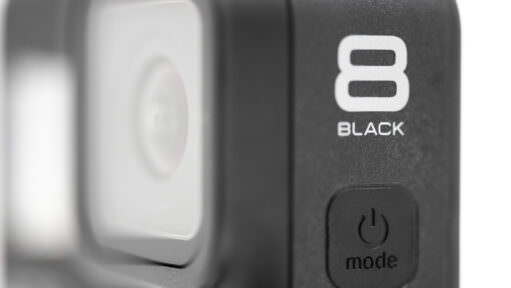
A detailed rundown of the various features and modes available on the GoPro HERO8 Black for shooting still photos.

The GoPro HERO7 Black can be a fun camera to shoot photos with. Here's a collection of photos I've taken with the GoPro HERO7 to give a sense of what it's like for everyday shooting.
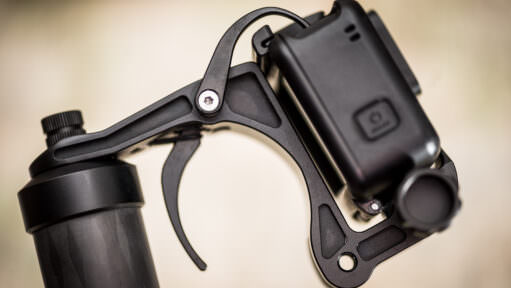
A trigger grip puts the GoPro shutter under your index finger for one-handed shooting — and after years of testing through the surf, two have earned a permanent place in my kit. Here's how the Telesin, Freewell, and Suptig compare, and why they still work on the HERO13 Black.
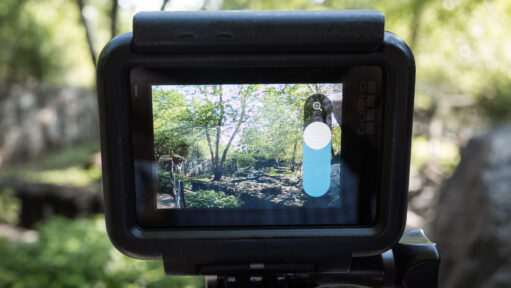
Yes, most GoPro Black models since the HERO6 can zoom, but it's a digital crop, not a true optical zoom. Here's which models have it, how it actually works, and real side-by-side examples of the results.
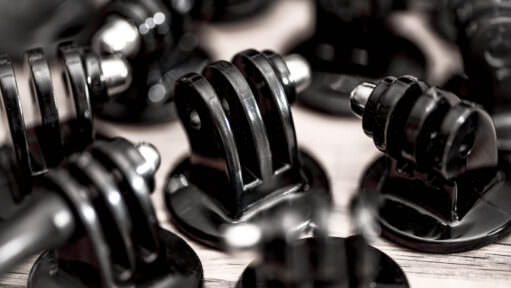
If you’re looking to mount a GoPro on a tripod, here’s a rundown of the various types of tripod conversion adapters that you can get to be able to use any GoPro on any tripod.
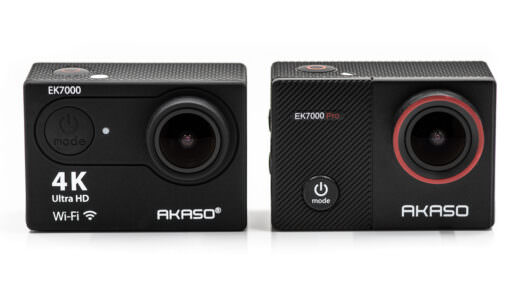
The EK7000 and EK7000 Pro are almost identical. But they do have a few key differences that are big enough to make a real difference when deciding between them.

GoPros are best known for shooting video, but cameras like the HERO5 Black can produce some fun and unique stills photos too. Here are some real-world examples.
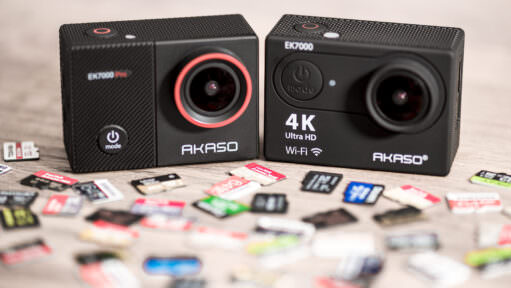
The AKASO EK7000 is picky about memory cards. Choosing the wrong one leads to "SD Card Error" messages and corrupted files. Here is the definitive list of cards that actually work, tested for 4K recording reliability.

The lens port cover of your DJI Osmo Action might feel like it's not going to come off, but it does. Here's how.

Both the DJI Osmo Action and GoPro HERO7 Black have in-camera video stabilization to create smoother video footage out of the camera. GoPro has HyperSmooth. DJI has RockSteady. Here's how they compare side-by-side.
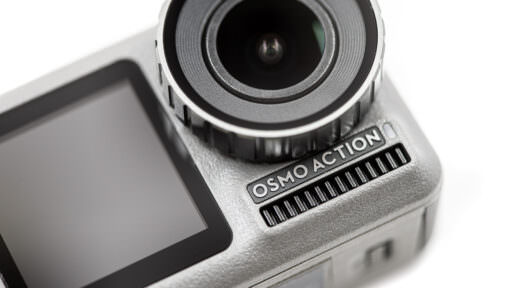
Now that I've been out shooting with the new DJI Osmo Action, here's a detailed rundown of its features and capabilities for shooting video.
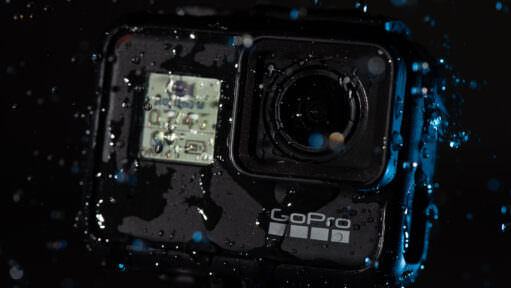
One of the things I like most about shooting with GoPros is that they're fearless around water. Some of my favorite shots I've taken with them have involved water. Here are some tips I've learned along the way for getting better results when shooting with GoPro cameras in and around the water.

Here's a detailed rundown of the DJI Osmo Action's features and capabilities for shooting photos.

On the HERO6 Black and later, you can switch a GoPro between the 5GHz and 2.4GHz Wi-Fi bands. Here's where the setting is on each model, and when to use which.
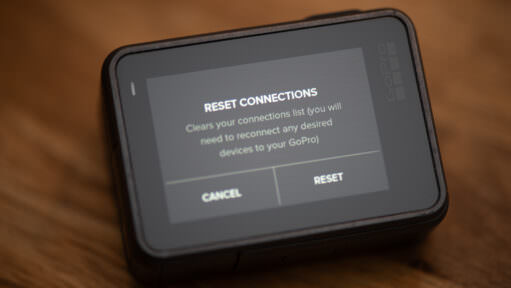
If you're trying to reset your GoPro's wifi password or just look up what it is so you can connect, here are the steps model by model, from the HERO13 Black back to the HERO4.
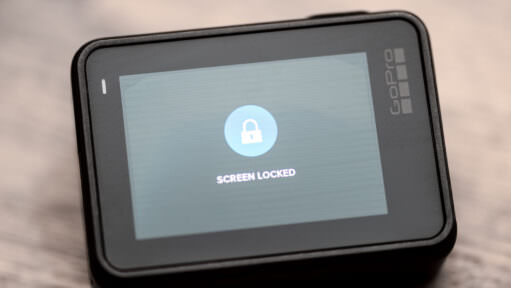
If you find that you're accidentally touching the back screen and changing shooting modes when shooting with the HERO7 cameras, here's how to lock the screen to prevent accidental changes.

Turning on a GoPro is usually very simple. But sometimes you can run into situations where your GoPro won't turn on. Here are some things to try.
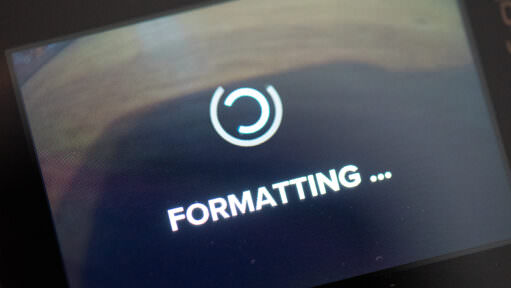
The "Format" button has moved on newer GoPros, and it is confusingly hidden under the "Reset" menu. Here is how to find it, and why you should do it before every shoot to prevent data corruption.
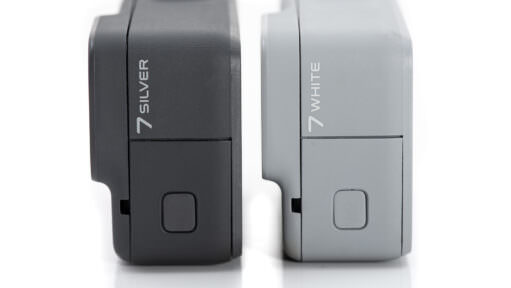
Here's a rundown of the various features and capabilities of the HERO7 Silver and White when shooting photos.

The Burst Mode and Continuous Photo functions on GoPros are useful ways to capture fast-moving action. Here's a rundown of how they work, how they're different, and what options are available.

If you want to use the older GoPro WiFi Remote with your HERO7 Black or HERO6 Black, you can. But there is a trick to look out for. So here's a quick guide.

Wondering whether GoPro photo and video files are compatible with Lightroom? You're in luck. Not only do they work, but Lightroom works especially well with GoPro RAW image files.
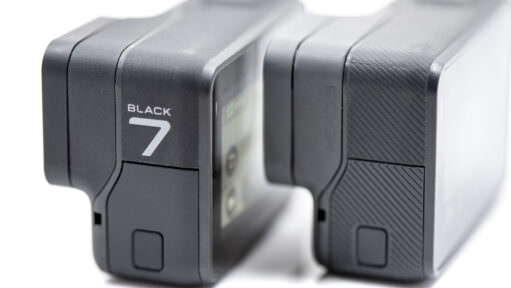
The GoPro HERO5 Black and HERO7 Black are quite similar, but there are some important differences that are worth knowing about. Here's my detailed side-by-side comparison of their specs, features, and performance.
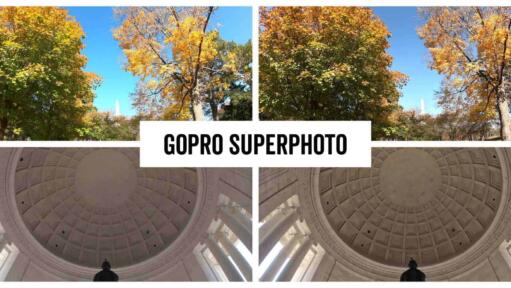
SuperPhoto is one of the photo options on recent GoPro Black edition cameras. Here’s a rundown of what it does and how to use it.
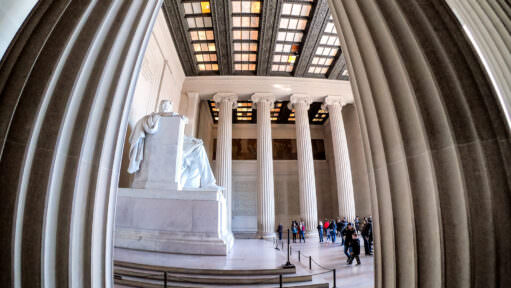
Here's a rundown of the photo features and options available on the GoPro HERO7 Black, the flagship of GoPro's HERO7 lineup.
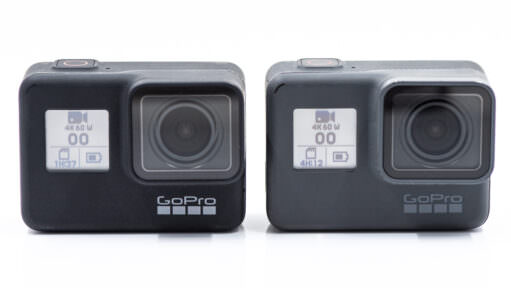
Here's my detailed breakdown of how the GoPro HERO6 Black compares with the newer HERO7 Black.

SuperView is GoPro's extra-tall, extra-wide field of view for video. Here's how it compares to Wide, with side-by-side examples.
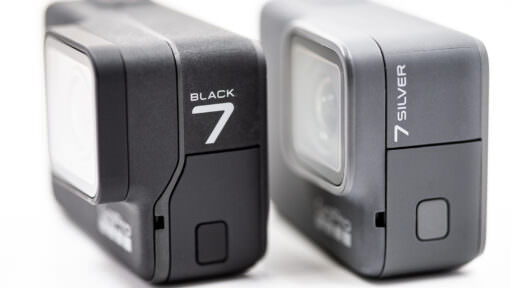
The HERO7 Black does everything the Silver can and more, but at a higher price and with more complexity. Here's a detailed look at their design, controls, battery, and video specs to help you decide which one you actually need.

Here are straightforward explanations of what each setting does and when to use it, as well as showing what Protune settings are available on which GoPros.
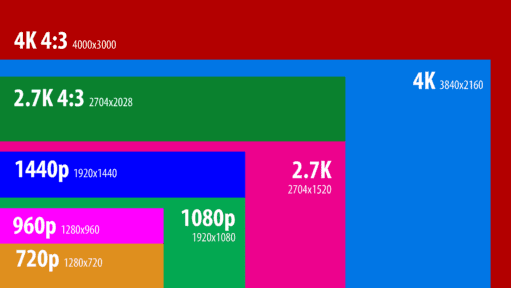
Here's a rundown of the various video modes and options available on the GoPro HERO7 Black, including resolutions, framerates, resolutions, and special shooting options like Protune.
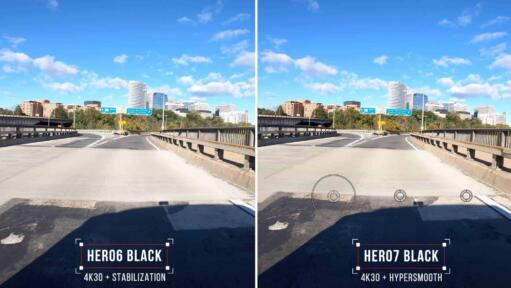
GoPro claims that the new HyperSmooth in-camera electronic stabilization of the HERO7 Black is much improved over the previous generation in the HERO6 Black. So I've been putting it to the test. Here are some side-by-side examples.
The GoPro HERO7 Silver is the middle model in the three cameras in the HERO7 lineup. Here's a detailed rundown of its video features and options.
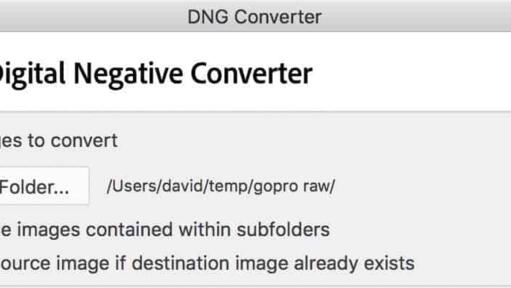
How to convert GoPro RAW (.GPR) files to standard DNG for free — Adobe DNG Converter step by step, plus GoPro's gpr_tools for batch conversion — so any image app can open them.
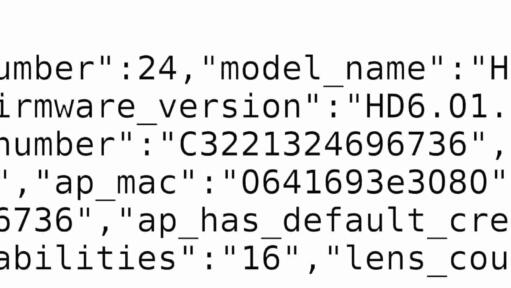
GoPro hides the MAC address deep inside the system on modern cameras. If you need it to connect to a restricted Wi-Fi network, don't panic. Here is the simple SD card trick to reveal it in seconds.

A step-by-step guide to removing and replacing the lens cover on the GoPro HERO5 Black for replacing a scratched cover or using a SuperSuit diving housing.
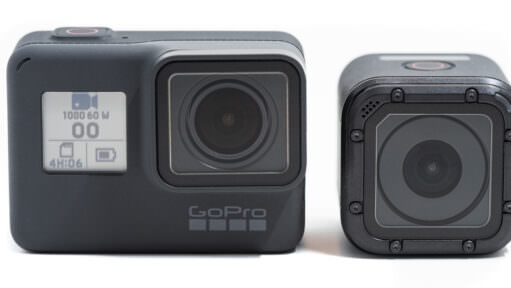
Here's a detailed breakdown of how the GoPro HERO5 Session compares with the new HERO (2018), including video and photo capabilities.
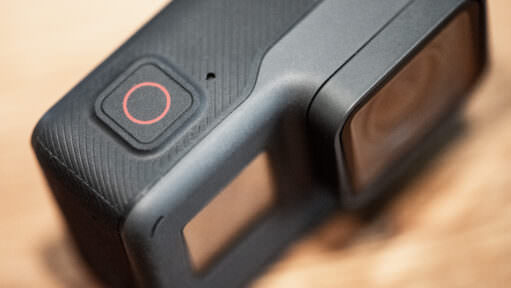
Here's a rundown of the relevant modes and settings of the photo mode on the GoPro HERO (2018), including file types, fields of view, and enhanced dynamic range.

Newer GoPro cameras give you a choice of JPG or RAW when shooting photos. So which is better, and when should you use it? Here's a quick explainer of what the difference is and when to use which format.
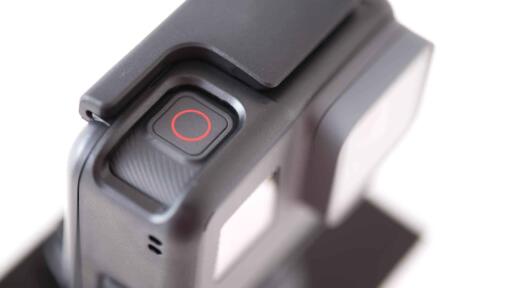
GoPro's QuikCapture feature is designed as a one-press way to power the camera up and start shooting immediately. There are a few tricks to using it, though.
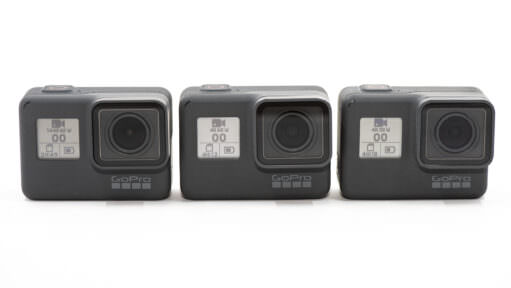
Here's a detailed side-by-side comparison of the GoPro HERO (2018) and the HERO5 Black in features, capabilities, and performance.
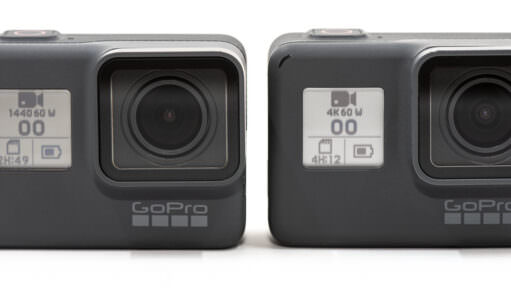
The HERO (2018) and the HERO6 Black look the same, but there are lots of differences in features and capabilities. Here’s a detailed breakdown of how they compare.

Here's a rundown of the video resolutions, framerates, fields of view, and modes that are available on the GoPro HERO (2018).
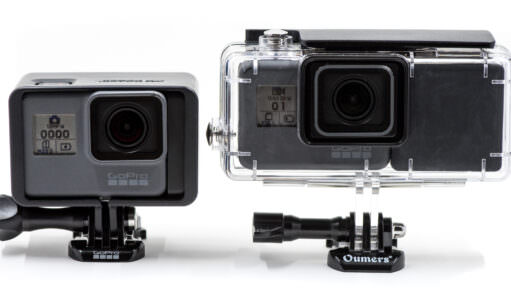
While there aren't a lot of options for external batteries for the GoPro HERO6 Black and HERO5 Black, there are some. Here are the best options I've come across for powering your GoPro for more than a couple of hours at a time.
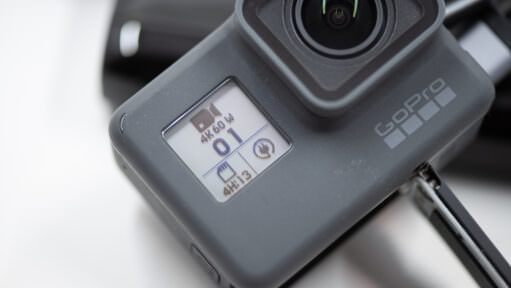
Most GoPro Black models can run on USB power with the battery out. Which models work, what can go wrong, and how to keep the camera weather-resistant.
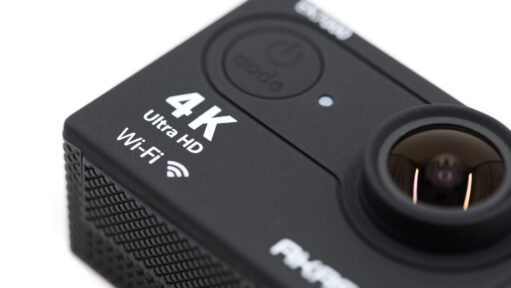
If you're looking for a GoPro alternative at a lower price, the Akaso EK7000 is worth a look. It doesn't have the same bells and whistles as a GoPro, but it's a surprisingly good action cam.
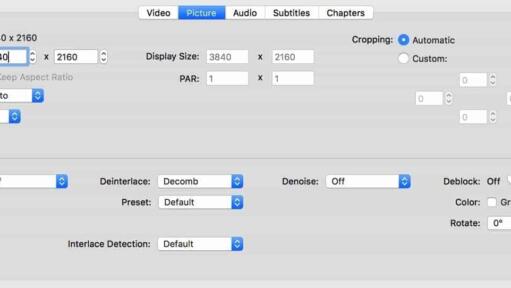
If you're getting an error message on your computer when you try to open a video shot on the GoPro HERO10, HERO9, HERO8, HERO7, or HERO6 Black, it might be because it isn't compatible with the HEVC (H.265) codec used in some of those cameras' video modes. Here are some workarounds.

Whether your camera is mounted on a helmet or submerged in a stream, you don't always have a finger on the shutter. From free smartphone apps to dedicated Bluetooth remotes for the HERO13 and MAX 2, here is exactly how to control your GoPro from a distance.

GoPro carved out the action camera niche, but it's no longer the only game in town. Here are the current rivals worth a look, plus the older 4K action cameras you'll still find secondhand.

If you're wondering why your image is suddenly cropped when you turn on the video stabilization feature, here's an explanation.
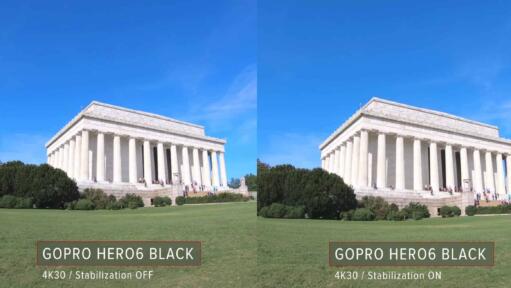
One of the headline features of the GoPro HERO6 Black is better in-camera video stabilization to smooth out shaky footage. Here are some side-by-side examples to illustrate its effectiveness.
When I was traveling in the High Arctic north of Svalbard a while back, I attached a GoPro to the ship's railing to capture a time-lapse of us crunching through the Arctic sea ice. Here's the video.
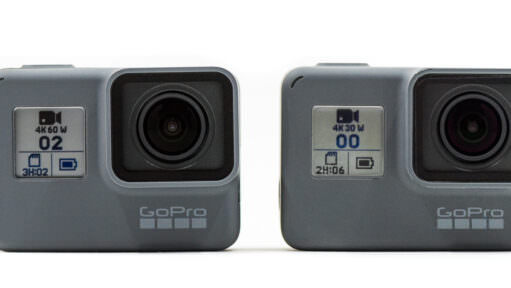
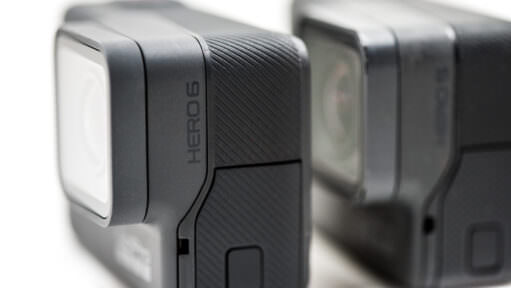
A detailed comparison of how the GoPro HERO 5 Black compares with the HERO 6 Black in terms of specs, features, capabilities, and performance.
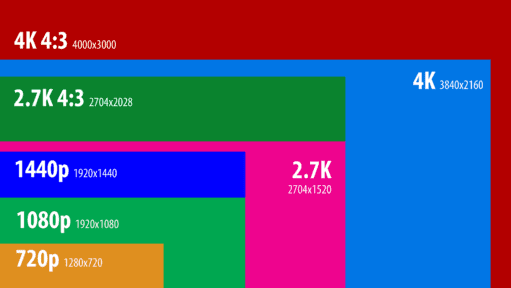
The GoPro HERO6 Black has headline features of 4K60 and 1080p240 video modes. While there's a lot of overlap with the HERO5 Black, there are also some new options and some that have gone away.
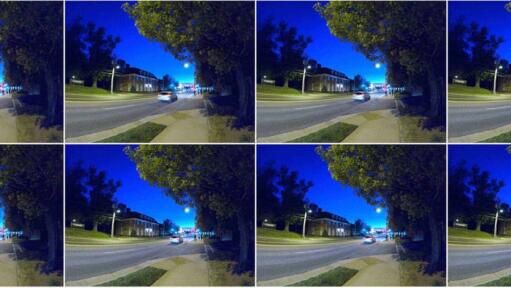
The HERO6 has a new processor and promises improved image quality over its predecessor, the HERO5 Black. Here are some side-by-side comparisons.
Among the Burst Mode options on newer GoPros is an Auto setting. It prioritizes better exposure over forcing the number of shots. Here's how it works.

A rundown of the photo modes available on the HERO6 Black.

Practical action cam help, tips, and troubleshooting.
My name is David Coleman, and this is my site.
I take photos for a living. Seven continents. Dozens of countries. Up mountains. Under water. And a bunch of places in between. I'm based in Washington DC.
I've been shooting with GoPros since the HERO2 and have personally owned nearly every model since then. I find them particularly interesting as go-anywhere cameras, and there's nearly always one in my camera bag when I head out on my travels.
All posts and reviews on this site are written by me. And I only review gear with which I have personal hands-on experience. More about me.


© 2009-2026 David Coleman | Have Camera Will Travel LLC
Photos by David Coleman. Please contact me for licensing images. Images are registered with the U.S. Copyright Office.
Have Camera Will Travel LLC | 901 N Glebe Rd, Arlington, VA 22203 | +1.703.942.9245